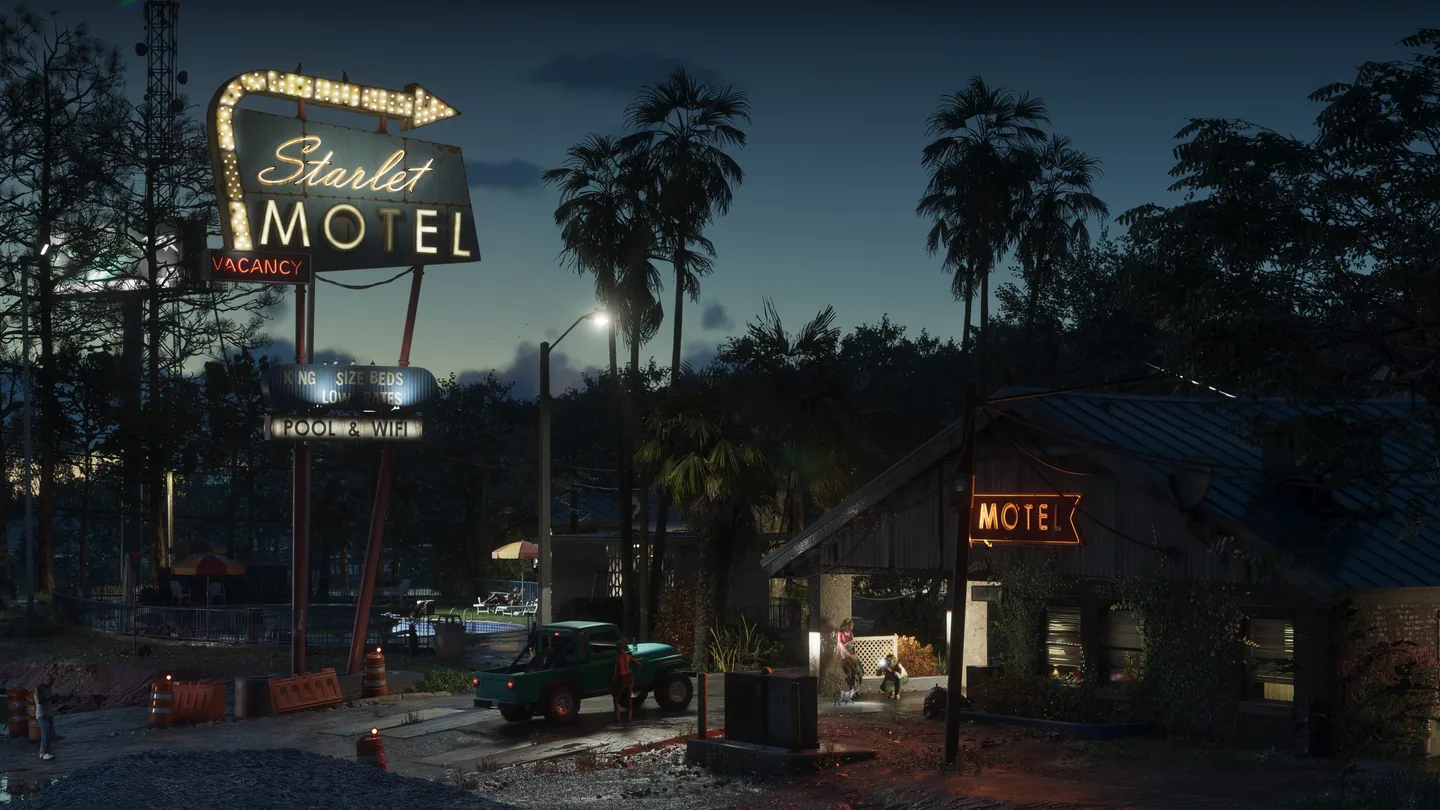
Story mode
GTA 6 Ambulance Chaser: How to Clear Destroy the Ambulance

Quick answer
When the ambulance stops against the tree, get off the ATV and walk to its open rear doors. Pick up the red can on the ground with the Gas Can prompt. Hold R1 on PS5 or RB on Xbox to use the can, then choose Ignite with Triangle or Y when the game shows it. The mission also has a recorded route where Lucia drives the ambulance into the swamp.
See all Chapter 2 walkthroughs
Find the mission item and watch for Ignite
- Wait for the chase to end at the tree and check for Destroy the Ambulance at the bottom of the screen. Dismount and approach the open rear doors on foot.
- Look down beside the rear bumper for the red can. Use the displayed Gas Can interaction. In Trophy Tom’s run the red can icon appears in the HUD once Lucia picks it up.
- With the can equipped, hold R1 or RB to use the game’s Pour action. Then look down by the ambulance until Ignite appears and press Triangle or Y. Follow the on-screen prompt for your active layout.
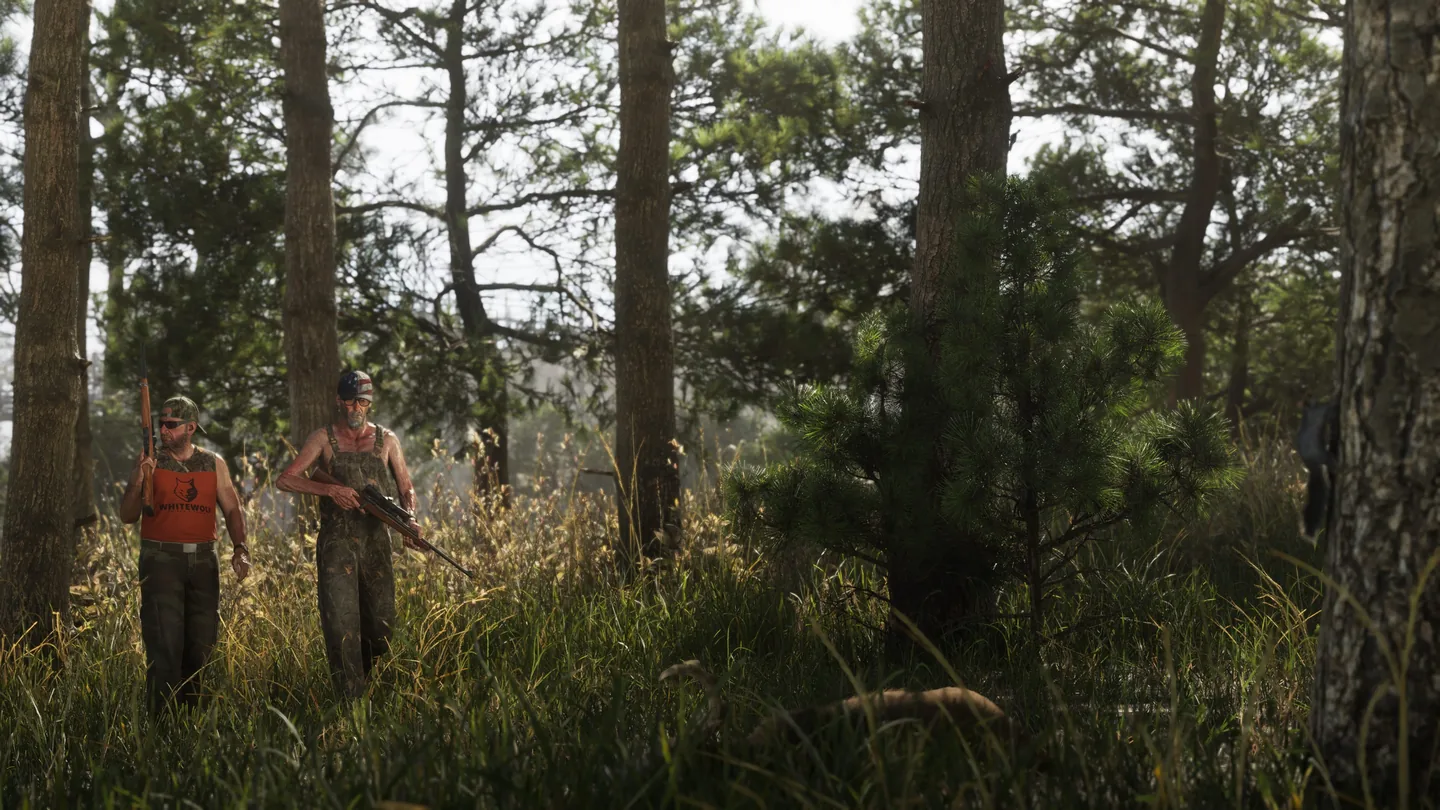
Check for completion or use the swamp route
In the gas-can route, go back to the ATV after the objective clears. Trophy Tom’s run shows the mission progress banner as Lucia moves away and the Scooter Bros reminder shortly afterward.
If you want to use the vehicle route instead, Aquish GTA’s recorded run enters the driver’s side after the crash and takes the ambulance through the trees into the nearby swamp. The completion indicators appear once the ambulance is in the water. Check the same objective and progress indicators before leaving.
Frequently asked questions
Do I have to stop the ambulance before it reaches the trees?
Keep up on the mission ATV. The chase has a scripted stop, followed by Destroy the Ambulance.
Why can’t I find Ignite?
Pick up the mission can and use the displayed Pour action first. Then look down near the vehicle until the Ignite prompt appears.
Where is the gas can?
On the ground beside the ambulance’s open rear doors in the crash clearing.