Story mode
GTA 6 BRIEF Menu: Reread Missed Dialogue and Mission Hints

Quick answer
Open the full Map and press R1 on PS5 or RB on Xbox to move one tab right to BRIEF. Select Dialogue for a missed conversation, Help Text for a control prompt or Objective Text to review recent steps. Scroll up with the right stick for older entries. To see your current task during an active mission, check the line along the bottom of the Map.
Open BRIEF and find the line you missed
Pause with Options on PS5 or Menu on Xbox, then open Map. Look for MAP, BRIEF and PROGRESS across the top. Advance one tab from MAP with the right bumper. Use the left-side list to change filters, then move the right stick up to read earlier entries.
In The Breakdown’s capture, All shows the end of Jason’s conversation alongside a rented-vehicle tip. Switching to Dialogue removes the tip and leaves the speakers’ names and lines. If one filter is empty, try All before leaving the menu. The clip shows an empty Objective Text list during free roam while spoken lines are still available under Dialogue.
| You want to recover | Where to look |
|---|---|
| A location, instruction or name someone said aloud | Dialogue |
| A fading button prompt or tutorial | Help Text |
| The wording of earlier mission steps | Objective Text |
| The order in which a tip and a conversation appeared | All |
Check the active task after a retry
If you retried a checkpoint, open Map again and read the objective along the bottom before following an older line in BRIEF. A captured Gone Fishing retry adds the conversation a second time. The older entry can stay in the log even when the current checkpoint still has a step to finish.
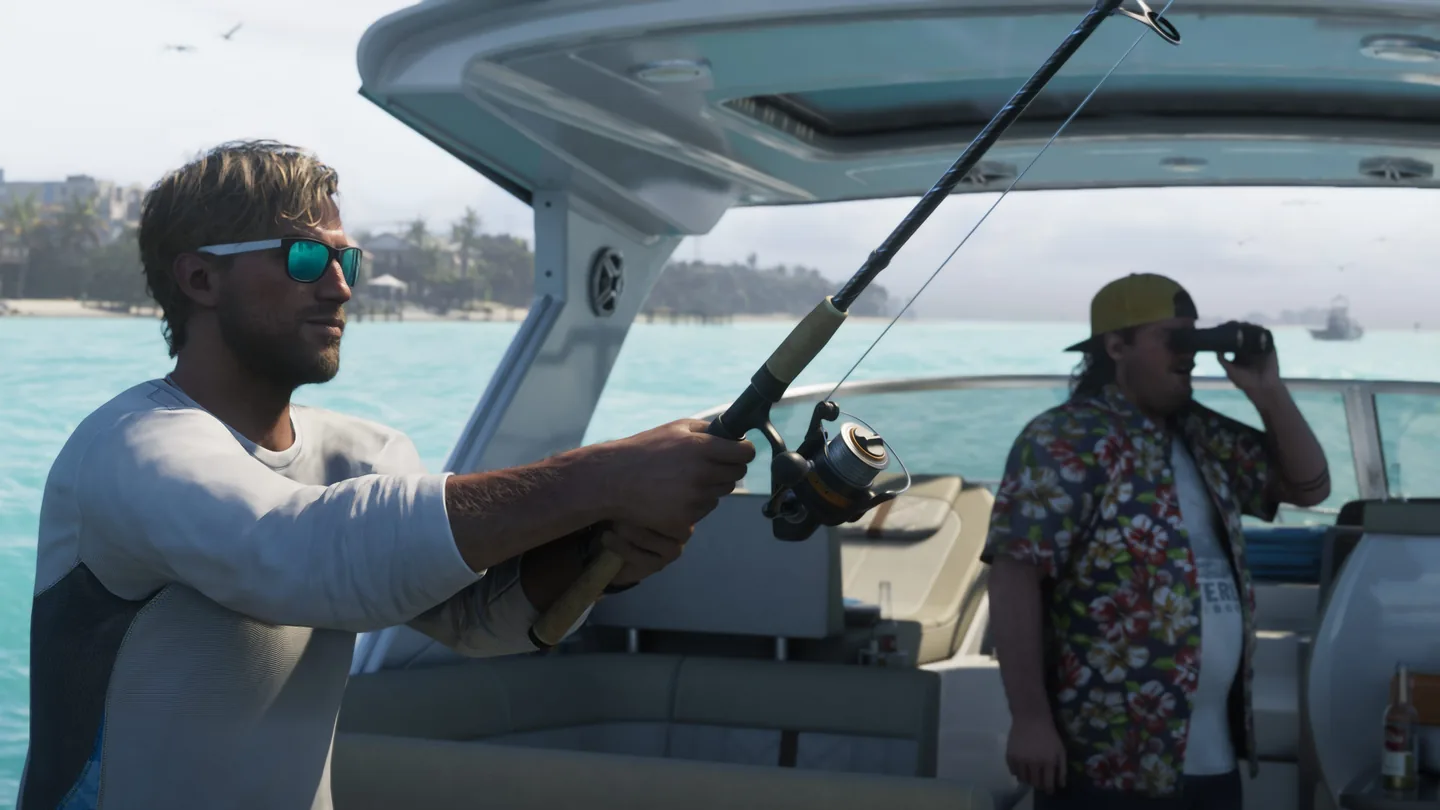
In Gone Fishing, for example, the active objective tells you to search the camp. Donnie’s Dialogue entry adds the landmark that matters: the shack is near the turbine on the west side. If the objective text keeps fading during play, tap D-pad Down to bring back the HUD. Help Text and Objective can also be enabled in the HUD Notifications settings.
Frequently asked questions
Can I reread a subtitle without replaying the mission?
Yes, if it is still in the recent BRIEF log. Choose Dialogue and scroll back to the speaker’s line.
Why does Objective Text show no recent entries?
A capture in free roam shows an empty Objective Text filter while Dialogue still has entries. If you are mid-mission, check the active task at the bottom of the full Map.