Story mode
GTA 6 Buck Me: Open the Bank Account and Deposit Cash
Quick answer
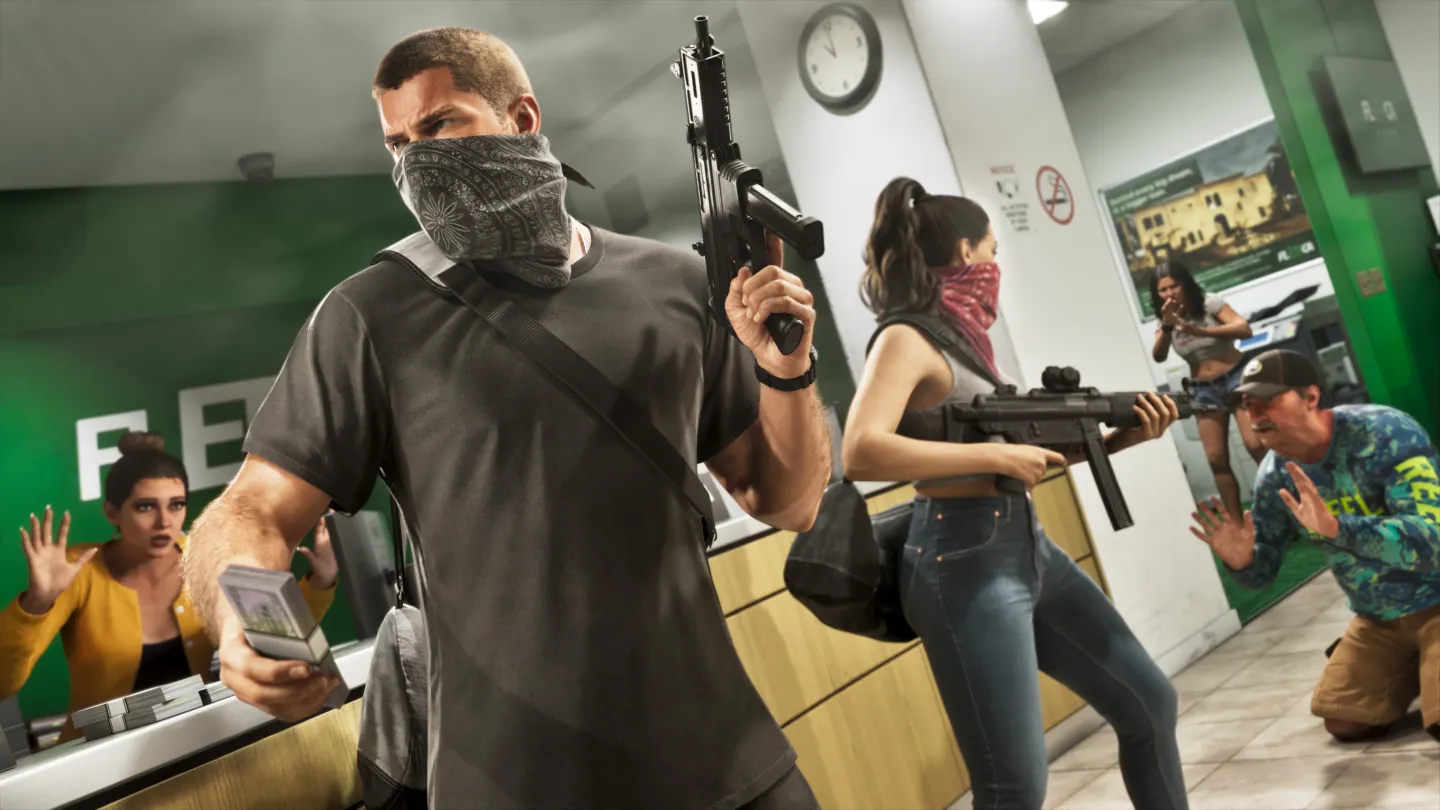
After Coming Home, wait for Lucia’s call and meet her at the Key Lento Fleeca branch. Follow the teller to the manager’s step. Back at the house, open the purple BuckMe app and choose Checking Account → Buck Yourself to move the tutorial’s $100 into Family Savings.
See all Chapter 1 walkthroughs
Wait for Set Up Bank Account to appear
After Coming Home, the bank visit waits on a phone call from Lucia. PowerPyx observed roughly half an in-game day before the call. While waiting, use the open story list to work on an available task.
When Set Up Bank Account appears, go to the Fleeca branch in Key Lento. Talk to the teller and then to the manager at the table on the right. Follow him to the office.
Finish the $100 Buck Yourself transfer
- Once the scene returns you home, press Up on the D-pad and open the purple BuckMe icon.
- Choose Checking Account. The welcome payment should appear in the balance.
- Choose Buck Yourself and move the tutorial amount into Family Savings.
- Continue the home sequence until the game returns control to you. The phone app stays available after the mission.
How to deposit cash after the tutorial
Opening the app does not deposit the cash Jason is carrying. Use ATM Finder → Set Destination, travel to the marked ATM and deposit cash into checking there.
Checking and Family Savings serve different purposes. The ATM can move cash into or out of checking. A transfer into Family Savings is locked toward the in-game savings goals, so use the displayed destination account to check your choice before confirming.
Frequently asked questions
Why is my pocket cash not in BuckMe?
Your wallet and checking are separate. Put pocket cash into checking at an in-game ATM.
Can you withdraw GTA 6 Family Savings?
No. The game treats Family Savings as a permanent transfer toward its perk targets. Checking supports ordinary deposits and withdrawals.