Vehicles
GTA 6 Colored Exhaust Flames: Why Emission Effects Are Locked

Quick answer
Open Bodywork → Exhaust → Emission Effects at a mod shop with the option for your car. If a color is locked, read the requirement under its name. The Hot Pink Flame and Lime Green Flame previews in the launch footage both require Street Race Exhaust. Fit the required exhaust, then reopen Emission Effects to choose the color.
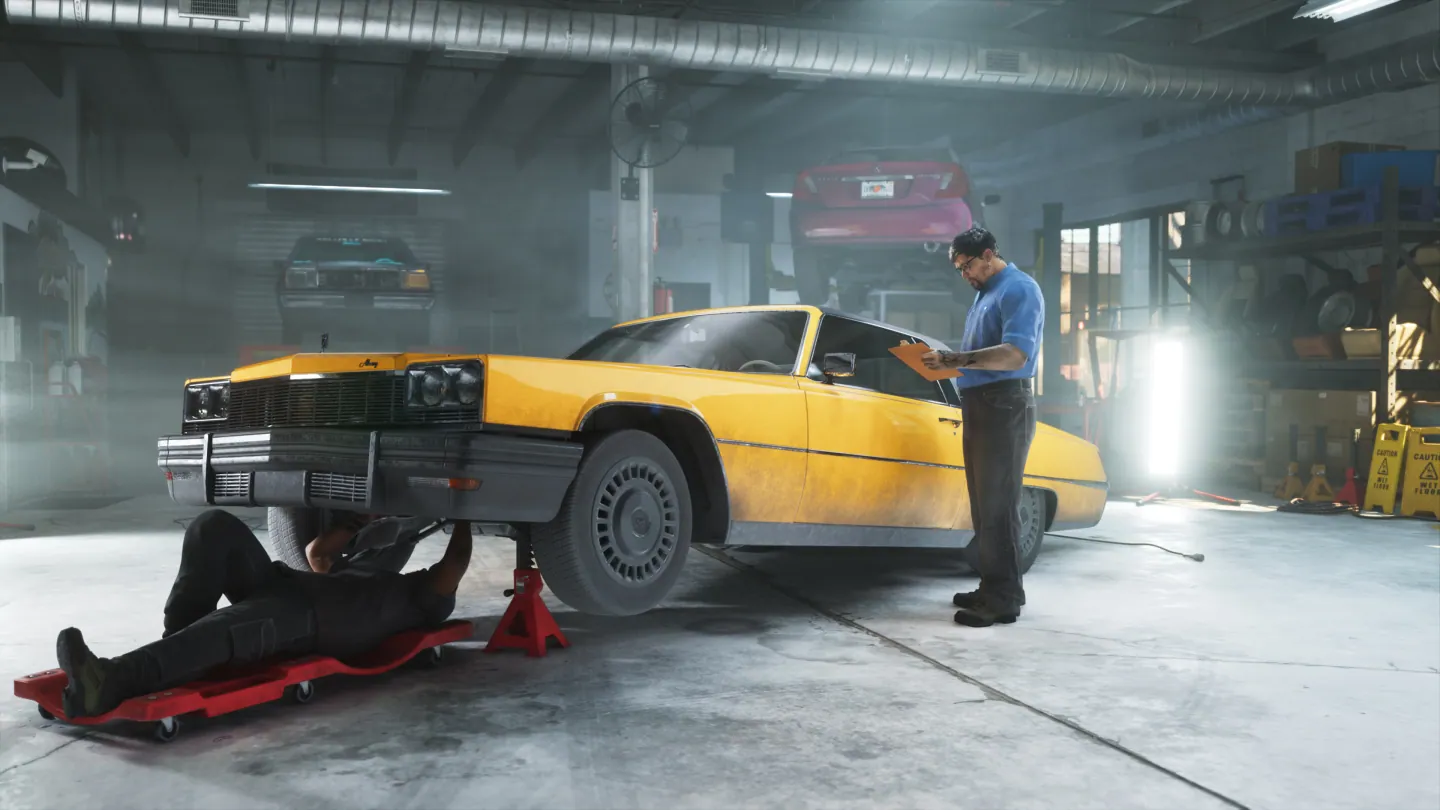
Read the exhaust requirement under the flame color
Select the effect you want and check the line below its name before buying another part. Both the lime-green and hot-pink previews name Street Race Exhaust. Install the exhaust named by your preview and return to the effect submenu.
The footage shows that the shop can preview the effect before it is installed. Check whether the option is still locked or says it is already fitted after you buy the base part. Use the text on your own vehicle’s menu to check compatibility.