Activities
GTA 6 Current Hair Is Too Short: How to Get Heavy Growth
Quick answer
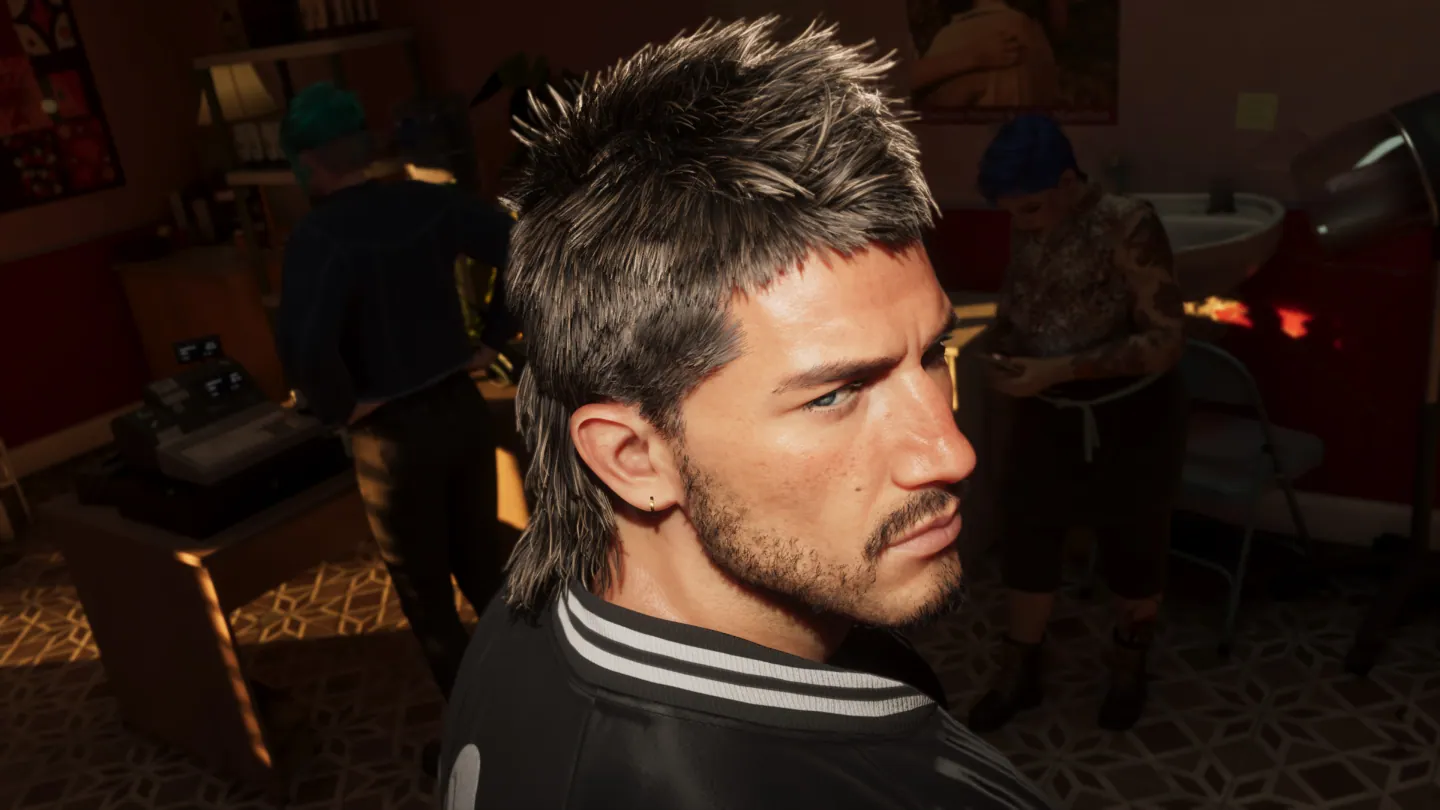
If Jason’s safehouse mirror says Current hair is too short, use a salon to select a longer beard. The mirror only offers lengths Jason can trim to. At Barnacle Beauties in Key Lento, sit in the chair, open Facial Hair Style and select Heavy Growth to preview the full beard. Buy the selected style to apply it.
Check the note below the locked beard style
- At Jason’s bathroom mirror, use the Use prompt and open Facial Hair Style. The current style shows a check mark. Longer styles can display a padlock.
- Highlight Heavy Growth or the exact style you want and read the note. If it says Current hair is too short, exit the mirror and visit a stylist with Jason for a longer cut.
- Use Hairstyle for head hair and Body Hair for chest hair. Those are separate mirror menus. Check Facial Hair Style again if you want to change the beard.
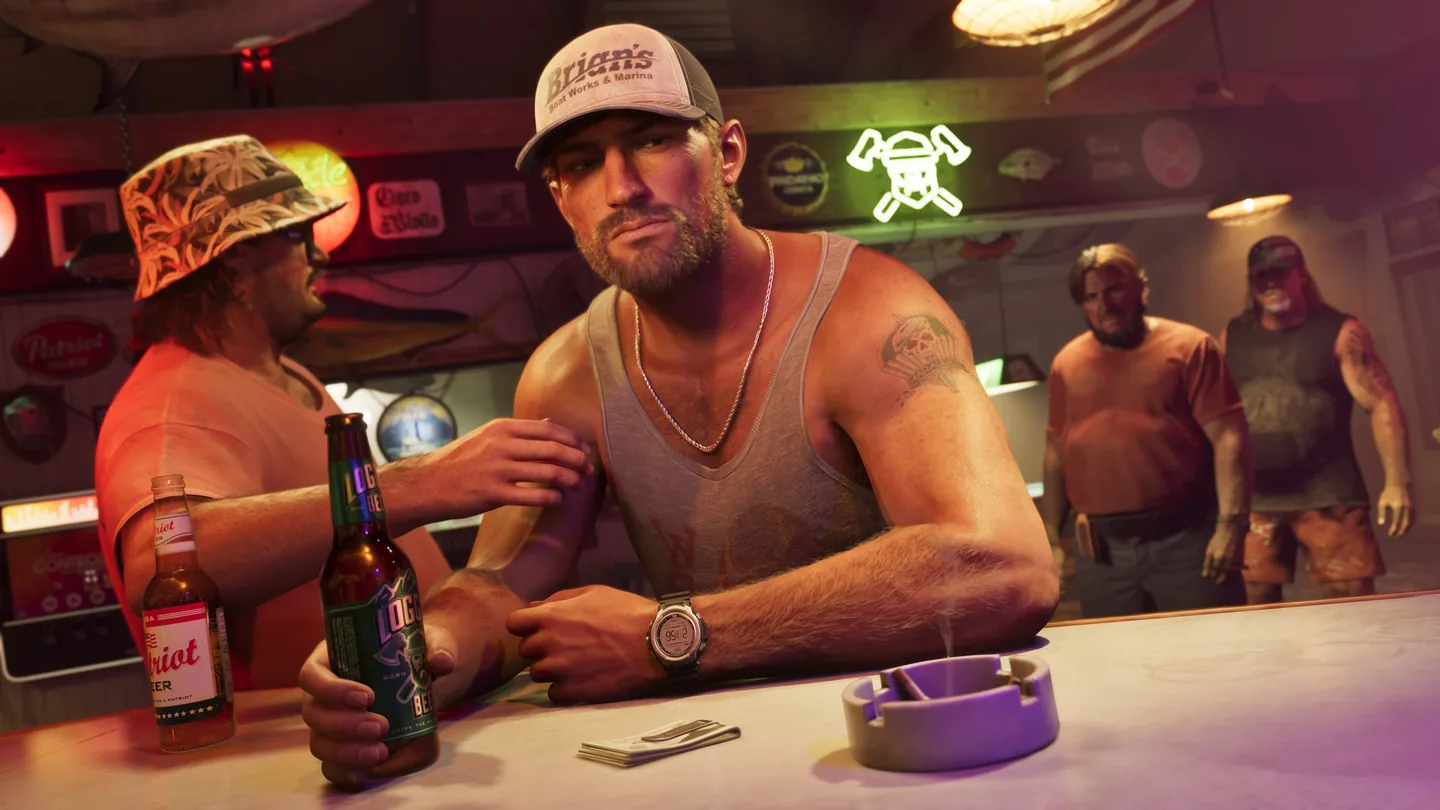
Choose a longer beard in the Barnacle Beauties chair
As Jason, open Map → Style → Hair & Beauty and find Barnacle Beauties in Key Lento. Speak to the stylist and sit down. Zanar’s recording shows Facial Hair Style below Hairstyle and Hair Color, with Facial Hair Color on a separate row.
Open Facial Hair Style, move through the thumbnails and check the full style name and price. Heavy Growth is available in the recorded salon list. Use the displayed Buy prompt to apply it. Moving the cursor changes the preview, so confirm the selection before you leave.
Frequently asked questions
Why is Heavy Growth locked at home?
The mirror checks Jason’s current length. If it says the hair is too short, use the salon catalog to add the longer style.
Do I have to wait for his beard to get longer?
You can choose Heavy Growth in the filmed Barnacle Beauties menu. Use that option if you want the look immediately.