Story mode
How to Exit Tenebrae Lux During GTA 6’s Feng Shui Mission
Quick answer
While playing Tenebrae Lux in Feng Shui, tap the PS5 touchpad or the Xbox View button to open the JoySystem game’s own pause menu. Choose Exit Game when it appears. Cal switches to Street Trash III. Open its console-game menu and choose Exit Game again, or let the zombies end the round, to advance to the next cutscene.
Finish the Street Trash III segment and check the morning call
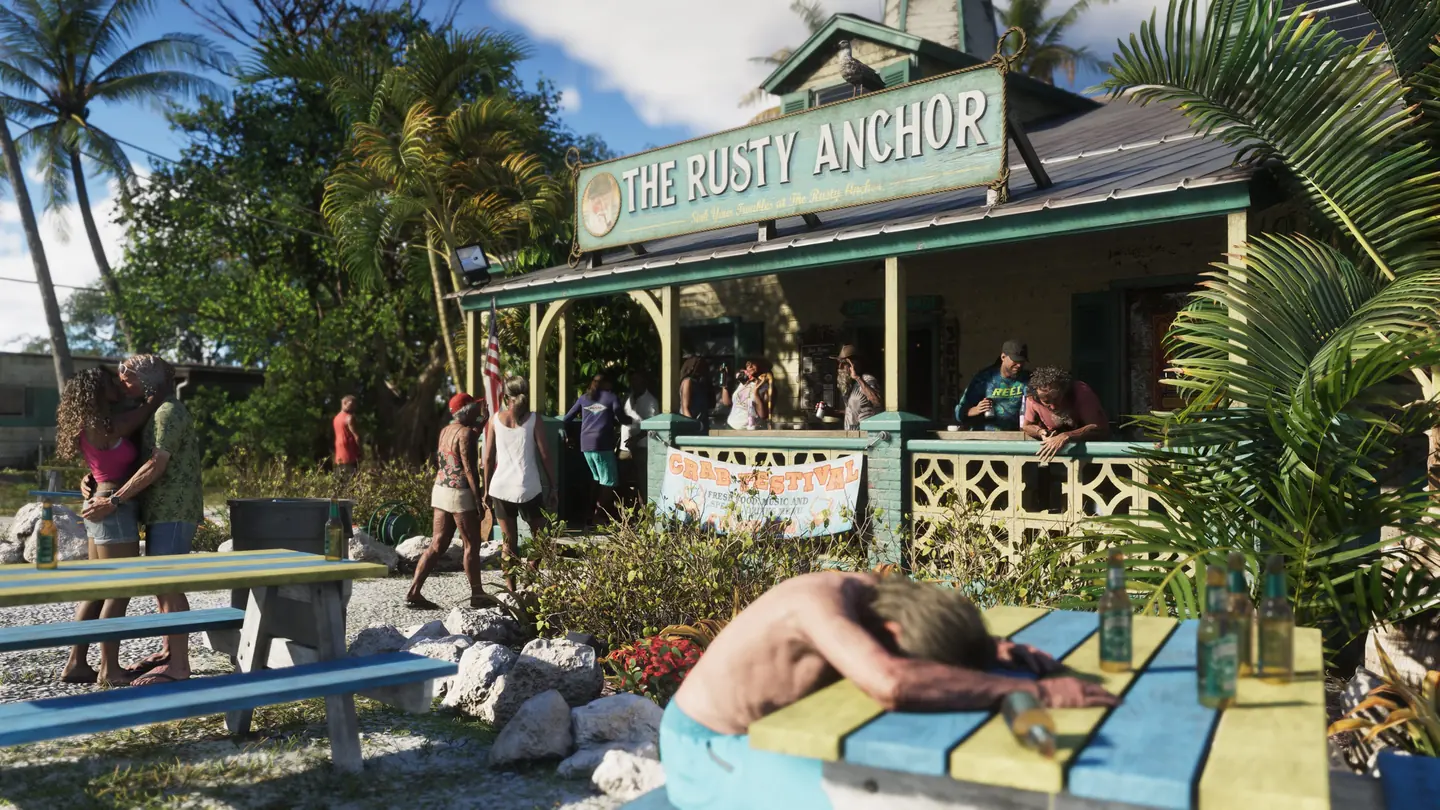
After Cal changes games, the camera looks down on a nighttime street. The Street Trash III HUD shows Day 54 and a clock starting near 18 minutes. Use the same console-game menu and select Exit Game. If you prefer to let this part end during play, the filmed mission advances after the survivor goes down.
The next scene puts Jason and Cal back on the couch. Let it play through to the following morning and the call about Lucia. After the mission, return to a playable JoySystem for the full runs and their completion rewards.
Frequently asked questions
Do I have to open the lighthouse or solve the puzzles during Feng Shui?
You can leave through Exit Game or play until the scene advances. Save the full Tenebrae Lux puzzle route for a free-roam JoySystem run.
Why am I seeing Restart Mission instead of Exit Game?
That is the main GTA VI mission menu. Back out and use the touchpad on PS5 or View on Xbox while the JoySystem game is onscreen.