Exploration
GTA 6 Green Iguana Study and Hunting Log Location
Quick answer
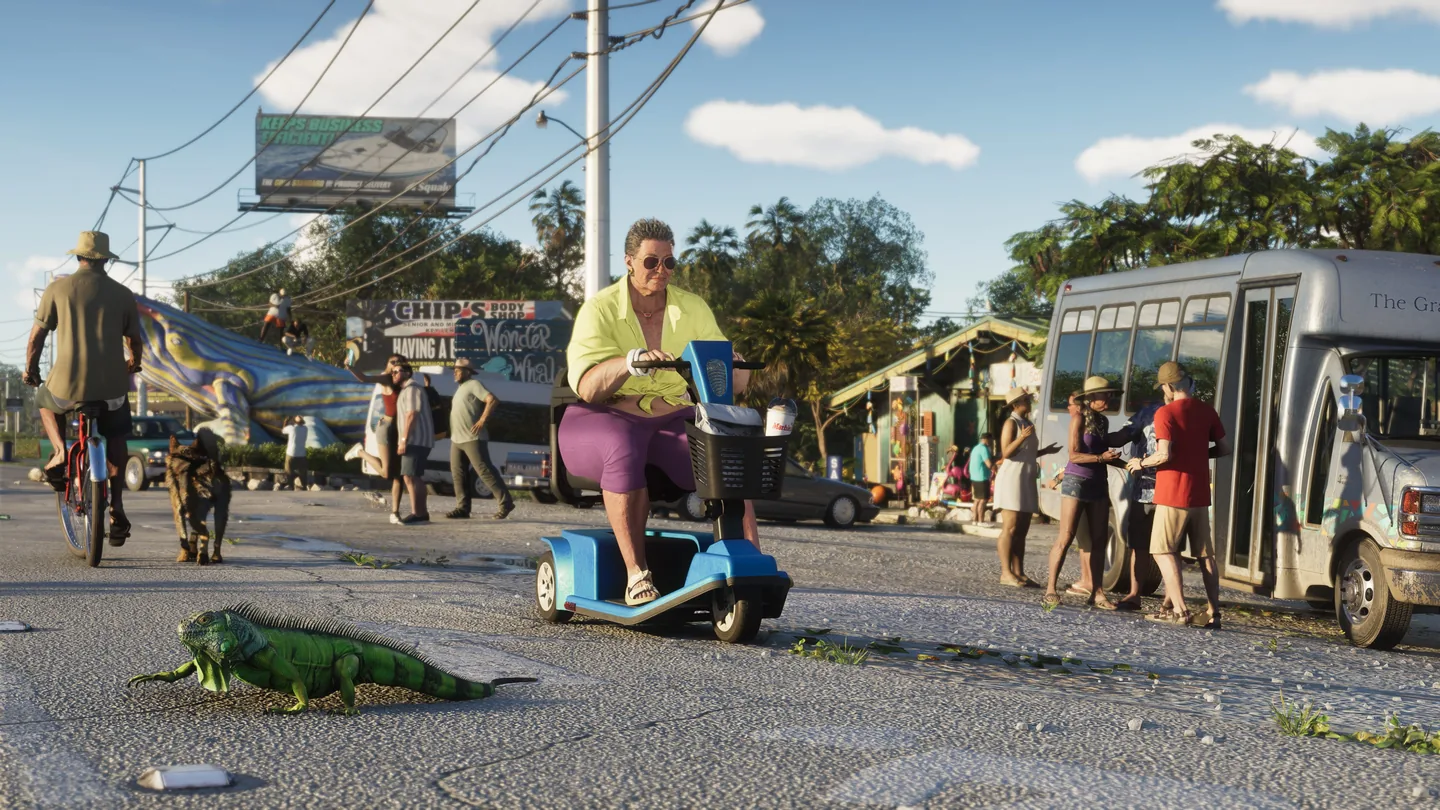
Look for Green Iguanas around vegetation in the southern urban areas of Leonida. In the filmed example, the lizard blends into a dense tangle of branches and leaves. Use binoculars to hold Study on Lizard, then look for Green Iguana under Progress → Animals → Hunting.
Search the branches and use the Lizard prompt
- Look around trees and hedges beside paths when exploring the southern Keys or Vice City. The study tutorial ends beside thick vegetation and a waterside path. Use that kind of setting as a starting point and check nearby branches in daylight.
- Equip binoculars and sweep the branches slowly. In the footage the body blends into the leaves and twigs. Use the word Lizard in the viewing overlay to keep the target centered.
- Hold Study until the ring finishes. If the target drops away among the twigs, shift slightly along the path so you can see the branch from a clear angle, then aim again. The study controls work while the animal is visible through binoculars.

Find Green Iguana in the Hunting tab
Open Progress → Animals and switch to Hunting. The recorded grid shows the Green Iguana card there. Its entry says the lizard lives throughout warm southern Leonida, including cities, and seeks out water. If you started in Reptiles & Amphibians, switch tabs and check the name and class on the right. The card says Reptile even though its tab is Hunting.
The blue axanthic iguana has its own animal entry and its own filmed island route. Use Green Iguana on the card to confirm this common lizard. The footage verifies the study and card, with no map pin for the particular hedge.
Frequently asked questions
Why can’t I find my Green Iguana under Reptiles & Amphibians?
Switch to the Hunting tab in Progress → Animals. The footage shows the Green Iguana card in that grid after Study.