Story mode
GTA 6 Headliners: Finish Test the Lights and Change Maleek’s Lights
Quick answer
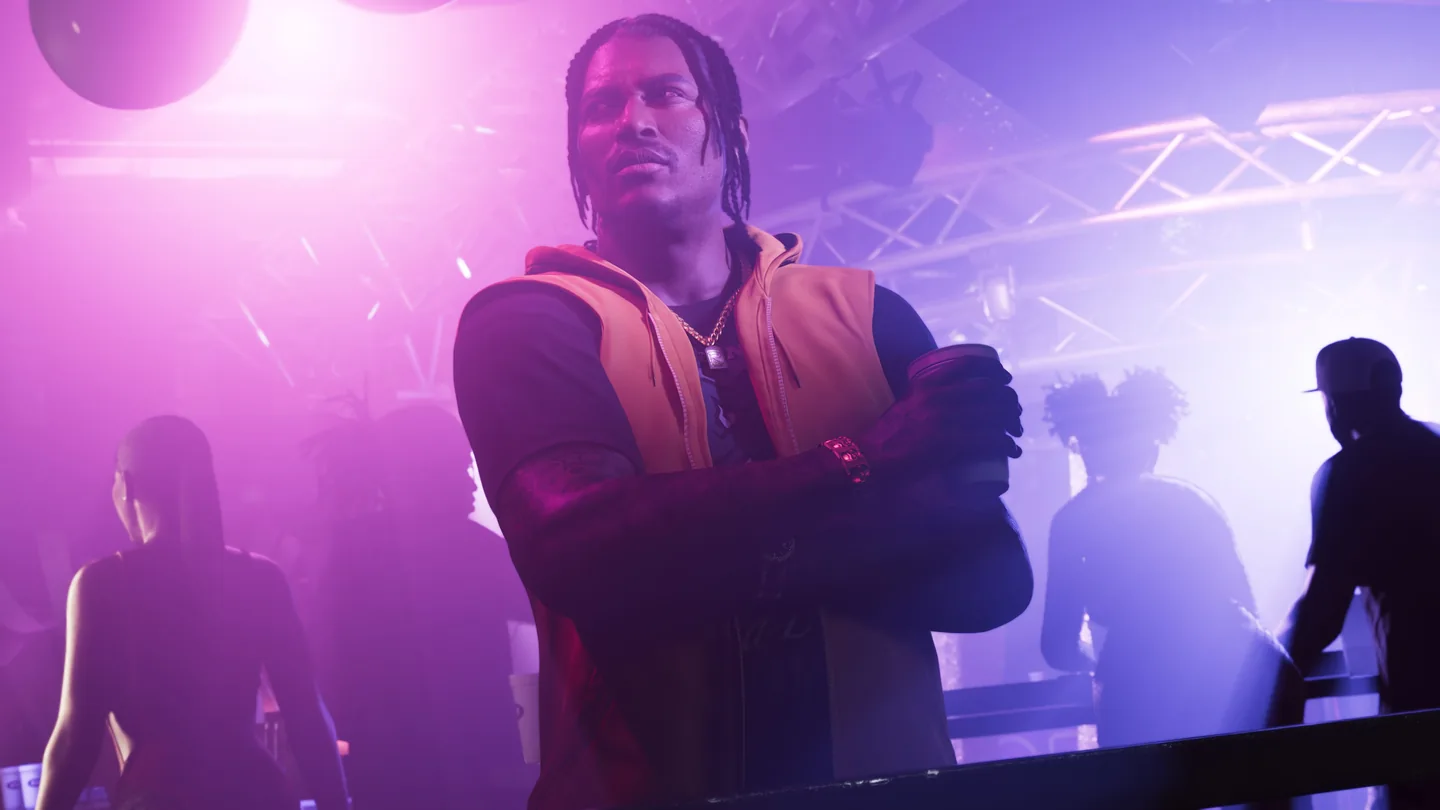
During Test the Lights in Headliners, try the VYB booth’s color or effects controls, then press Circle on PS5 or B on Xbox for Done. The mission moves to the VIP setup. Later, walk to Maleek Rivers’s booth and start the conversation. Select Change Lights from the choices beside him.
Press Done at the DJ booth to finish the test
- Wait until Lucia has control of the console facing the illuminated pillars. Rotate Pillars, Move Pyramid and Colors change the look of the room. Watch the room respond when you try a control.
- Use Effects to see the other set of prompts, including Smoke, Pyrotechnics and Lights. The filmed test switches colors and previews several effects.
- To continue, use Done at the bottom right, with Circle on PS5 or B on Xbox. The next scene takes control away from the booth and leads into the VIP table setup.
Change Maleek’s lights during the booth conversation
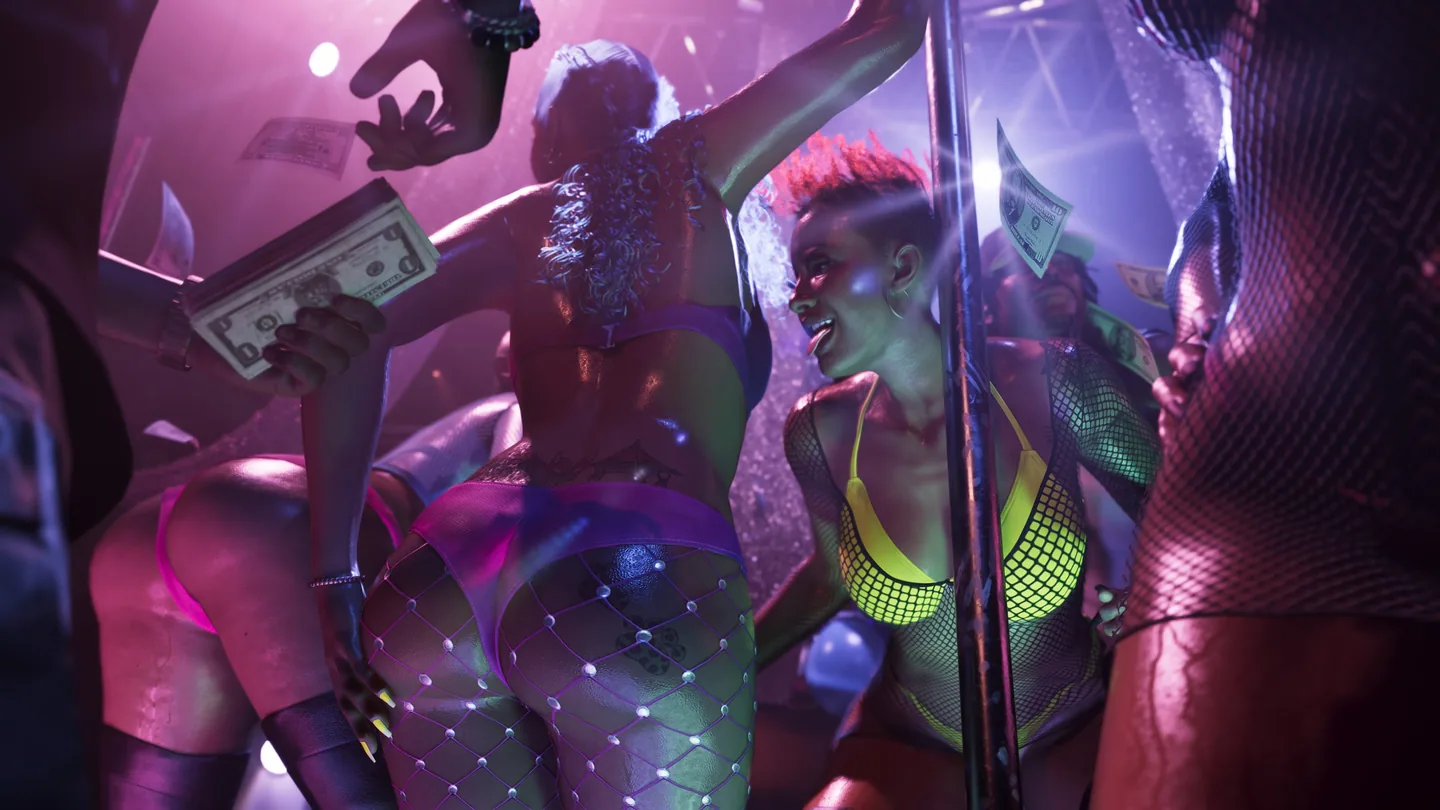
- After the tables are assigned and the club opens, follow Check on Maleek Rivers as Lucia. In the footage his group is at the red-lit seating below a pillar with lit triangles.
- Walk up to Maleek and select Talk. After he makes the request, use Change Lights in his conversation options. You can do it while standing at the table.
- Let the conversation finish before moving on to the next marked guest. The booth lighting in this step changes during the conversation, after the earlier DJ test has already cleared.
Frequently asked questions
Does Test the Lights make me pick a specific color?
The documented playthrough changes colors and then finishes with Done. Use that prompt once you’re ready to leave the console.
Do I go back to the DJ booth for Maleek’s light request?
Face Maleek at the table after you start the conversation. Change Lights appears there as one of his dialogue options.