Activities
How to Fish in GTA 6 on PS5 and Xbox
Quick answer
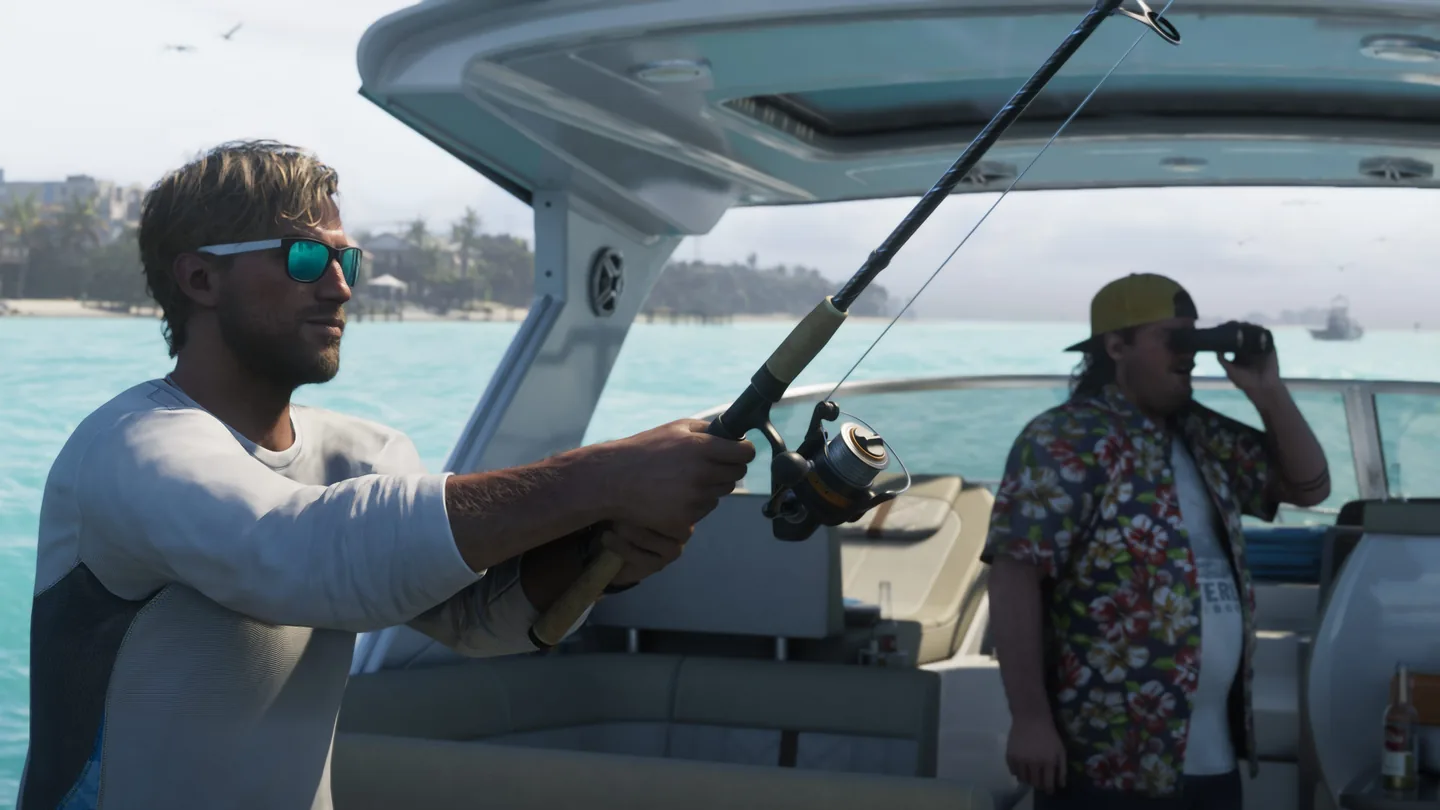
Once Jason can free roam, try the dock at his Key Lento house. Hold L1 or LB, choose Equipment and cycle to the Fishing Rod. Hold L2 or LT, then use R2 or RT to cast and again to hook a fish after it takes the bait.
Start from a dock or shoreline in free roam
- Walk close to the water and hold L1 on PS5 or LB on Xbox to open your loadout.
- Use the right stick to select Equipment. Cycle its items with the triggers until Fishing Rod appears.
- Hold L2 or LT to ready your cast, then press R2 or RT to throw the line. Use Focus if you want help spotting fish near the cast.
Time the hook and change the reel gesture
| What happens | What to do |
|---|---|
| A fish approaches | Wait until it takes the bait, then press R2 or RT to set the hook. |
| A hooked fish pulls to one side | Push the left stick in the opposite direction to fight it. |
| The fish pauses | With the default Rotate control, turn the right stick to take up line. |
| Rotating the right stick is awkward | Open Settings → Gameplay → Accessibility → Fishing and try Hold or Pull. Follow the new reel prompt on screen. |
Find Cal’s fishing challenge
After Feng Shui introduces Cal, look for a later text from him and a purple fishing marker. Follow that optional questline. Beating Cal in a fishing challenge is the requirement for Baited My Tackle, so a solo catch at the dock is practice for it.
Frequently asked questions
Do I have to wait for a fishing mission before casting?
The launch test found the rod available as soon as Jason could roam freely near water. Cal’s later challenge is a separate unlock.
What if the rod is missing from the wheel?
Go to the water first, then check the Equipment tab and cycle through it. A story scene may limit your regular loadout until free roam returns.