Exploration
GTA 6 Bridge Influencer: Take the Photo and Pull Him Up
Quick answer
Pull over on the upper roadway near the influencer in bright pink trousers. Go to his side of the concrete barrier and look down after he slips. When he asks for a photo, use the phone camera to frame him hanging over the road. Exit the camera, use Help at the barrier and hold the Pull input until he is back on the bridge.
Stay on the upper deck when you see him by the railing
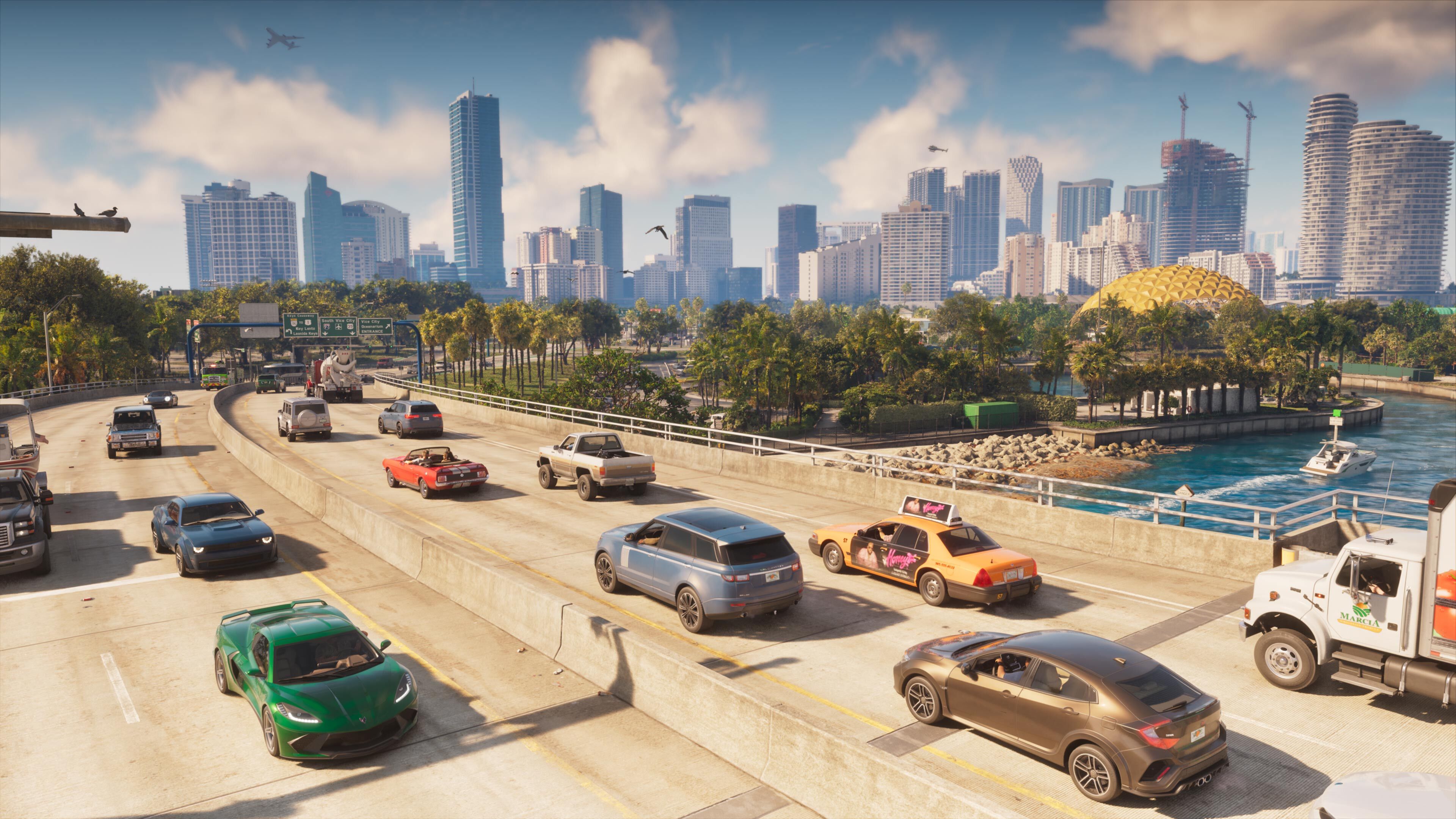
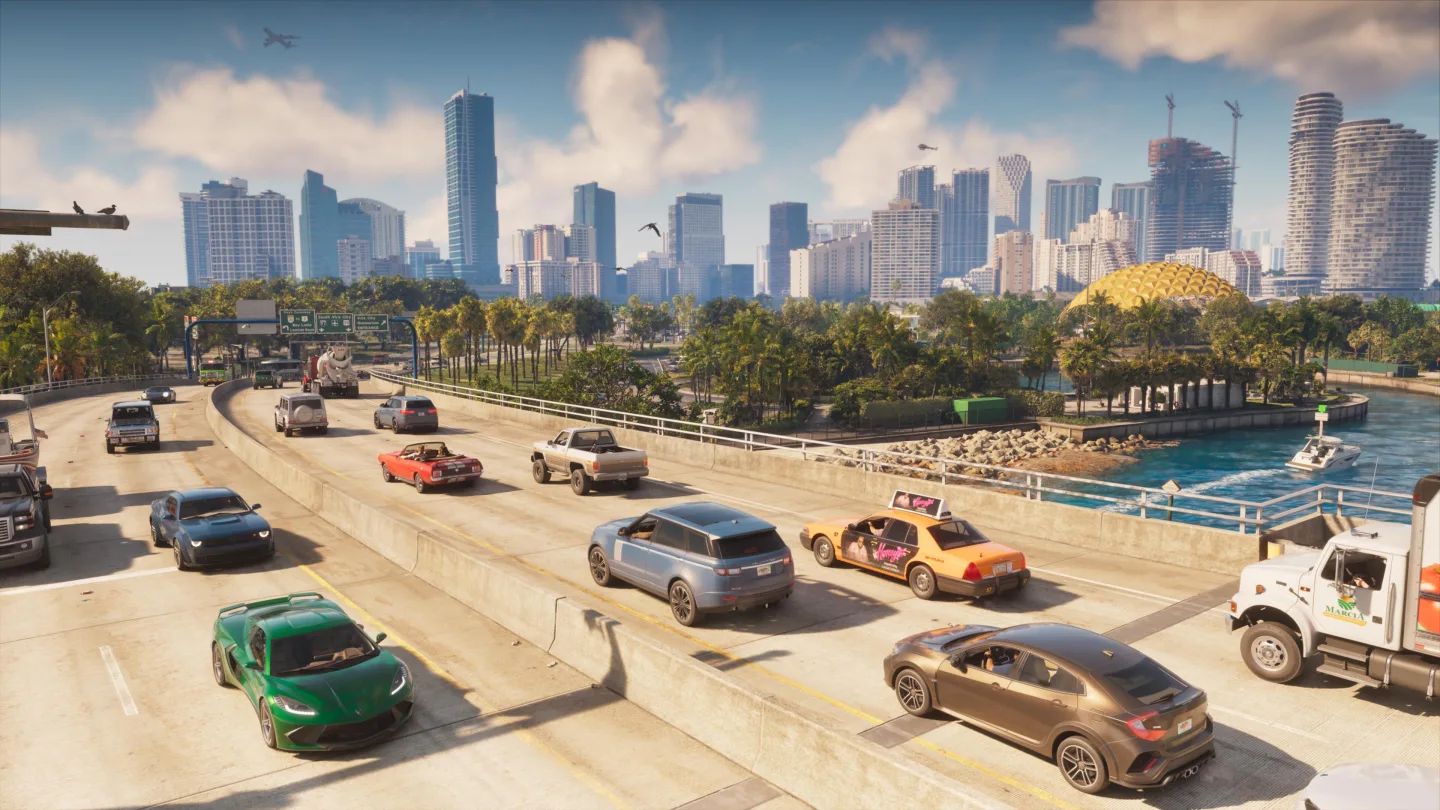
GTABase lists the encounter around Gloriana Key. The gameplay approach shows a wide elevated roadway with overhead exit signs and a low concrete barrier. Look for the shirtless man in bright pink trousers near that barrier. The encounter happens during free roam and the recorded run shows it in daylight.
Pull over beside the barrier and get out. The road and intersection below are useful reference points. Stay at the top, where you can look down and reach him.
Take the photo and switch back to the rescue prompt
- At the parapet, angle your view down until you see him hanging. The recorded sequence lets him speak before the player opens the phone camera.
- Center his face and hand in the phone camera and use Take Photo. Close the camera and face the same section of the concrete wall.
- Use Help when it appears over the barrier. During the lifting animation, keep holding the input indicated by the Pull prompt until the game moves him onto the shoulder.
Frequently asked questions
What do I do after taking the influencer’s photo?
Exit the camera and turn back to the edge for Help. Hold the Pull input when the climbing sequence begins.
Should I go under the overpass to reach him?
Stay on the upper deck and approach the concrete barrier where he is hanging. The rescue prompt appears at that edge.