Exploration
GTA 6 Animal Tracking: Keep a Scent Trail Visible After Focus
Quick answer
Click both sticks to open Focus and look at the animal’s scent trail until Track appears. Read the species name, then use the displayed Track button. In Bret’s tutorial the selected trail turns gold and the prompt changes to Stop Tracking. You can follow the selected trail after the wider Focus view ends.
Choose a named trail before following it
- Open Focus once you are within a hunt’s search area. Sweep the camera slowly over the pale scent lines. Pause at the point where the Track prompt identifies the animal.
- Confirm the trail you need. The filmed PS5 tutorial uses Triangle. On the filmed Xbox layout, Track appears on Y. Use the current button shown in your own game.
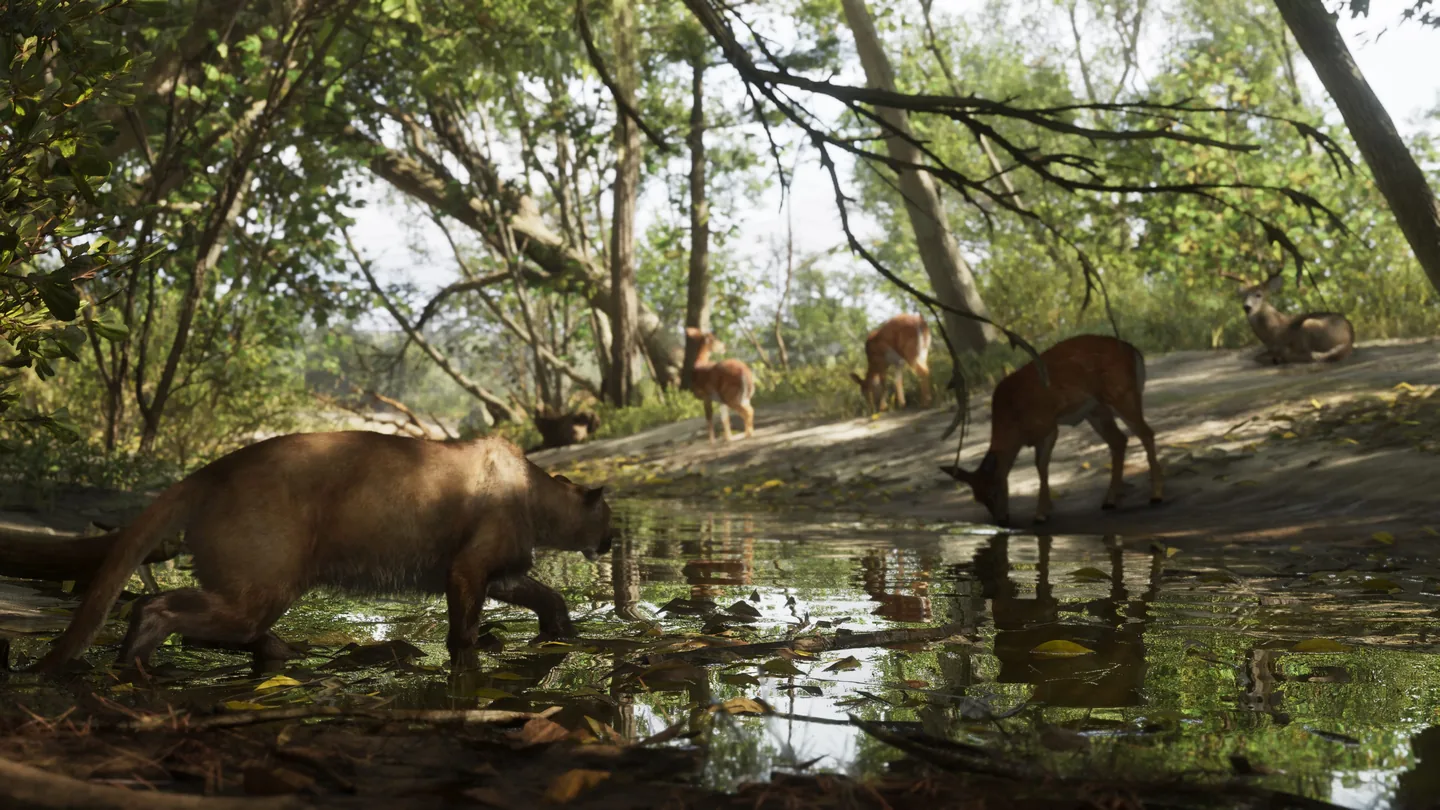
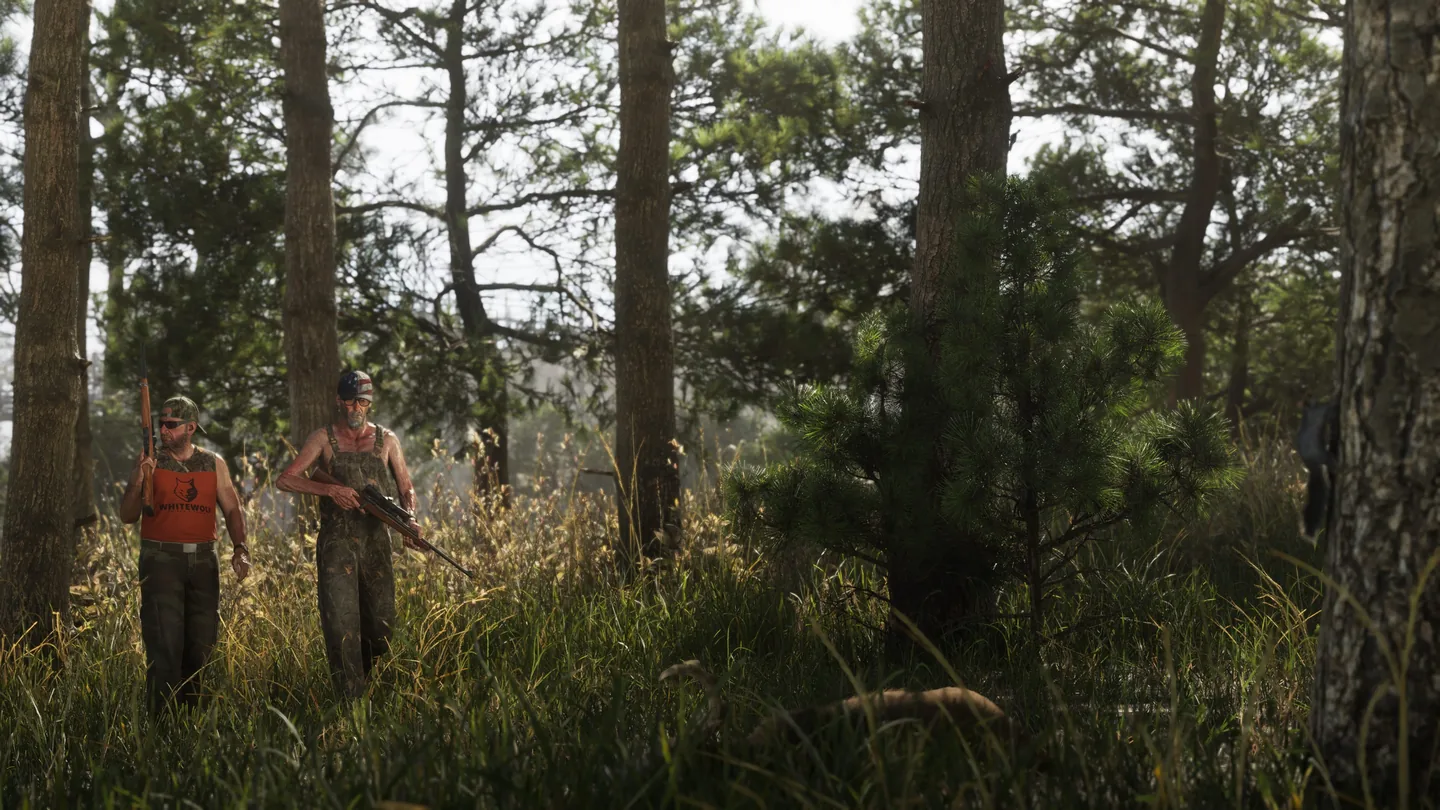
- Check the selected line and the prompt. Once you see Stop Tracking, follow the selected trail in the normal view. In the filmed Whitetail Doe tutorial the selected line stays gold as Jason walks beside the creek.
Use the prompt to change trails or recover the route
Use the trail’s name to make your choice at a crossing. If the line is hard to see against the ground, adjust Focus Trail Colorblind Mode in Display and look at that same crossing again.
| What you see | Next check |
|---|---|
| Several lines cross in front of you | Move the camera across them one at a time and read the name beside Track. |
| Stop Tracking appears | A line is already selected. Use Stop Tracking if you want to select a different one. |
| The line disappears around a rock or tree | Look from the last visible point and reopen Focus to see where the same trail continues. |
| The animal is now in view | Check the mission’s next task. Study appears when you center the animal with the required scope or binoculars. |
Frequently asked questions
Do I need to keep clicking both sticks as I follow the trail?
Select Track once, then follow the selected line. Open Focus again if you lose the route or need to pick a different trail.
Will the first visible trail match the animal I need?
Read the name by Track and confirm the line that matches your objective.
Sources
- See the Focus tracking tutorial by Bret’s creek at 1:48
- See the gold route and Stop Tracking prompt at 1:56
- Watch Jason follow the selected trail past the trees at 2:00
- Read the species label when several trails cross at 1:35
- PowerPyx’s played Veteran Hunted walkthrough with Study and the creek approach
- Rockstar Support’s reference for Focus inputs, trail colors and audio categories