Activities
GTA 6 Lucia Makeup: Apply or Remove a Look at the Salon
Quick answer
Visit a beauty salon as Lucia and open Makeup. At Pearl Hair Salon in Port Gellhorn, choose Hair & Makeup at the counter, then select Makeup in the stylist’s chair. Highlight a preset to preview it and read its name and price. Choose Buy to apply it. To take it off, highlight the applied look and use Remove Makeup.
Find Makeup in the Pearl Hair Salon menu
- Play as Lucia and find Pearl Hair Salon in Port Gellhorn under Map → Style → Hair & Beauty. Open the Hair & Makeup interaction with the stylist.
- In the chair, choose Makeup. The footage shows it in the same list as Hairstyle and Hair Color. Move across the thumbnails to see each look on Lucia’s face.
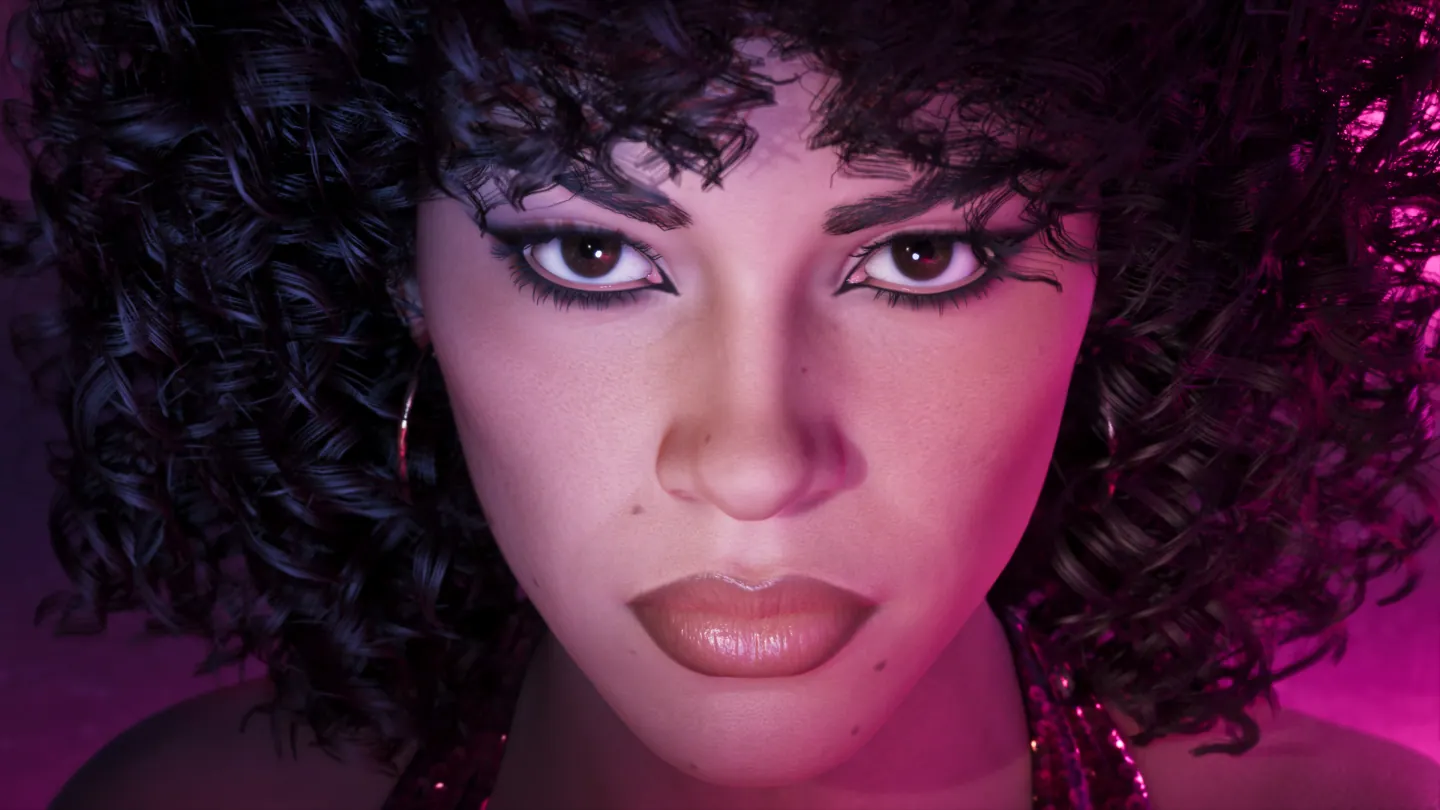
- Read the highlighted preset’s name and price in the menu. Compare the lip and eye shades in the close-up. Use the displayed Buy command to apply the look, then confirm the result in the menu before leaving.
- See the Makeup row in Pearl Hair Salon’s stylist menu at 1:08
- Compare the makeup preview and price at Pearl Hair Salon from 1:14
- See the $45 Subtle Sunkissed preview at 1:12
- Compare Lucia’s makeup previews in GamingWithOva’s original footage from 6:10
- Nexzy’s in-game Pearl Hair Salon screenshots of hair color and makeup
Choose the right service for the change you want
In Zanar’s Pearl Hair Salon recording, Subtle Natural shows $36 and Subtle Sunkissed shows $45. Compare the full face before you pay. The selected thumbnail can say Not applied even while its colors are visible in the preview.
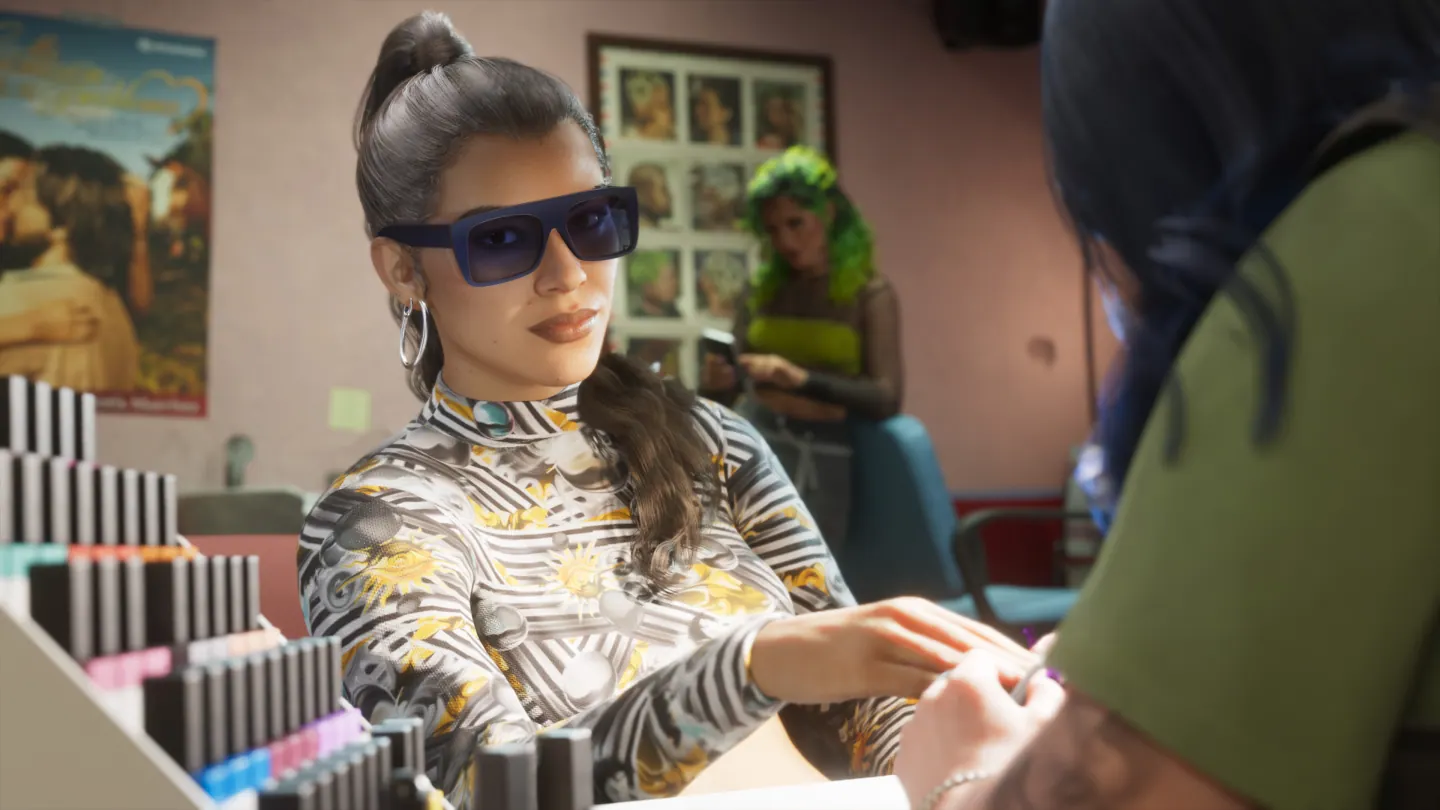
If the shop’s chair lists only hair options, check the venue’s services or use another beauty salon. At Fabiola’s, the manicure table is used for the Nails service. Read the active service prompt to see which menu you are about to open.
| Want to change | Where to look |
|---|---|
| Lucia’s lip and eye look | Makeup in the stylist menu at Pearl Hair Salon. |
| Lucia’s hair shade | Hair Color in the main stylist menu. |
| Lucia’s nails | Approach the manicure service where a Nails prompt appears. |
Return to the applied look to remove it
- Open Makeup again and move to the preset with the check mark and Applied status.
- Read the footer. The PS5 recording shows Remove Makeup on Triangle once the purchased preset is selected. Use the displayed action and read any follow-up prompt.
- Back out of the chair and check the look in free roam. If you see Buy in the footer, check whether you moved to a different preview.
Frequently asked questions
Can I preview a different look before paying?
Yes. Highlight a different thumbnail and check its name and price. Use Buy only when you want to apply it.
Can I reach Makeup from the hairstyle list?
Back out to the main stylist list and select Makeup where the service is available.
Sources
- See the Makeup row in Pearl Hair Salon’s stylist menu at 1:08
- Compare the makeup preview and price at Pearl Hair Salon from 1:14
- See the $45 Subtle Sunkissed preview at 1:12
- See Purchased, Applied and Remove Makeup in the same panel at 1:20
- Compare Lucia’s makeup previews in GamingWithOva’s original footage from 6:10
- Nexzy’s in-game Pearl Hair Salon screenshots of hair color and makeup
- VGC’s original playthrough notes on hairstyle, color and facial hair services