Vehicles
GTA 6 Mammoth Dodo Water Landing and Dock Taxi
Quick answer
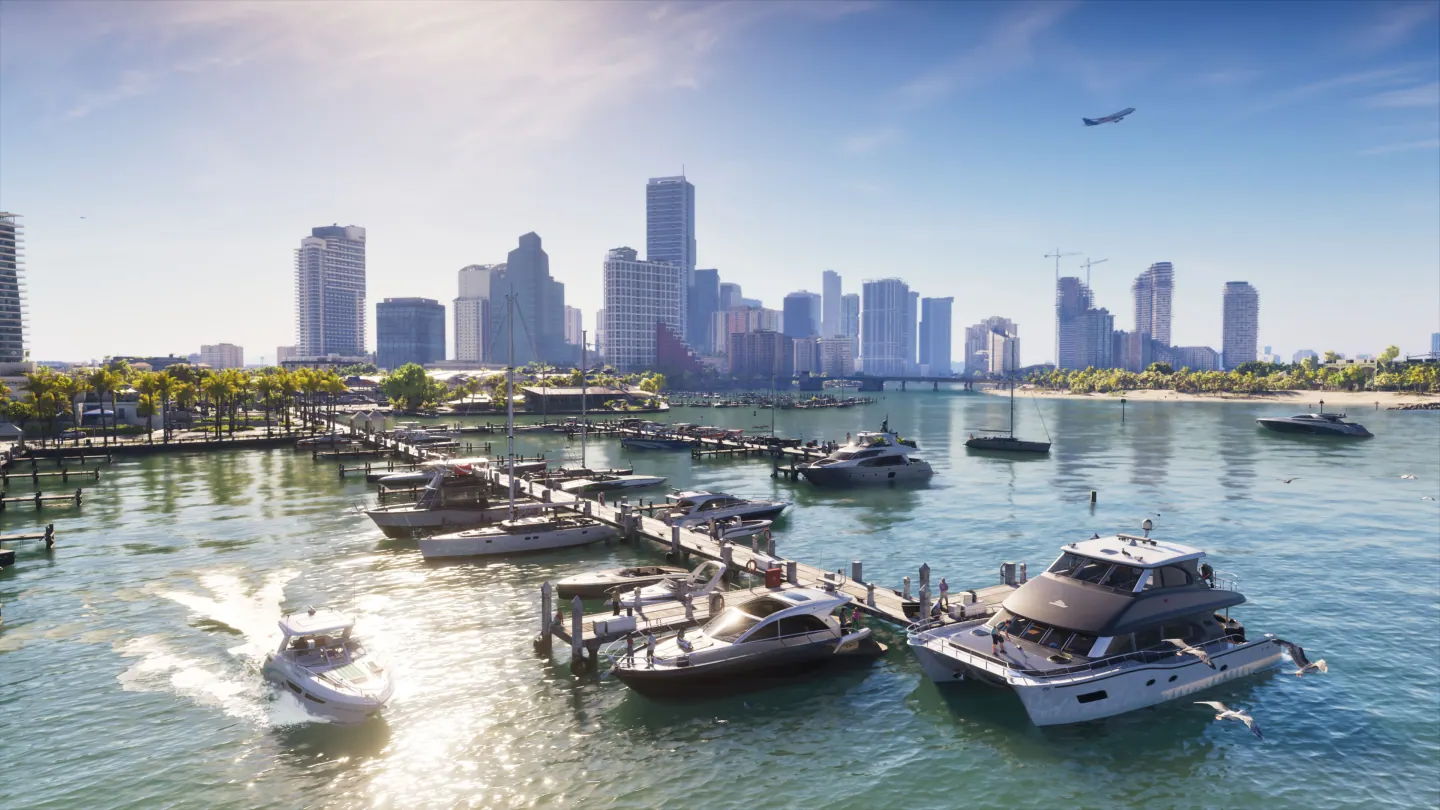
In the Mammoth Dodo, line up over clear water short of the dock, use L2 on PS5 or LT on Xbox to reduce power, and keep the wings level as the floats touch. After touchdown in Gone Fishing, taxi on the water toward Brian’s Marina. The rudder tutorial appears while the marina objective remains active.
Lower the Dodo onto open water before the dock
- Follow the Brian’s Marina marker in Gone Fishing. Set up over the broad water on the approach so the dock stays ahead, with room left for the slower surface leg.
- Reduce throttle with L2 on PS5 or LT on Xbox. Adjust the left-stick pitch gently and bring the floats down with the wings level. Use the aircraft control preview if you changed your flight preset or pitch inversion.
- Watch for the floats to settle and the water wake to build behind the aircraft. Once it is on the surface, keep the nose pointed along clear water toward the dock. The objective remains to take the plane to Brian’s Marina.
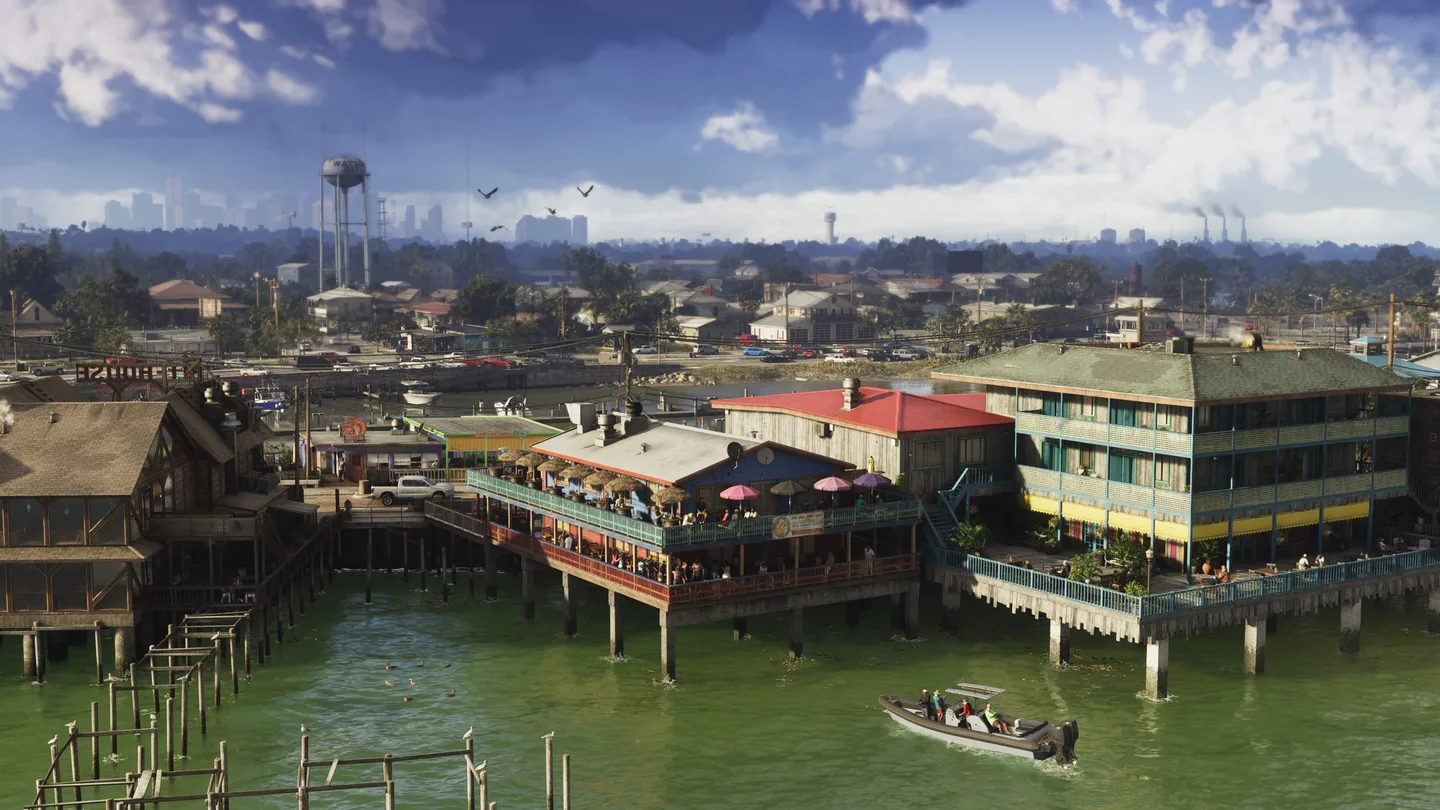
Taxi to the marker after you land
Use gentle throttle and steer with Square or Circle on PS5, or X or B in the default Xbox aircraft layout. The filmed prompt confirms that the rudder works while the Dodo is on the water. The recorded approach moves past the shoreline toward the lit marina building. Follow the marker until the arrival scene starts.
If you have touched down and the mission has not advanced, check your distance to the dock. A straight landing only completes the flying part of the approach. The short surface leg brings the aircraft to the handoff. For free-roam practice, the Southwind dock has the same Dodo airframe.
Frequently asked questions
Does touching the water finish the mission?
Continue to Brian’s Marina after touchdown. The final marker expects the plane near the dock.
Do I lower wheels for a water landing?
The Dodo lands on its floats in the Gone Fishing water approach. Use the in-game gear prompt when a separate objective calls for a runway landing.