Activities
GTA 6 Meditation Controls: Breathe and Center the Rings
Quick answer
Start meditation at an active spot. When the breathing circles appear, press both triggers together to breathe in and release both to breathe out. Follow the stick prompts when the colored circles appear. Let the sequence finish and watch for the Focus and Meditations update before leaving.
Start and match the breathing circles
- Approach the spot and read the Meditate prompt. Press Triangle on PS5 or Y on Xbox when that interaction is available. Let the sit-down animation play until the input circles appear.
- For the breathing phase, hold L2 and R2 together on PS5 or LT and RT together on Xbox as the inhale prompt appears. Release both on the exhale cue. Follow the prompts through the next breaths.
- Keep watching as the breathing prompts give way to a colored effect. Use the sticks as the screen directs to bring the highlighted shapes into alignment. If the colored shapes drift apart, make a small correction and watch where the guide circles move on the next beat.
Wait for the Focus and progress update
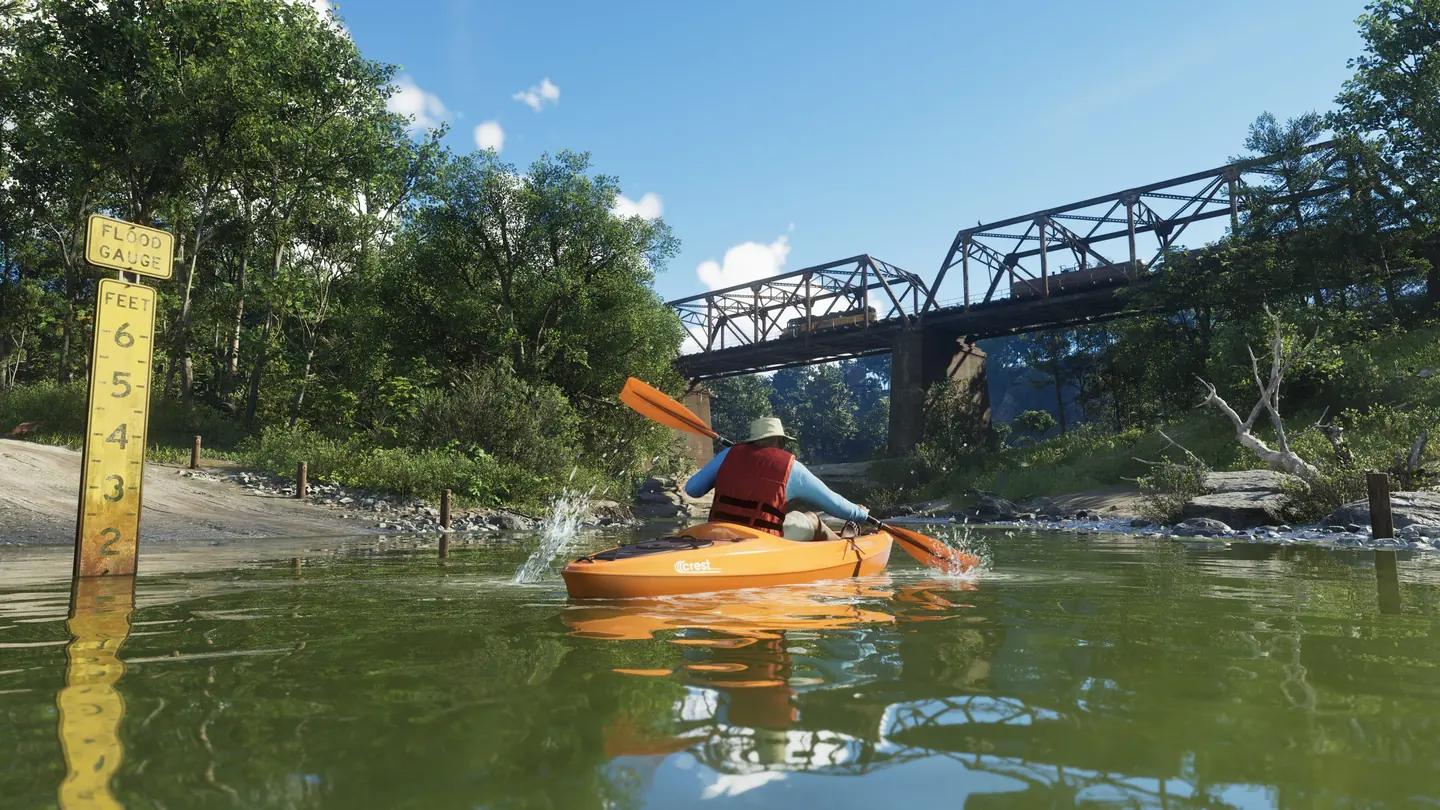
The scene changes from breathing to the colored alignment phase while your character is still seated. Stay with the active prompt until it clears and let the camera return to normal. A documented first finish shows Focus increasing and Meditations 1/18. Your total depends on which spots and characters already have credit.
If you are only getting a view of the landscape, look for the interaction prompt before using the triggers. If the sequence finished and your count stayed the same, check whether you already did that site with the same character. The route tracker distinguishes Jason and Lucia at ordinary spots. Use that list to choose the next one with your current character.
Frequently asked questions
Do the triggers control the colored rings too?
Use the triggers to breathe. Follow the on-screen stick prompts after the breathing circles give way to the colored alignment phase.