Activities
GTA 6 Mini Golf Controls for Placing and Putting the Ball
Quick answer
Stand at the tee mat and use Place Ball. In the filmed King Gator round this is Triangle on PS5. Hold L2 to grip and aim, then use R2 for power. On Xbox the corresponding default buttons are Y, LT and RT. Follow the shot prompt after judging the lane.
Place the ball and confirm the putting view
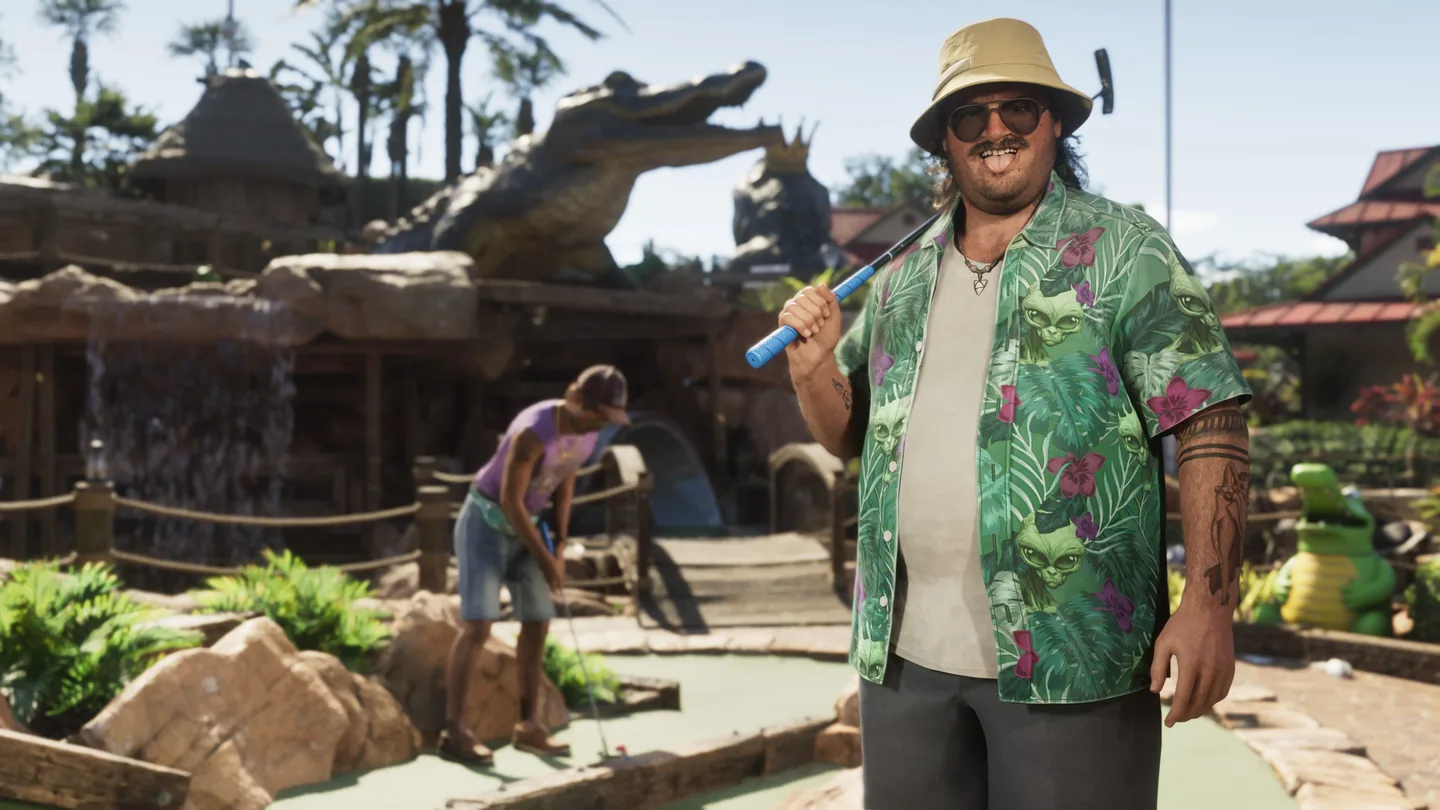
- Start your round at the venue, then walk to the numbered tee. At King Gator the reception window starts the round. At the abandoned Dino Golf lanes, use the mat directly.
- Face the mat until Place Ball appears. Use the displayed action, then grip the putter when the screen asks you to. If the view is still ordinary free roam, take a small step toward the mat and face along the lane.
- Hold Aim and check the obstacle nearest the ball. On the captured Frontier lane, the edge curves around rock before the putt reaches the next section.
Check the stroke before leaving the lane
Use the shown Power input for the distance in front of you. For a straight lane, aim before adding strength. At a ramp or bank, read where the lane leads and choose power with the next part of the lane in mind.
Let the ball settle. If it is still in play, move to its new position and aim again. Follow the next numbered tee when the course advances.
Check the completed round under Progress → Activities → Sports. The two mini-golf course credits use the named mini-golf records. Full-size golf has its own entries.
Frequently asked questions
Why does Place Ball never show?
Move to the tee mat for the current hole and face down the lane. At staffed courses start a round at the counter first.
How do I check whether that round counted?
Read the named course’s game record under Progress → Activities → Sports.