Activities
How to Pet Dogs and Cats in GTA 6

Quick answer
Yes, you can pet dogs and cats. Approach an animal while on foot and use Pet when the interaction appears. Rockstar’s PS5 footage shows L2 focusing on a dog and Triangle selecting Pet. If the animal is with its owner, Jason can ask permission. Choose Study separately to log an unfamiliar breed.
Get close enough for the Pet prompt
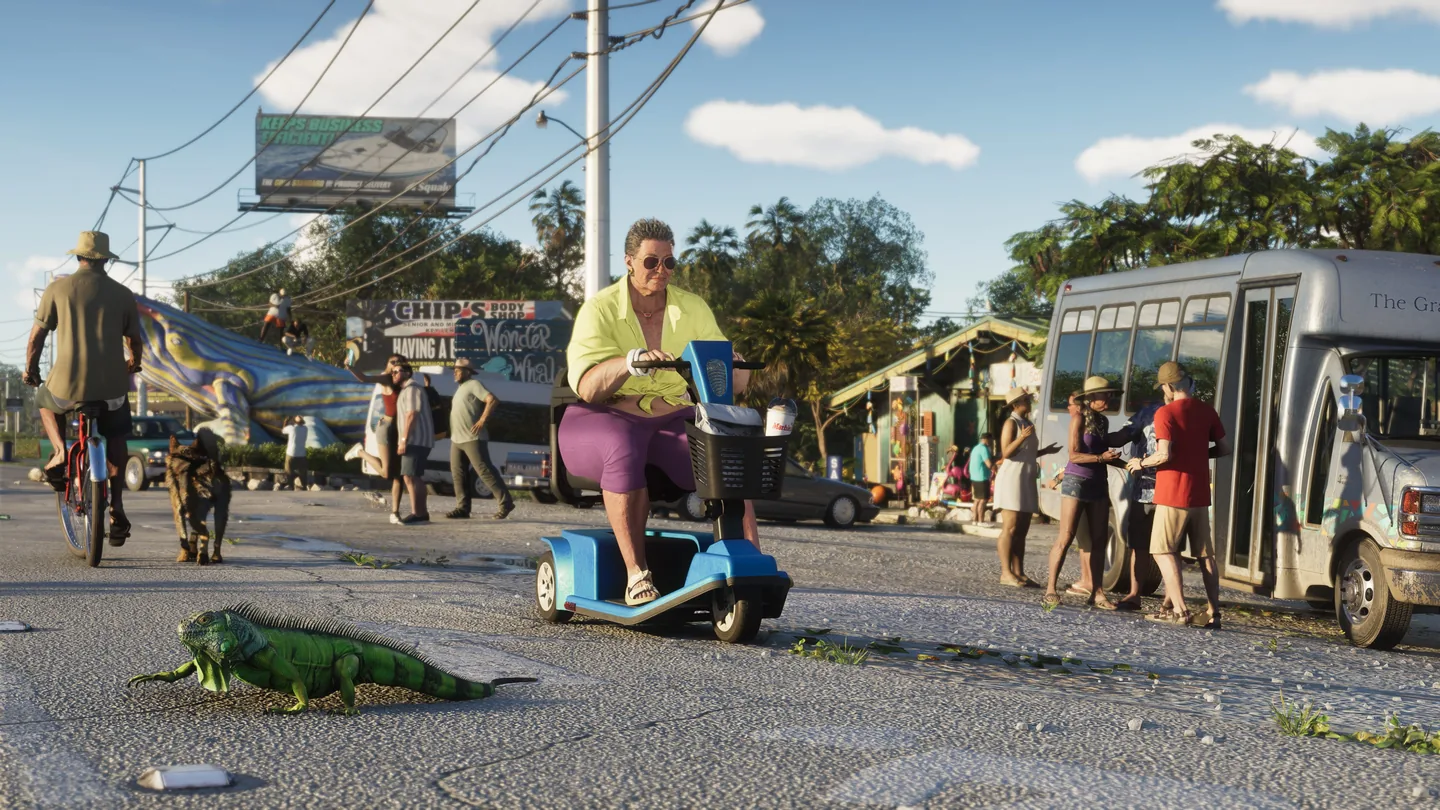
Try near homes or on pedestrian streets. In Rockstar’s PS5 demonstration the interaction options change as Jason gets closer to the dog. Hold L2 to focus and use Triangle once the prompt reads Pet. On a remapped controller, follow the current on-screen prompt.
In a Vice City demo played by Rockstar for The Guardian, the dog had an owner on a walk. Jason could ask her first and then pet the dog. Give that prompt a chance to appear if the dog is walking alongside somebody.

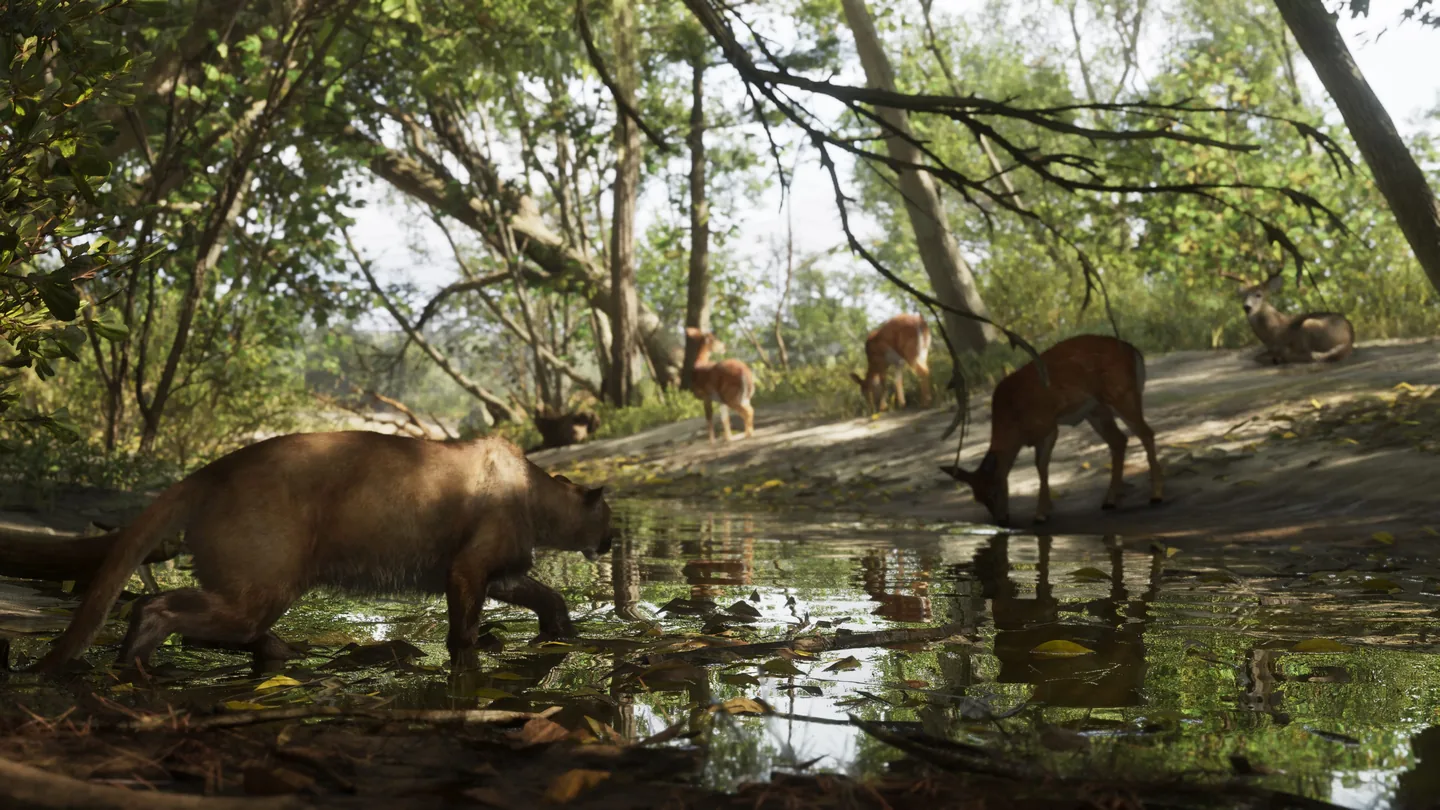
Look for a cat during free roam
Launch footage shows Jason petting a cat, and The Guardian’s Keza MacDonald confirmed cat petting after playing. Approach on foot and use the Pet prompt when it appears. If the cat moves away, wait until you can focus on it again.
Use Study for checklist credit
If you are working toward 100%, select Study or raise the binoculars and complete the Study prompt. Then check Progress → Animals → Cats & Dogs. Each new breed contributes one discovery to the required 100 animal entries.
Petting is an optional interaction. Launch documentation confirms discovery credit from Study and does not establish a cash reward for Pet.
Frequently asked questions
Does petting a dog fill the animal checklist by itself?
Use the Study action for checklist credit. Check the breed’s entry under Progress → Animals after studying it.
Do different breeds count individually?
Yes. The Cats & Dogs tab has separate entries for different dog and cat breeds.