Activities
GTA 6 Race Reset Prompt After a Bike Crash
Quick answer
If RESET appears after a race crash, hold the button shown in the ring. The recorded Thrillbillies PS5 prompt uses the touch pad. When the bike returns to the course, check the lap counter and next gate before trying to accelerate.
Hold the displayed action when RESET appears
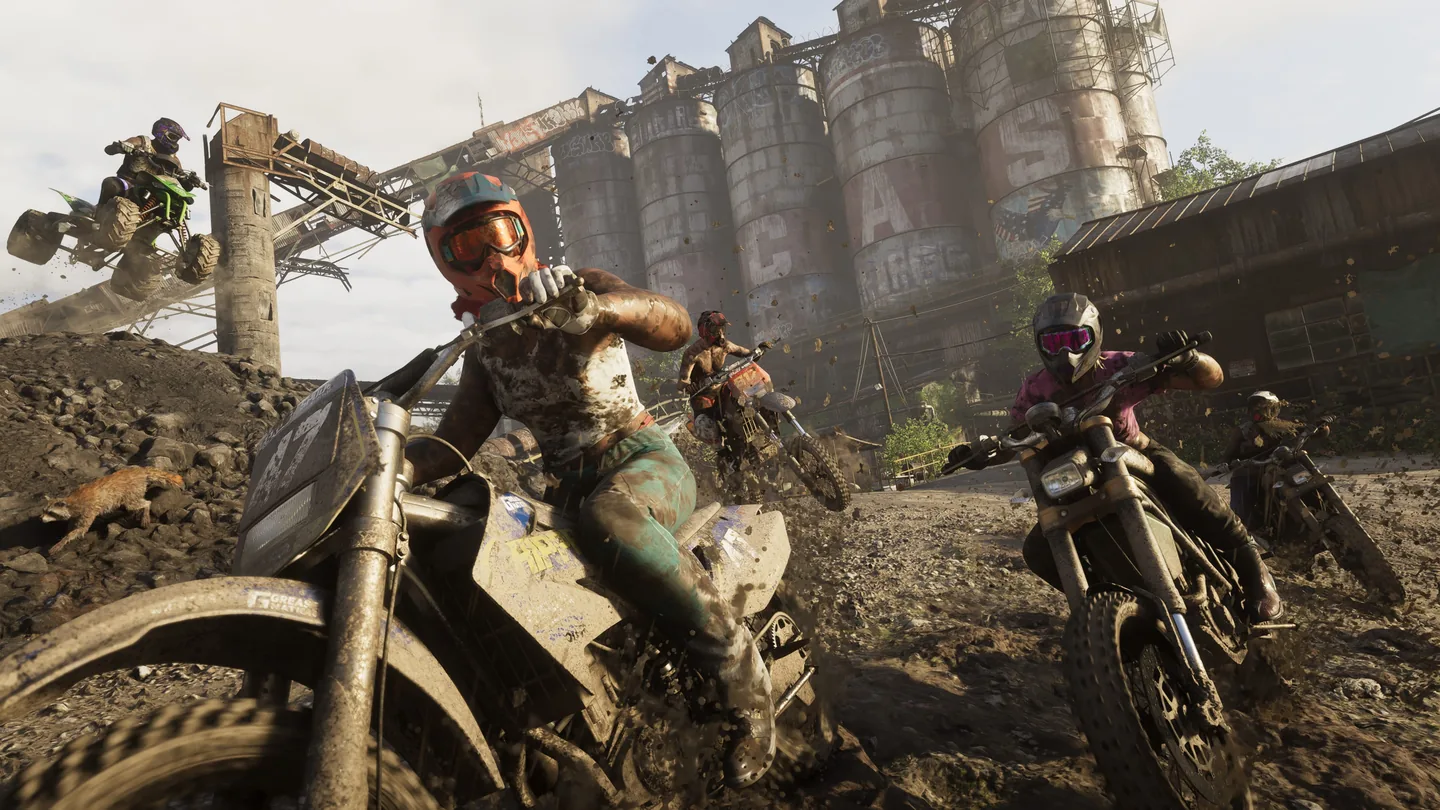
- After a fall, check above the bike and near the HUD controls. The firsthand Thrillbillies capture shows RESET over the fallen bike while the race is on lap two.
- Read the icon inside the ring. On the recorded PS5 build, hold the touch pad until the action completes. A short press can open the map or another assigned shortcut.
- Once you are back on the course, check the next gate and lap number. Turn toward the course before accelerating. Compare your normal race HUD with the reset state.
Check whether the current attempt can continue
Use the reset only when the game offers the context prompt. If the bike is upright or the game only shows an active route, check whether you can recover control and return to the course normally.
If the event has ended, read the finish or retry options. RESET brings you back during the active attempt. A checkpoint or event retry restarts the section it names.
For Xbox, use the button on your own RESET prompt. The source capture identifies the PlayStation touch pad.
Frequently asked questions
Do I tap the touch pad or hold it?
Hold it while RESET is highlighted in the recorded PS5 example.
What if there is no RESET on screen?
Use the controls and options for the current state. Check the next marker, or the event’s retry option if it has ended.