Setup & support
How to Redeem a GTA 6 Code on PS5 or Xbox
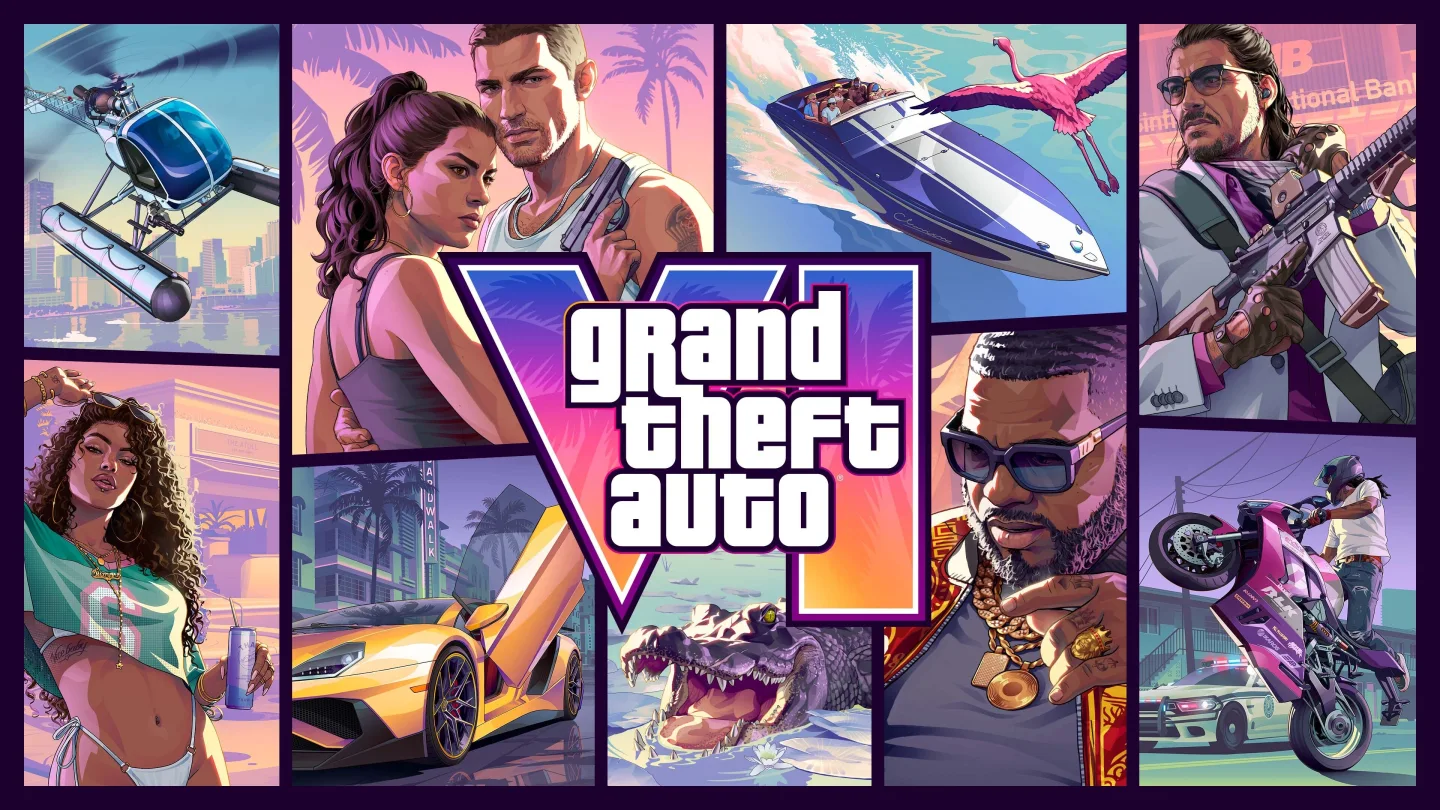
Quick answer
Redeem a PS5 GTA 6 code in the PlayStation Store using Redeem Code. Redeem an Xbox Series X|S code in the Microsoft Store or at redeem.microsoft.com. Sign in with the account you want to own the game, confirm the title and edition, then open your console library to download it.
Redeem a GTA 6 code on PS5
A PlayStation Store voucher uses 12 digits. Confirm the account country or region matches an eligible region for your voucher before redeeming. A voucher can be used once, and the content stays with the account that redeemed it.
- Sign in on PS5 and open PlayStation Store.
- Press the triangle button, open More (the three-dot menu), and select Redeem Code.
- Enter the voucher, check that the product displayed is the edition or add-on you expect, then redeem it.
- Download from the confirmation screen or look under Game Library → Your Collection.
Redeem a GTA 6 code on Xbox Series X|S
Xbox and Microsoft prepaid codes have 25 characters. Use the Microsoft account you play on, since Microsoft attaches the redeemed content to that account.
- On your console, open the Store and choose Redeem from the side menu. On the web, sign in at redeem.microsoft.com.
- Enter the code, review the product and account shown, and confirm.
- On Xbox, open My games & apps → See all → Full library → Owned games and select GTA VI to install it.
Find a missing GTA 6 order or code
For a retailer purchase, check the email address used at checkout, including spam, and use the retailer’s order page if one was provided. Look for a separate code-delivery email and compare the order status with the delivery window on your receipt. An order number identifies the purchase. The voucher is the code you enter in the console store.
If you bought directly in PlayStation Store or Microsoft Store, check your transaction history and console library on the purchasing account. The digital license is attached to that account. If a Vice Keys code is missing, email getvicekeys@proton.me with your order number, platform, and edition. Keep your full voucher, password, and security codes out of public posts.
Fix an invalid, already redeemed, or region error
Check the code against the original delivery, then read the full error. For an already redeemed message, check the transaction history and library of the accounts on which you might have used the key. For an invalid or unactivated retailer voucher, contact the seller with your proof of purchase and the error text. If a valid voucher still fails in the platform store, contact PlayStation or Xbox Support with the error and proof of purchase.
Rockstar’s GTA VI regional guidance says Xbox game activation codes are region-free and PlayStation codes work in specific regions. For example, PlayStation codes from the North American region work on Canadian and US accounts, and UK codes are for UK accounts. Check the retailer’s listing for the exact product and territory. If you received the wrong platform or region, ask the seller which options apply to your order.
Frequently asked questions
Where does GTA 6 appear after I redeem the code?
On PS5, open Game Library → Your Collection. On Xbox, open My games & apps → See all → Full library → Owned games. Check that you’re signed in to the account that redeemed the code.
Why are my GTA 6 Ultimate Edition bonuses missing after redemption?
Start by checking that the correct edition or upgrade appears in your transaction history. Some eligible items become available as you progress through the story. Use the official edition details to check whether the item is included with your purchase.
What players are asking
Where do I look for a retailer code when my order already shows up?
r/Enebagames order and delivery discussionWhat should I check if I redeemed GTA 6 and my Ultimate bonuses are missing?
r/PlaystationIndia Ultimate Edition discussionWhich Xbox redemption route should I try if a boxed code fails online?
Tweakers boxed-code redemption discussion