Story mode
GTA 6: How to Sleep, Set an Alarm and Skip to Night
Quick answer
Go to the bed in your active safehouse. At Jason’s Key Lento bed, hold Triangle on PS5 or Y on Xbox when Rest appears. Choose Sleep with Square or X, use the D-pad to change the Alarm, then confirm with Cross or A. For a night-only activity, stop on Sleep Until Night before confirming.
Use the bedroom’s Rest prompt
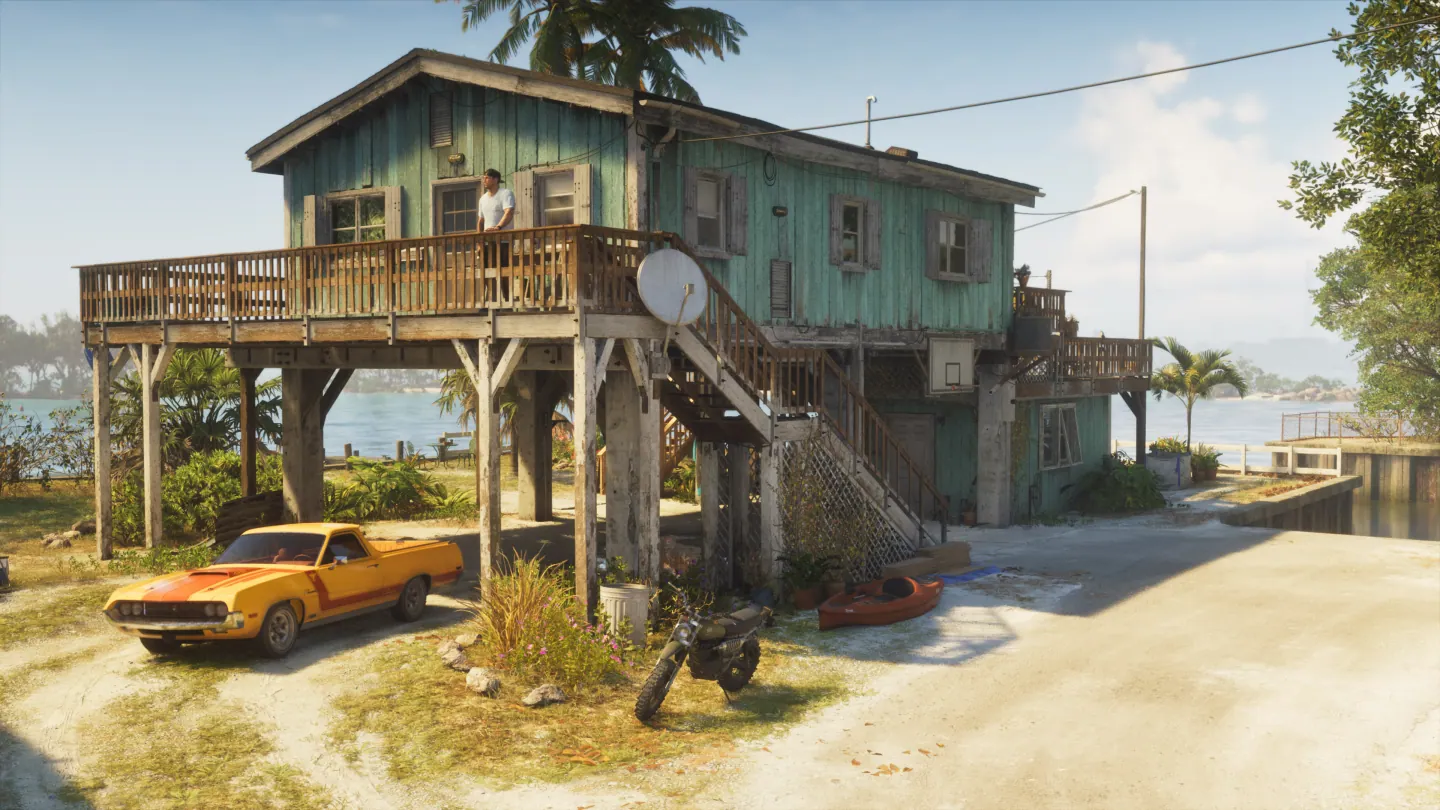
- Go to the house or room the story currently uses as your safehouse. At Jason’s Key Lento house, take the exterior stairs, enter and walk to the bedroom with the low bed and white pillows.
- Move beside the mattress until the prompt reads Rest. If the prompt reads Stash, shift toward the side of the bed until Rest is selected. The bedroom’s floor stash uses the same interaction button.
- Hold the button shown on Rest to get onto the bed. The next screen shows Phone, Sleep and Get Up. Choose Sleep with Square on PS5 or X on Xbox.

Confirm the wake-up period and check the clock
Use the D-pad next to Alarm until the confirm line names the period you need. One recorded run shows Sleep Until Night at 3:15 p.m. and then Sleep Until Morning after the player changes the selection. Check that line before pressing Cross or A.
After the sleeping scene, check the in-game phone clock and the objective again. If you are going to a night-only activity, allow for the journey from the safehouse. If a task has an hourglass or an active deadline, read its time window before choosing an alarm so you can still reach it.
Frequently asked questions
Why is my character on the bed and the game clock still running normally?
Rest opens the bed interaction. Choose Sleep, set the alarm and confirm the Sleep Until line to advance time.
Can I back out before the clock jumps?
Use Back in the alarm menu, then Get Up on the bed screen. The time jump starts when you confirm the alarm.
Do I need to use the bed to save my game?
For a manual save, go to Pause → Game → Save Game and choose a slot. The bed’s Sleep action advances the clock.