Story mode
GTA 6 VCIA Takedown Landing: Throttle and Pull Up Controls
Quick answer
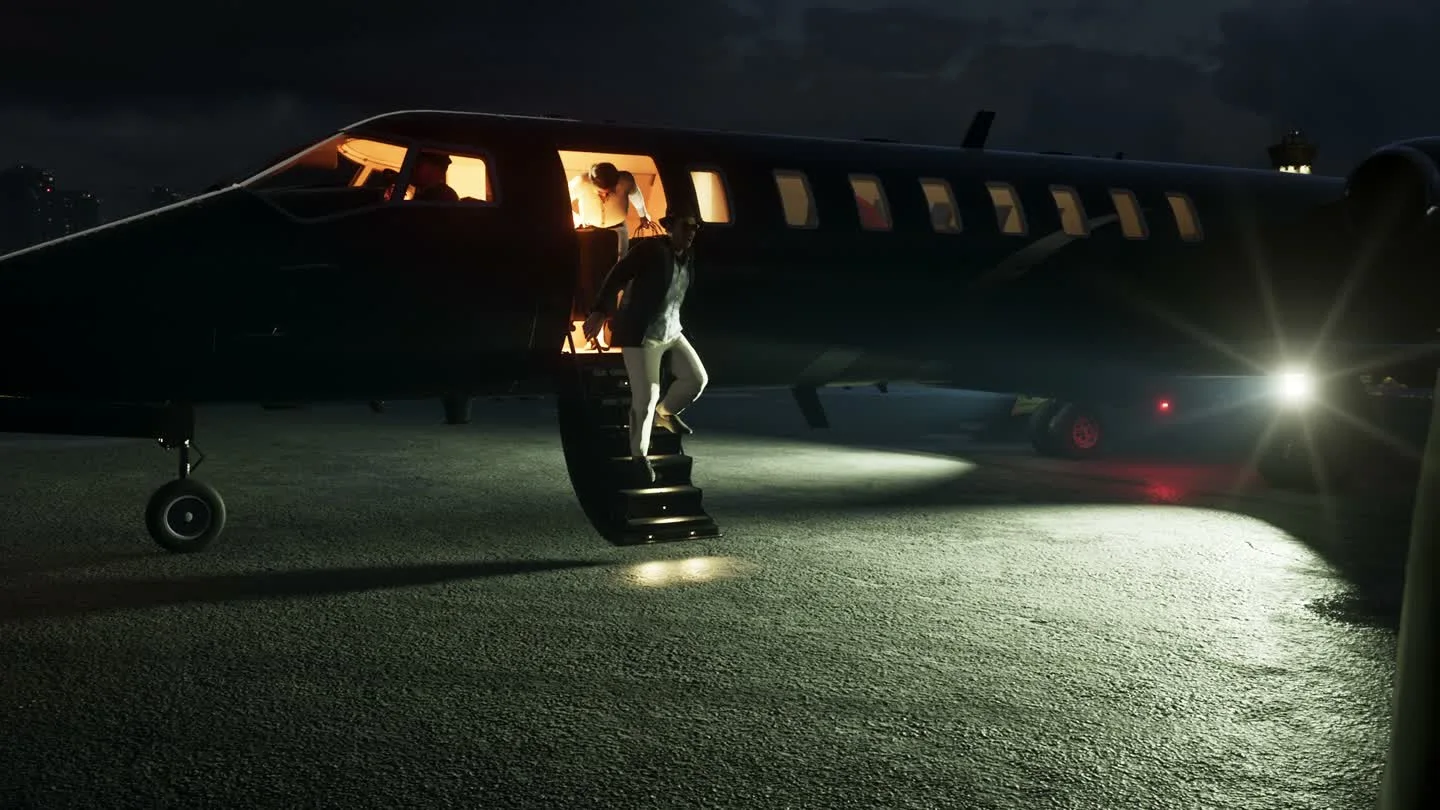
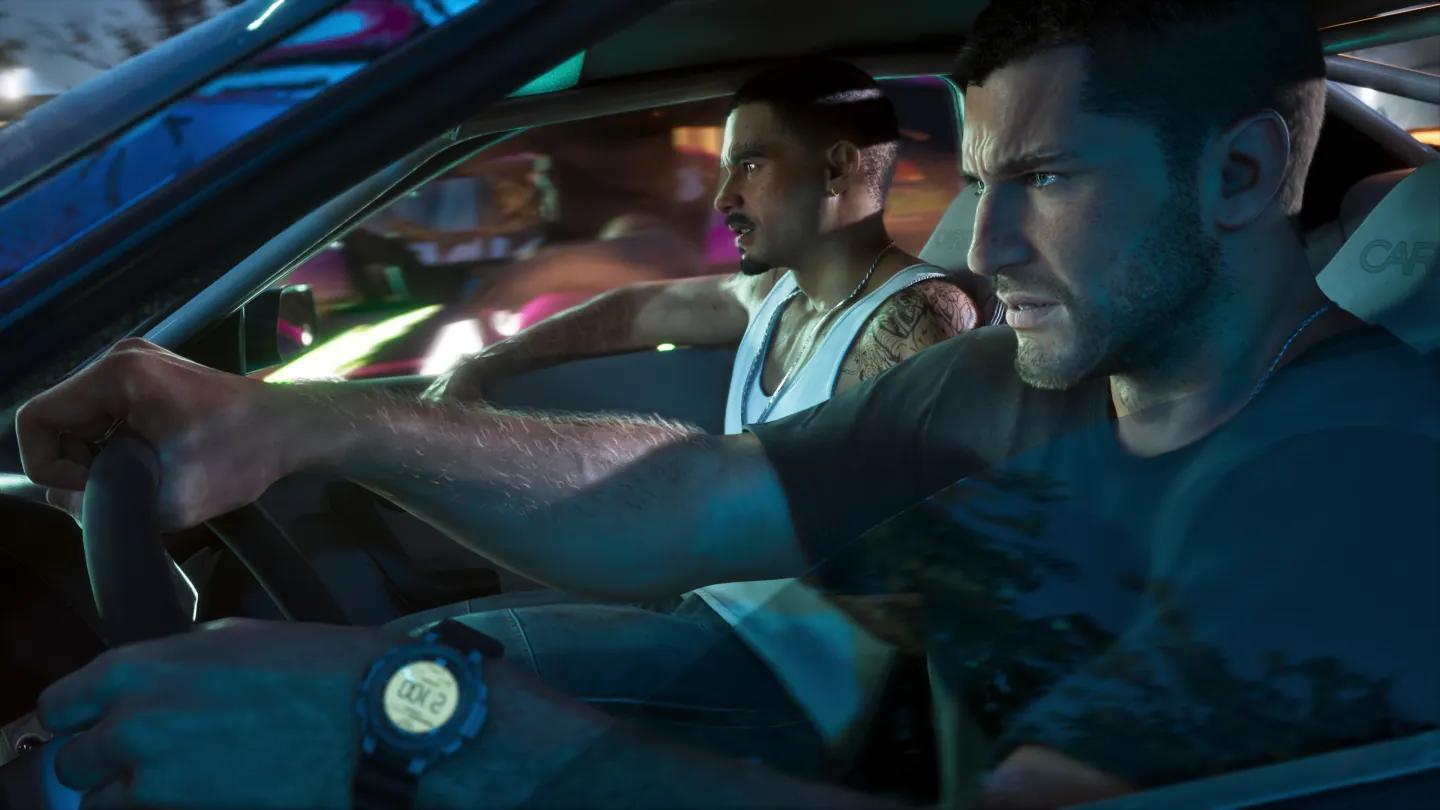
After Jason boards Andrea’s van in VCIA Takedown, the mission switches to Lucia and Raul in the cockpit. Hold Throttle with R2 on PS5 or RT on Xbox and pull down on the left stick for Pull Up. Keep both inputs held until the cockpit sequence cuts to the plane coming down on the water.
See all Chapter 4 walkthroughs
Finish Andrea’s van objective before the landing
Late in VCIA Takedown the story cuts between Lucia on the aircraft and Jason in the ground sequence. Finish the currently displayed task as the character you control. The final cockpit segment starts after the scene in the overpass yard, where Andrea loads the white Plane & Simple van.
When the objective changes to Get in the Van, look beside the stacked blue containers and orange road barriers. Board Andrea’s van. Wait for the camera to switch back to Lucia seated next to Raul. The Throttle and Pull Up controls appear at the lower right of the cockpit view.
Use Throttle and Pull Up at the same time
- Hold R2 on a DualSense or RT on an Xbox controller for Throttle. Keep the trigger held as you work the second control.
- Pull down on the left stick for Pull Up. Use the left stick direction shown by the prompt while continuing to hold the trigger.
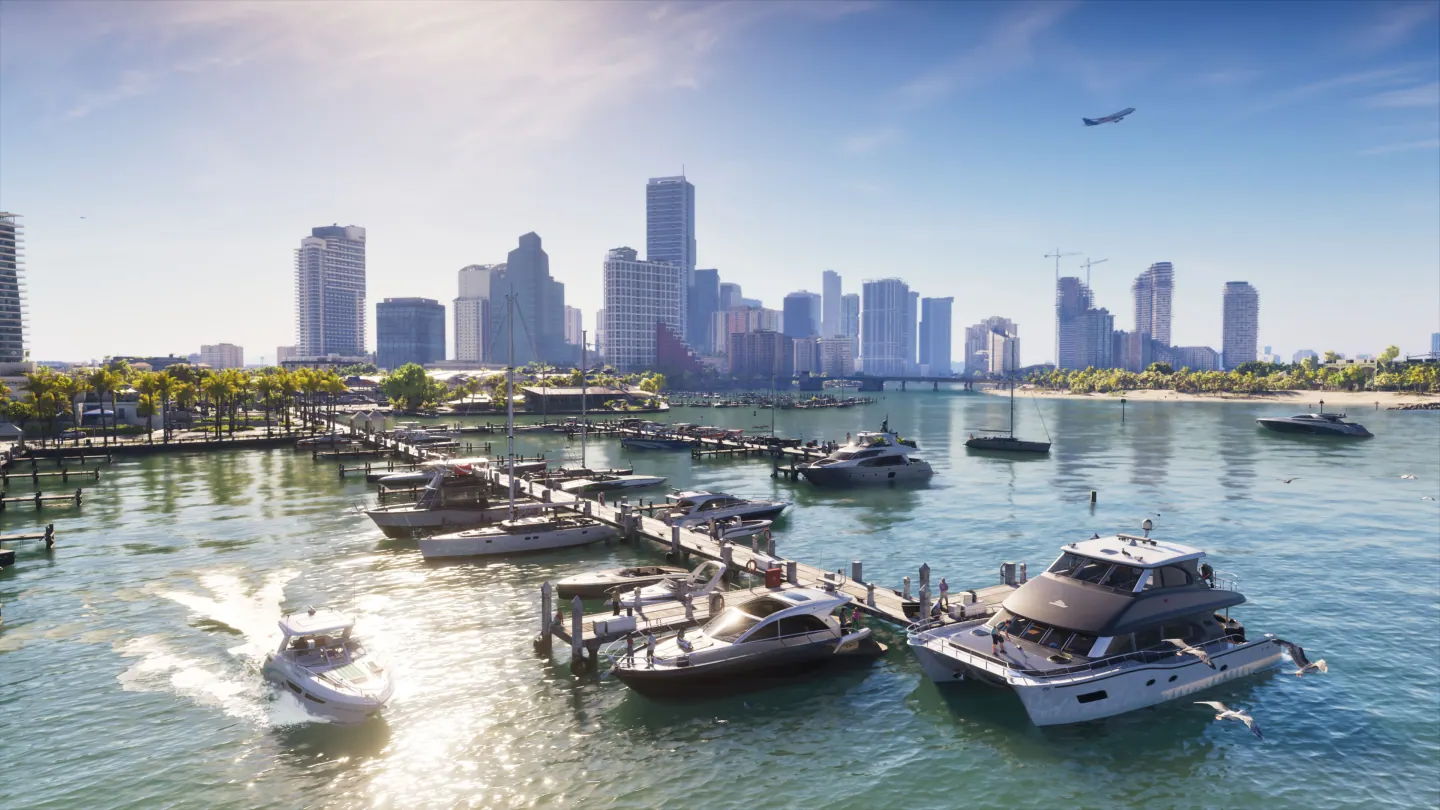
- Keep both inputs until the cockpit cut ends. The exterior shot shows the jet landing on the water, and the story continues on a dock. Let the remaining scenes play for the mission completion and Hi-Jacked.
Frequently asked questions
What does Pull Up mean on the controller?
Pull the left stick down to raise the aircraft’s nose. Hold R2 or RT for Throttle at the same time.
Do I land the jet on the airport runway?
The mission cuts from the cockpit controls to a scripted water landing. Hold the two prompted inputs until that scene starts.