Exploration
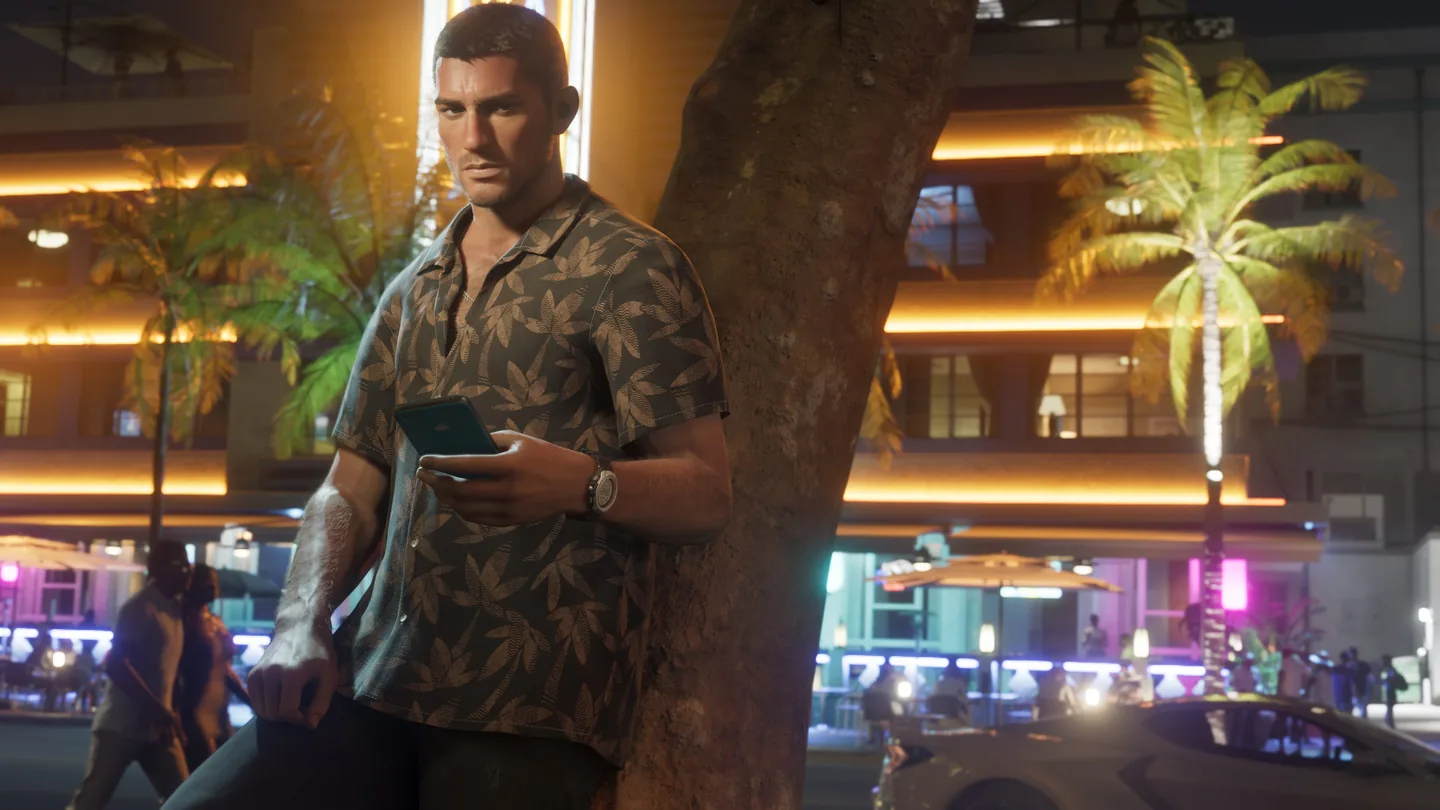
How to Use the WAiNK Scanner in GTA 6
Quick answer
Hold Up on the D-pad to open WAiNK directly. Aim the phone at the vehicle or landmark, then use R1 on PS5 or RB on Xbox when the scan prompt appears. For a nearby location alert, get out of the vehicle and approach the point on foot.
Open the scanner and register a discovery
- Hold D-pad Up as the quick shortcut. You can also tap Up to open the phone and select WAiNK from its app grid.
- Point the phone at one recognizable target. For a landmark, walk toward it when the nearby scan alert appears.
- Use the displayed R1 or RB scan prompt. Check the confirmation before moving the phone away.
- After a vehicle scan, check Progress → Vehicles. For tracked landmark scans, check the WAiNK Locations part of Collections.

Location and vehicle scans use different counters
| Target | Progress menu | 100% target |
|---|---|---|
| WAiNK landmarks and similar discoveries | Progress → Collections → WAiNK Locations | 100 locations |
| Base model vehicles, including boats and aircraft | Progress → Vehicles | 200 base models |
| AHOL Street Art and 1010 Murals | Their own Collections entries | Tracked apart from the 100 WAiNK locations |
| Animals | Progress → Animals | Study any 100 with binoculars |
What to check when a scan appears to do nothing
For a place alert, move out of the car and get closer on foot. If the collectible belongs to a different set, look at that set’s Collections entry to see whether the scan registered there. A location scan will not raise your vehicle total.
For a vehicle, check whether you already have that base model. If you want to add new models without retracing the same streets, scan around the area you are already visiting. The Keys give you opportunities to scan boats, while busier city roads offer a wider mix of cars.
Using WAiNK to identify the Phoenix
In Unwanted Attention, Cal sends a picture of the car you need. Use the WAiNK view to check the candidate cars in the mission area. The red Imponte Phoenix is attached to the tow truck. When you register the correct car, the on-screen objective advances.
Frequently asked questions
Do boats and planes count as vehicle scans?
Yes. Base models in those categories contribute to the vehicle discovery target.
Can I scan animals with WAiNK for 100%?
Use binoculars to study wildlife. That progress belongs to the separate Animals tracker.