Controls & settings
GTA 6 Auto Equip Helmet: Put One On for Bike Rides
Quick answer
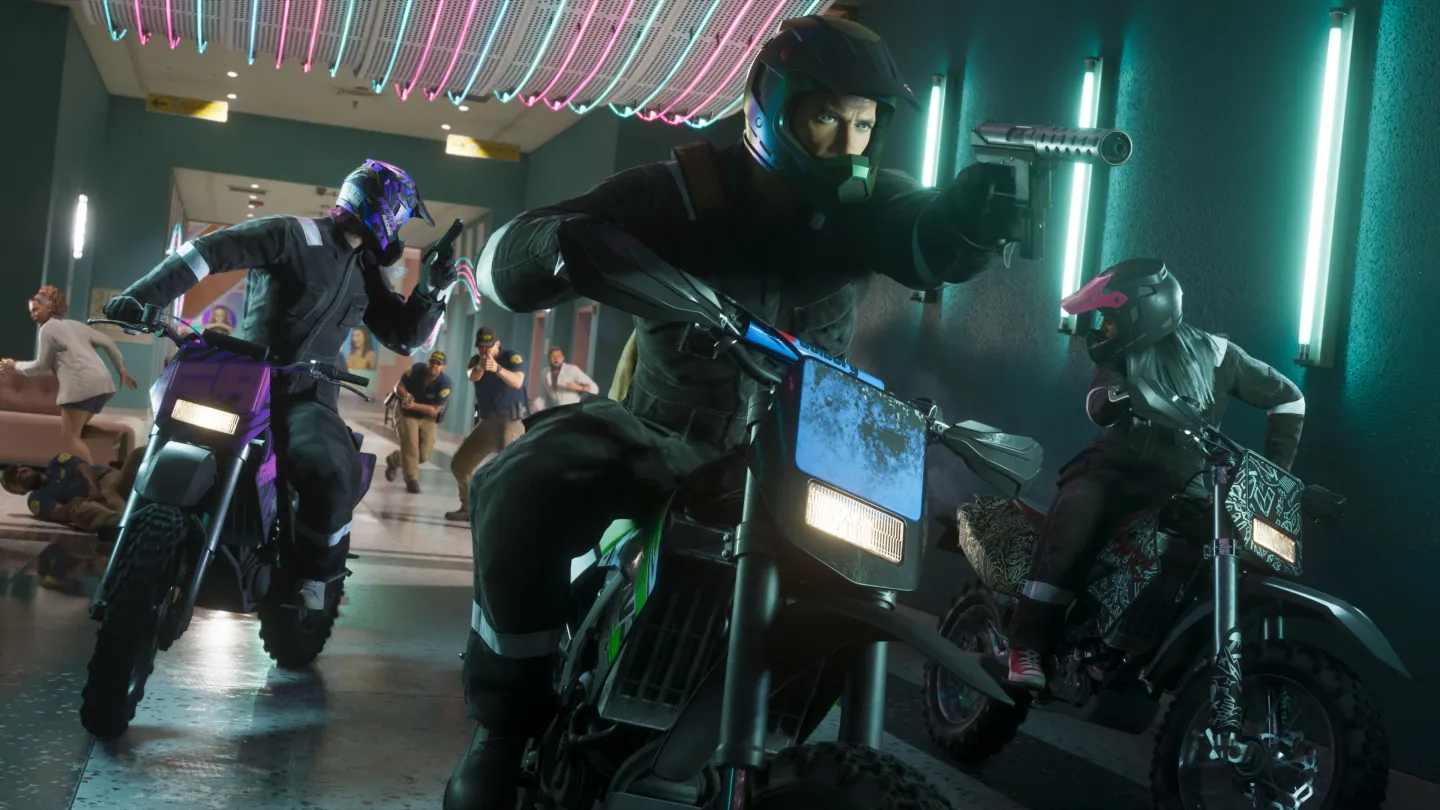
Pause GTA 6 and open Settings → Gameplay. Find Auto Equip Helmet just below Auto Drive and turn it On. Dismount and get back on a bike to test it. The setting’s description includes motorcycles and bicycles and says the helmet is removed after dismounting. For manual use, open the Items tab of the loadout wheel and select a helmet from headgear.
Set the option and test a fresh mount
- Open Settings inside GTA 6 and move to Gameplay. Scroll to Auto Equip Helmet, between Auto Drive and Accessible Combat in the filmed menu.
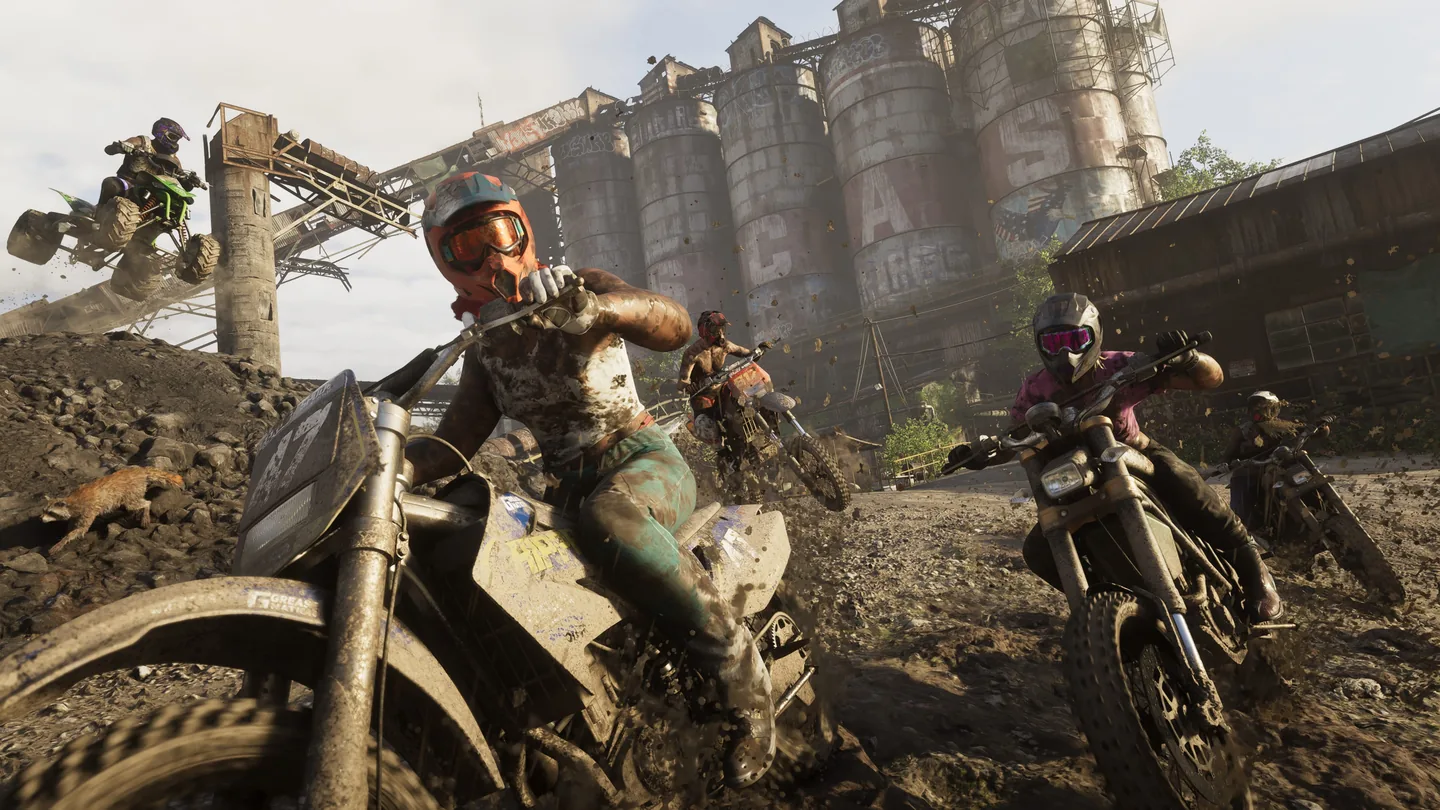
- Set it to On to equip a helmet automatically on compatible bikes. Back out to free roam, get off the bike if already seated, and mount it again. Look at the character from the side to see whether the helmet appears.
- Set the option to Off if you want to control the headgear manually. Test on the same bike so you are comparing the setting under the same conditions.
Use Items for headgear you want to choose yourself
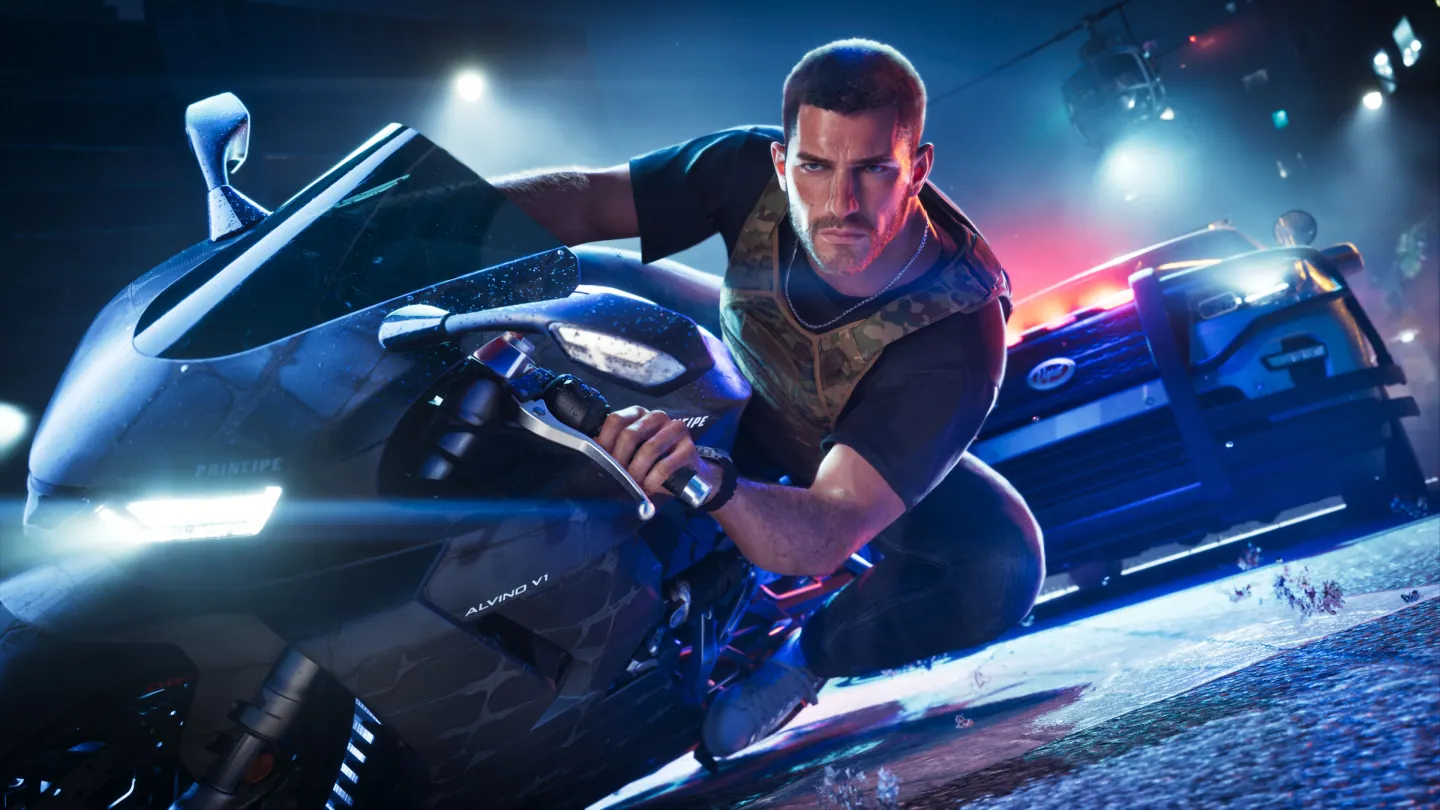
Hold the loadout button, L1 on default PS5 or LB on default Xbox. Switch from Weapons to Items using the wheel’s tab hint. Highlight headgear and choose the available helmet. The manual example shows the selection followed by the character wearing it on the bike.
If the wheel shows a hat or headphones, move to the helmet choice with the slot’s cycling prompts. Use the in-game item name to verify what you equipped. The automatic setting changes when a helmet goes on as you get on or off a supported ride.
Frequently asked questions
Why does the helmet disappear when I get off?
Auto Equip Helmet is described as putting a helmet on when you mount a supported vehicle and taking it off when you get off.
Where is the setting if I only see controller options?
Switch to the Gameplay tab. Auto Equip Helmet is below Auto Drive in the filmed menu.
Where do I choose my own helmet?
Open the Items tab in the loadout wheel and check the available headgear selections.