
GTA 6 controls & settings
Find the right setting or button for camera movement, aiming, driving, flying, and accessibility on PS5 and Xbox.
Controls & settings guides
 Controls & settings
GTA 6 Melee Controls for Blocking, Dodging and Grappling
Use the Default melee controls on PS5 and Xbox Series X|S, and find the in-game Melee preview.
Read guide
 Controls & settings
GTA 6 Quick Swap, Holster and Quick Throw Controls
Switch between the short press and hold controls for the loadout, holster a weapon, and use Quick Swap while aiming.
Read guide
 Controls & settings
How to Buy and Equip Body Armor in GTA 6
Find body armor at Ammu-Nation and switch the vest on in the Items wheel on PS5 or Xbox.
Read guide
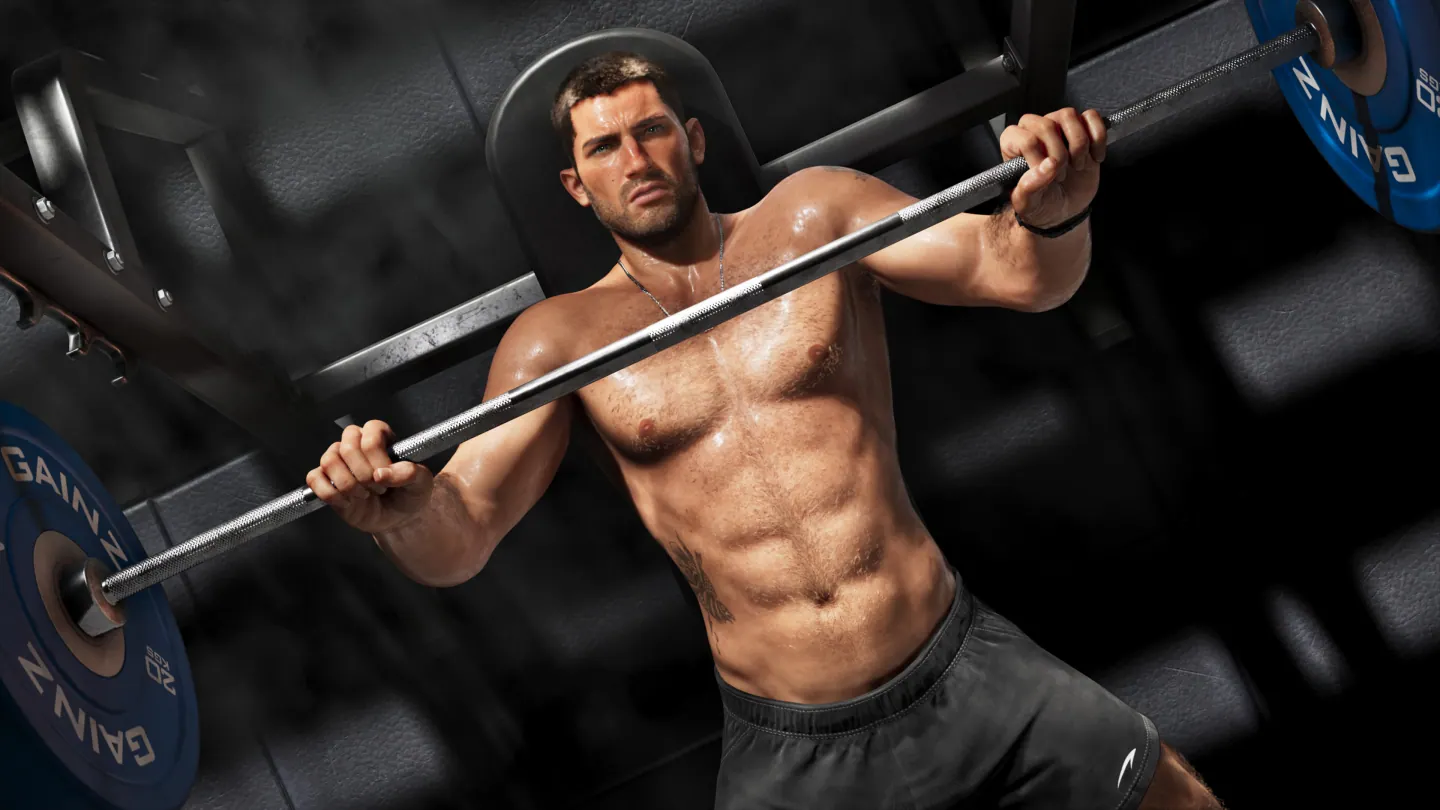 Controls & settings
How to Use Adrenaline and Overpower Vitals in GTA 6
Use the adrenaline shortcut on PS5 or Xbox and see what the temporary health, stamina and Focus boost does.
Read guide
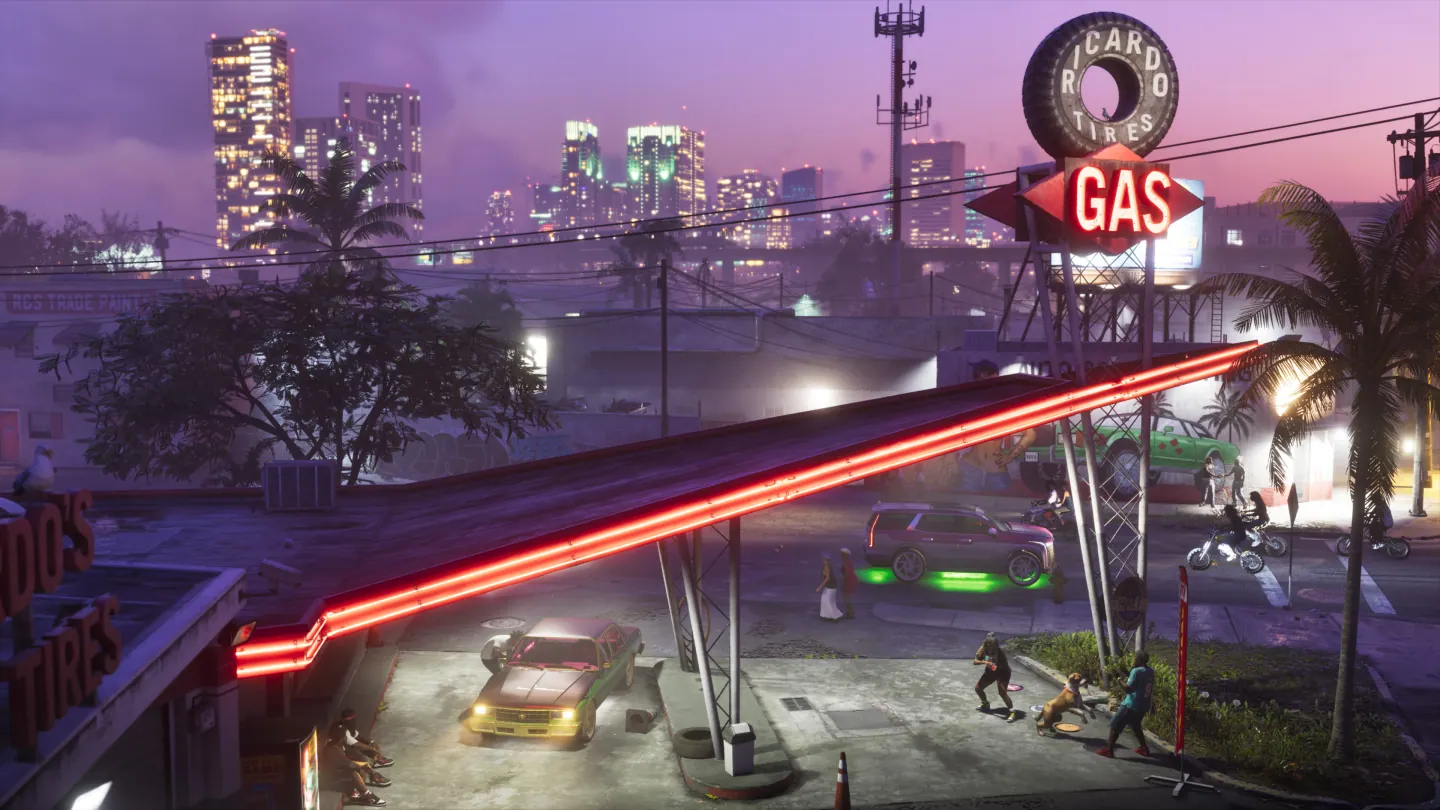 Controls & settings
How to Buy Ammo and Find It After Checkout in GTA 6
Find the Ammo and Equipment shop tab, check weapon caliber, and look in the personal vehicle trunk after buying supplies.
Read guide
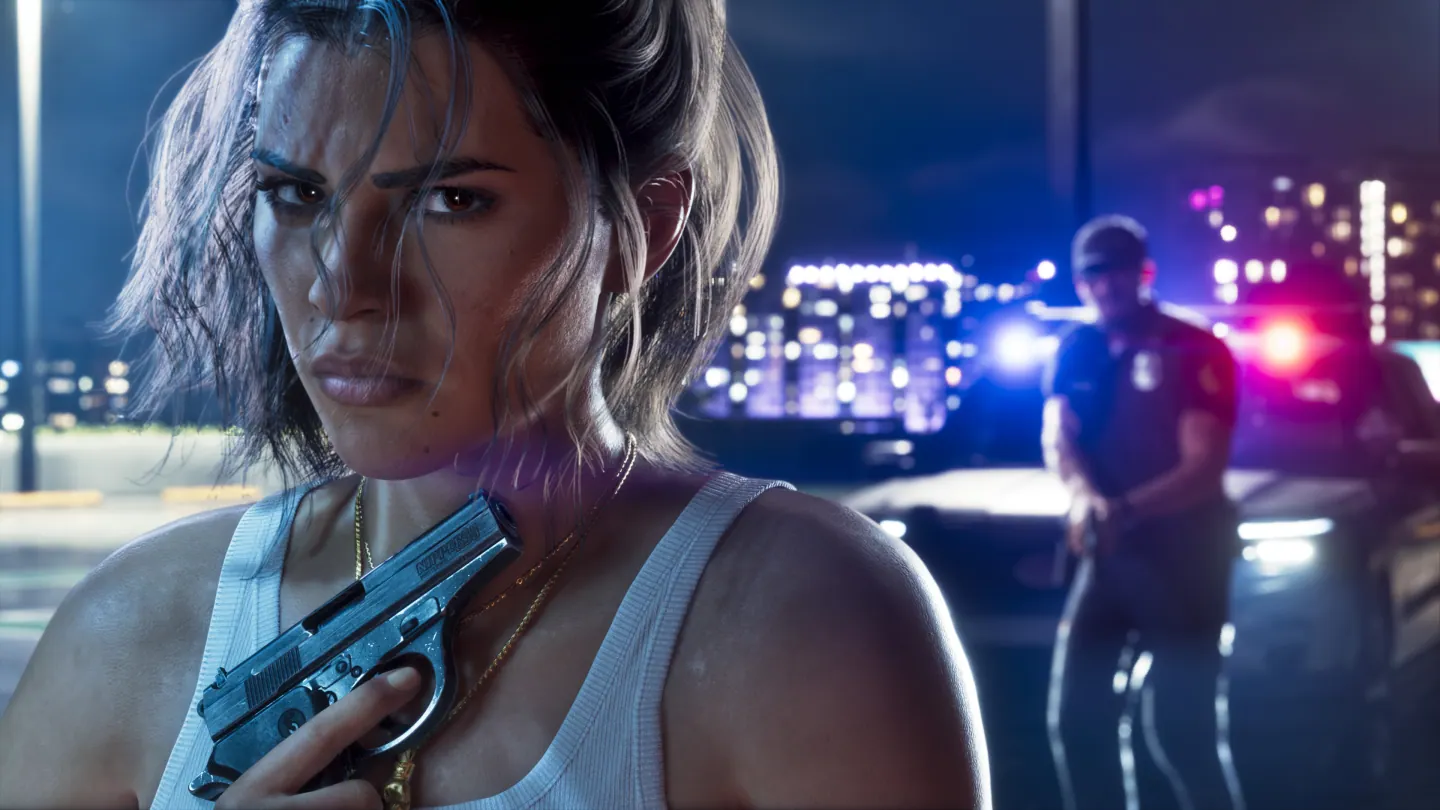 Controls & settings
Can You Remove Weapon Attachments in GTA 6?
See which weapon attachments can come off in free roam, where to change fixed parts, and what the launch menus confirm about removing and replacing upgrades.
Read guide
- How to Take Cover and Switch Shoulders in GTA 6Find the cover button on PS5 and Xbox, aim from cover, and move the aiming camera to the other shoulder.
- Why GTA 6 Weapons Disappear After Death or ArrestRead the owned, unowned and unique gun icons, and check what the in-game respawn tutorial says about lost equipment.
- How to Change the GTA 6 Crosshair and Hit MarkersChange the reticle to a dot, resize it, and adjust visibility or hit markers without changing the aim-assist mode.
- How to Show Health, Ammo and Money on the GTA 6 HUDRestore the Player Vitals, Ammo and Money displays and recall status briefly with the D-pad.
- How to Fix Missing GTA 6 Interaction and Button PromptsTurn in-world or bottom-right prompts back on, adjust prompt visibility, and distinguish the contextual interaction trigger from the action button.
- How to Change GTA 6 HUD Notifications and Show Street NamesControl street names, objective reminders, phone alerts, and progress pop-ups with the game’s separate notification settings.
- How to Change GTA 6 Adaptive Triggers on PS5Ease stiff DualSense triggers, keep the haptics you want, and check PS5 trigger intensity if effects still feel too strong.
- How to Change GTA 6 Text, Subtitle and Voice LanguageFind the Language option in GTA VI, see how text and spoken dialogue differ, and check the language list for your PS5 region.
- How to Sprint in GTA 6 and Switch to Classic ControlsSprint without jumping on PS5 and Xbox, switch to Classic controls, and check which bindings change on foot.
- GTA 6 Aim Assist, Lock-On and Sensitivity SettingsChoose Lock-On, Partial or Free Aim, then diagnose slow aiming and overshooting with the right GTA 6 controller slider.
- GTA 6 Controller or Analog Stick Not WorkingIsolate GTA 6 stick drift, missing inputs after settings changes, and controller connection problems on PS5 and Xbox.
- How to Turn Off GTA 6 Motion Blur and Camera ShakeFind Motion Blur Strength, camera shake and bob, and the screen-edge effect settings in GTA 6.
- How to Calibrate GTA 6 HDR on PS5 and PS5 ProSet PS5 HDR output, tune GTA 6’s Max Brightness, Black Levels and Paper White, and diagnose a washed-out picture.
- GTA 6 Subtitles, Closed Captions and HUD Text SizeTurn on all GTA 6 subtitles, fix mission-only text, enlarge map markers and make the interface easier to read.
- GTA 6 No Sound, Quiet Dialogue or Stuttering AudioTroubleshoot headset cutouts, distorted audio and low dialogue in GTA 6 on PS5 and Xbox Series X|S.
- GTA 6 Aircraft Controls for PS5 and XboxFind GTA 6 plane throttle, yaw, pitch and landing gear buttons, and change inverted flight controls independently.
- How to Mute Licensed Music in GTA 6Find the Mute Licensed Music toggle, check its effect on the radio and adaptive score, and identify the separate music volume control.
- GTA 6 Phone Apps and When They UnlockOpen the iFruit phone, find messages, contacts and utilities, and check when BuckMe, Scooter Bros, WAiNK and Vice City Real Estate appear.
- How to Change Your GTA 6 Phone Wallpaper and RingtoneFind Wallpaper, Ringtone and Third-Party Plugins in the iFruit Settings screen and personalize the phone’s look and alert.
- GTA 6 Difficulty and Accessibility Settings: Combat, Controls and HUDFind the GTA 6 settings for easier combat and minigames, comfortable controls, captions and readability on PS5 and Xbox.
- GTA 6 Navigation Experience and Minimap SettingsChoose between the dynamic minimap, dynamic compass and Always On navigation in GTA 6. Find the settings that bring back a missing route or HUD.
- How to Use Headphones, Radio and Podcasts in GTA 6Buy and equip GTA 6 headphones, change stations and resume podcasts on foot. Find the Style index, Items wheel and On Demand controls.
- How to Change Clothes and Store Outfits in GTA 6Use a GTA 6 safehouse wardrobe or fitting room, save a full outfit to a registered vehicle’s trunk and change accessories in the Items wheel.
- GTA 6 Parachute Pickup, Equip and Deploy ControlsBuy a parachute in Key Lento, find a free pack, switch it on in the Items wheel and learn the PS5 and Xbox deploy inputs.
- GTA 6 How to Heal With Zombix and Restock ItUse the PS5 quick-heal shortcut, check the red bottle count, and decide when to use Zombix or return to a safehouse.
- GTA 6 Loadout Wheel, Items Tab and Equip ControlsSwitch between Weapons and Items, read the active slot and troubleshoot why gear or a spare item won't appear in your active loadout.
- GTA 6 Weapon Lockers and Personal Vehicle TrunkFind owned gear at Ammu-Nation, move equipment into a personal trunk, and recover it later without buying another copy.
- GTA 6 Swimming, Dive and Resurface Controls on PS5Submerge with R1, swim more quickly with L3, and distinguish a short breath-hold dive from a dive using Kenton's scuba equipment.
- GTA 6 Scuba Gear Setup and Why It UnequipsFind the gear at the back of Kenton's boat, equip it at the Island Dreams dive marker and recover when the scuba prompt disappears on land.
- GTA 6 First-Person Camera and Driving ViewsFind GTA 6’s temporary first-person look and scoped view, and switch between the normal third-person driving cameras.