Vehicles
GTA 6 Boat Dock and Undock Prompts: What to Press
Quick answer
Take the helm and look for Undock when the boat is tied alongside a pier. Press Square on PS5 or X on Xbox, then apply throttle to drive away. To tie up again, slow beside the pier and wait for Dock to replace the ordinary driving prompts. Use the same button to secure the boat. Recalibration shows both actions at Cal’s dock.
Take the helm before looking for Undock
- Step down from the pier onto the boat. Move to the wheel and use the helm interaction so you are in the driving position.
- Watch for Undock among the controls. Press Square on PS5 or X on Xbox when that action is available. Taking the helm and releasing the boat are two separate actions.
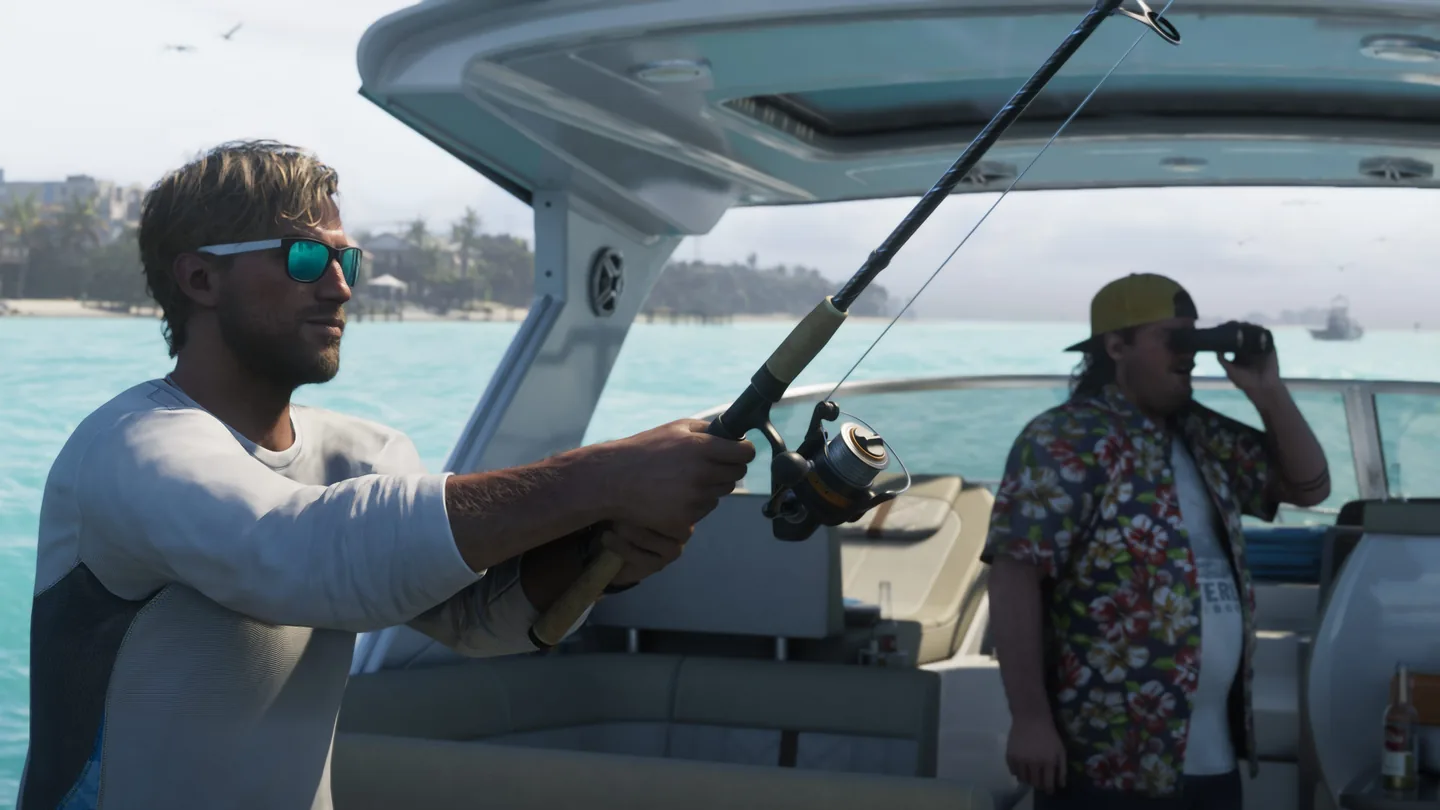
- Apply throttle once the prompt clears and turn away from the pier. In Recalibration the objective advances to the fishing spot and the destination route appears across the water.
Approach the side of the pier slowly to bring up Dock
At Cal’s dock the prompt appears when you bring the boat alongside the wooden pier. Near the return marker, line up roughly parallel and ease past the first posts until Dock appears. Follow the same button shown for Undock, then leave the helm when the boat is secure.
If you are away from the pier and the boat is still stationary, check whether you lowered an anchor through the Vehicle Menu. Stop and use the anchor icon to change its state where that option is available. If the hull is sitting on mud or sand, step out and use the separate shore recovery.
Frequently asked questions
What button undocks a boat in GTA 6?
For the default prompts, use Square on PS5 or X on Xbox from the helm when Undock appears.
Do I have to open the Vehicle Menu to untie a boat at the dock?
The docked boat in Recalibration has an Undock prompt at the helm. The anchor is a separate Vehicle Menu option that applies where the boat supports it.