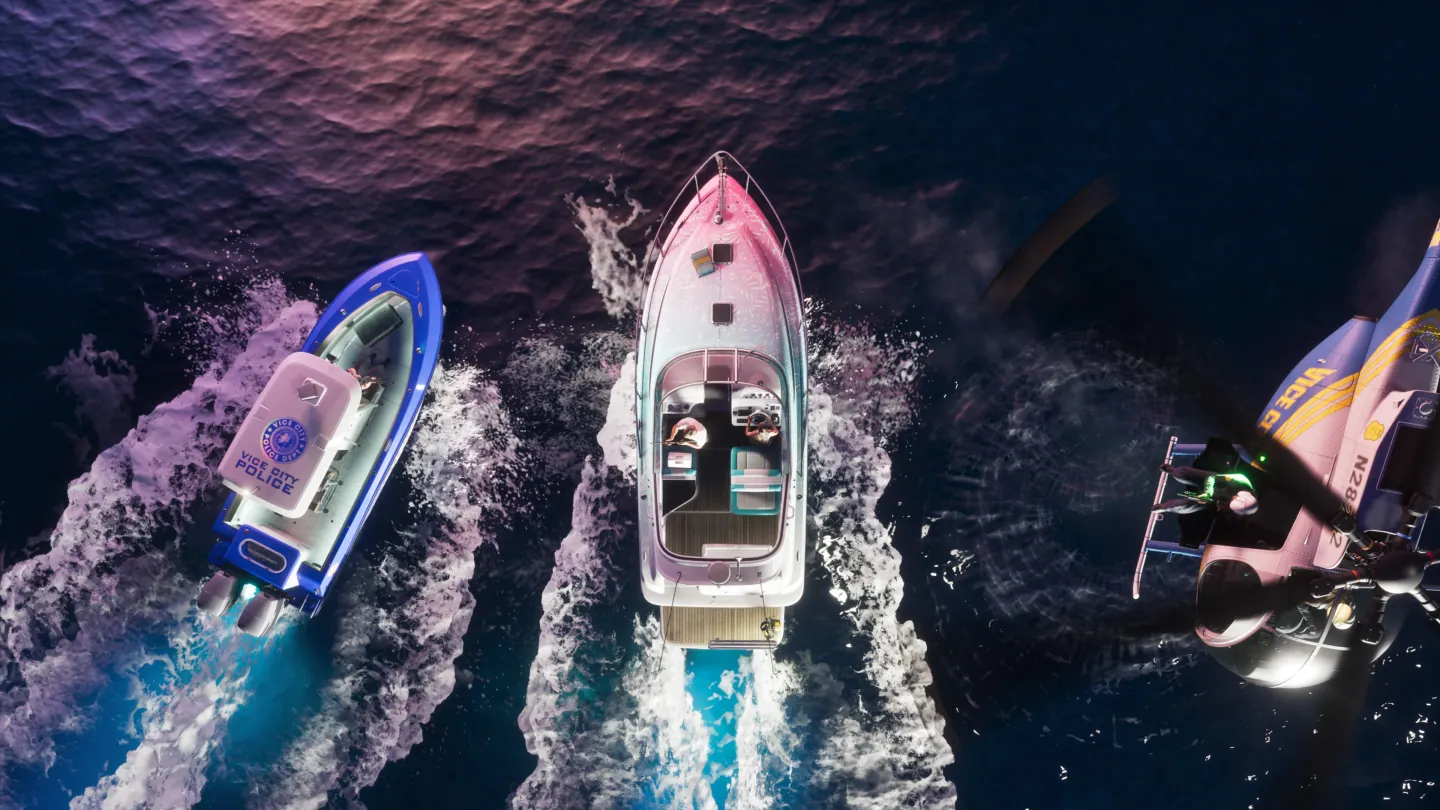
Vehicles
How to Use Boat Autopilot in GTA 6
Quick answer
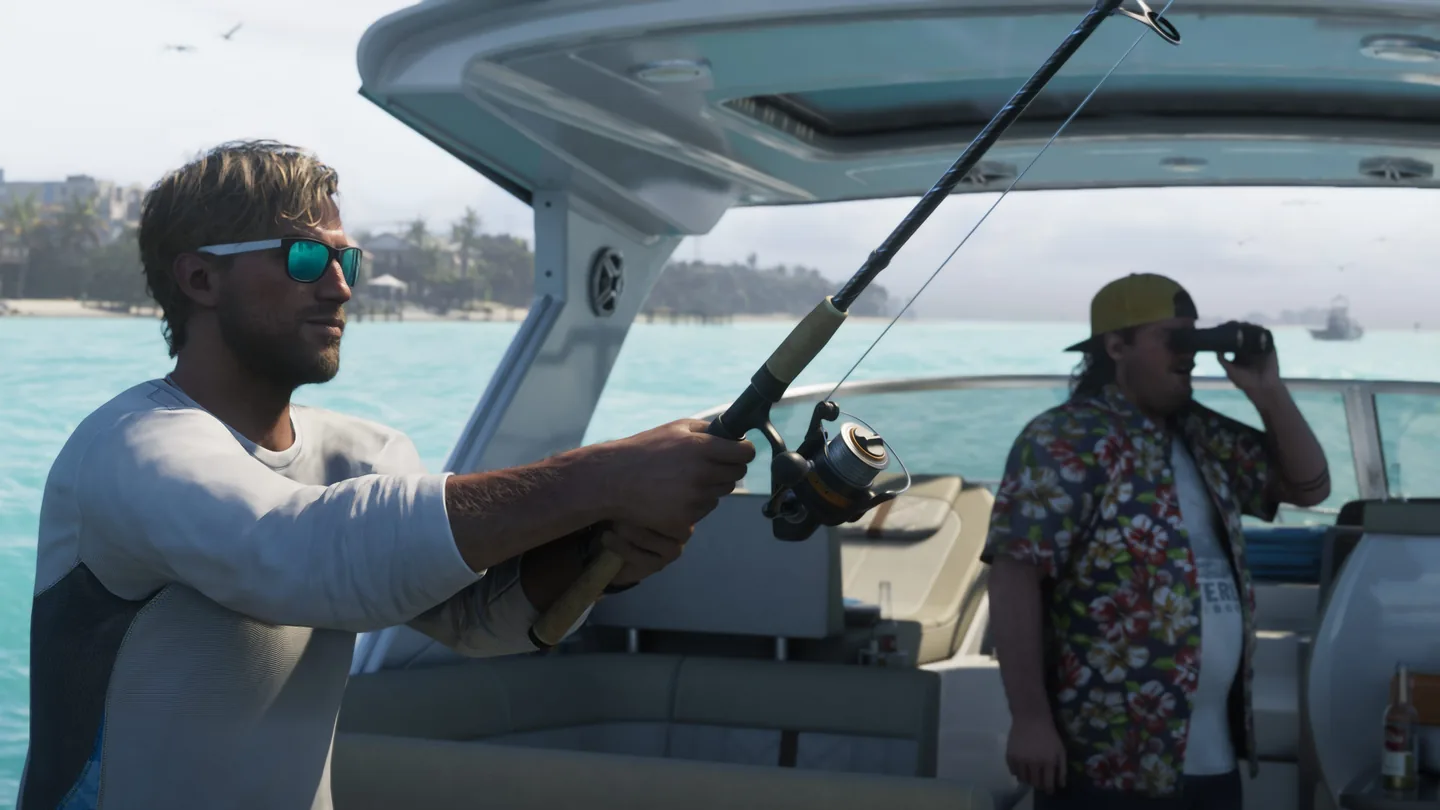
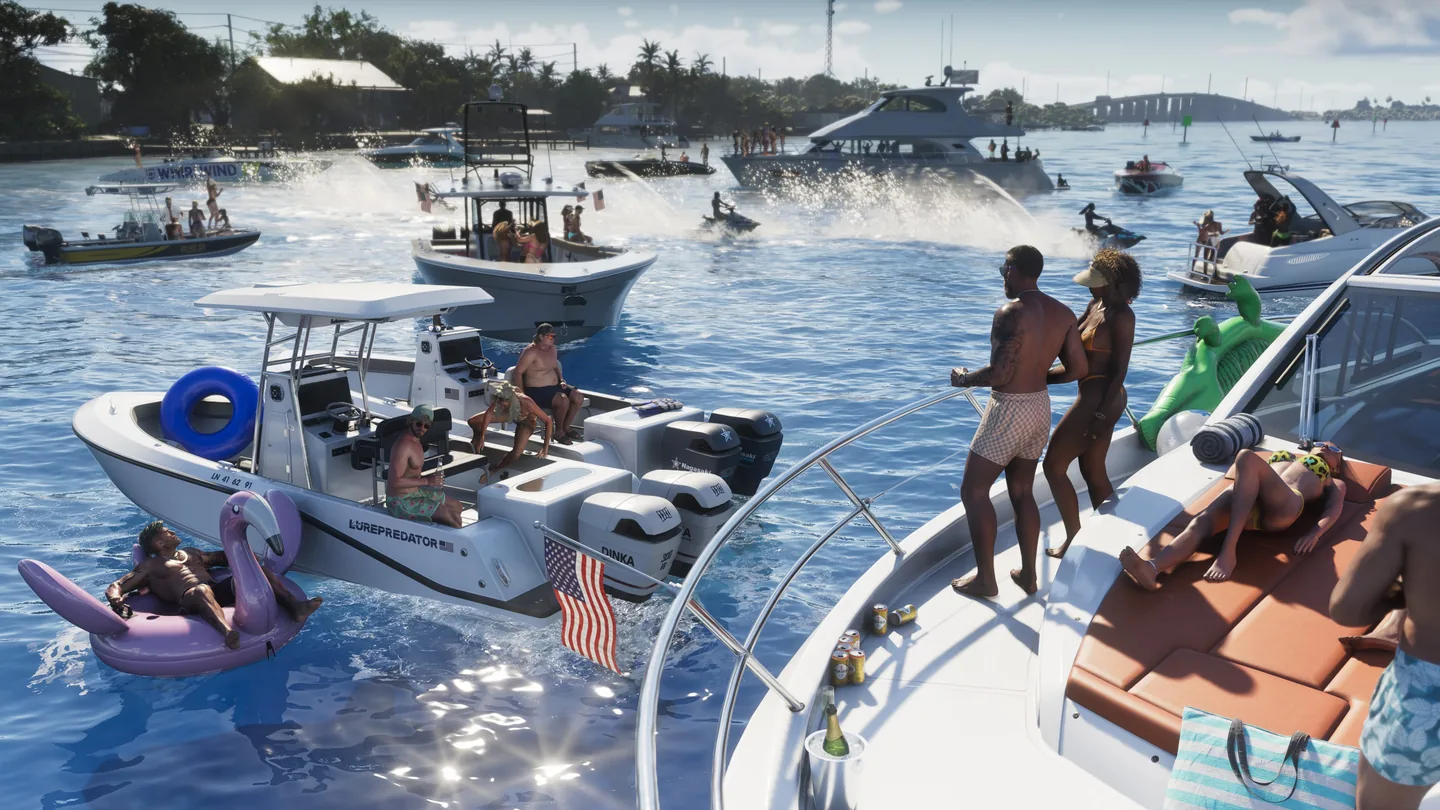
While piloting a boat or jet ski, set a destination on the map and head toward open water. Hold Down on the D-pad and press Options on PS5 or Menu on Xbox to open Cinematic mode. Move ahead gently until Auto Drive appears, then hold Circle on PS5 or B on Xbox to engage it.
Set a waypoint before entering Cinematic mode
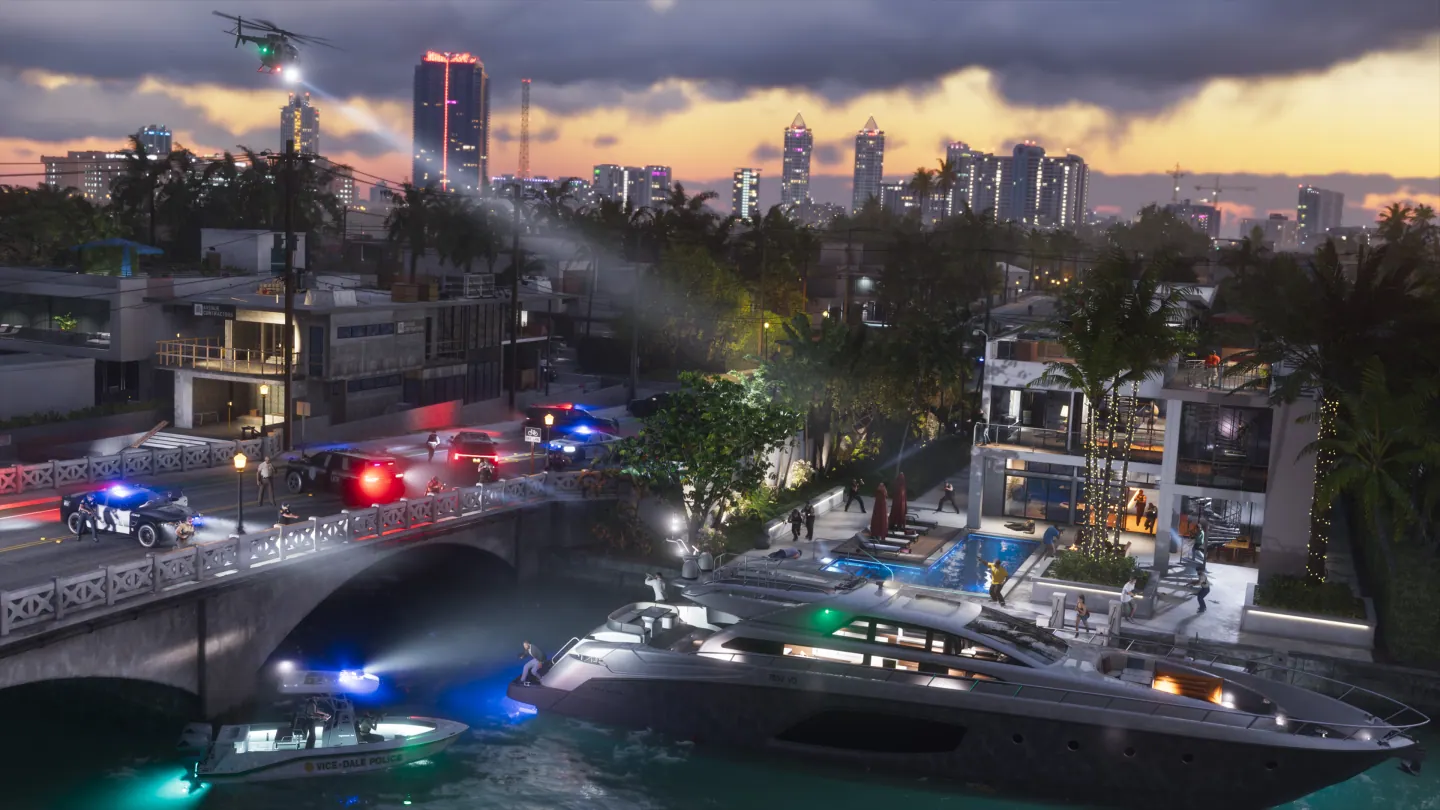
- Take the controls of the boat or jet ski and choose a destination on the full map. For a dock, put the waypoint on the water beside the landing.
- Steer away from the shore into a clear channel. Hold Down on the D-pad while pressing Options or Menu. The view should move to an exterior camera.
- Give the craft a little throttle if the prompt is missing. Hold the displayed Auto Drive input until the craft starts following the route. On the default controller layout this is Circle or B.
Check the route when Auto Drive won’t start
| What you see | What to try |
|---|---|
| The camera changes but Auto Drive stays hidden | Check that you still have a waypoint and give the craft enough throttle to move forward. |
| The waypoint sits on the beach or a road | Move it into the connected water next to the landing. Use manual steering for the final approach to the dock. |
| You need to take over near traffic or a landing | Exit Cinematic mode and steer by hand. Watch the on-screen prompts for your current controller preset. |
Frequently asked questions
Does Auto Drive skip the boat trip?
You stay on the craft while it follows the route. Use the ferry interaction where one is available if you want to skip the crossing.