Story mode
GTA 6 Buck Me: Saved Cash or Say Nothing at the Bank?

Quick answer
Choose Saved Cash if you want Jason to tell the Fleeca manager about the money at home, or Say Nothing if you want him to keep quiet. The story continues to BuckMe either way. After the meeting and the scene at home, open the purple phone app and move the $100 welcome funds from Checking into Family Savings with Buck Yourself.
See all Chapter 1 walkthroughs
Answer the manager when the two dialogue choices appear
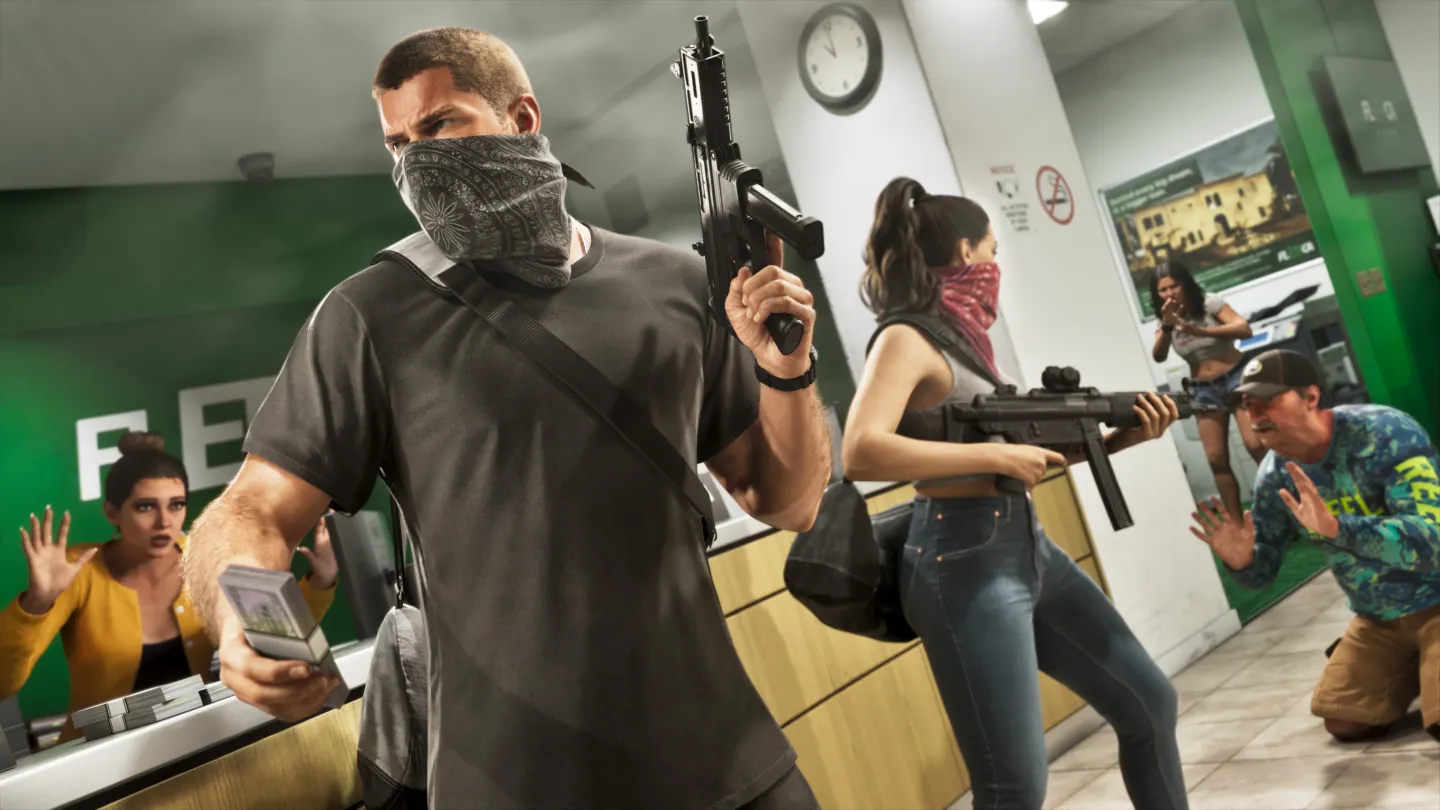
Track Set Up Bank Account at the Key Lento Fleeca after Lucia’s call. Speak to the teller behind the long counter, then go to the manager on the right by the windows. Follow him into his office and let Lucia join the conversation.
When the manager asks about money you have set aside, the game places Saved Cash and Say Nothing on screen. FP Good Game’s original PS5 recording shows Saved Cash on Cross and the silent response on Square. That run shows a heart notification after Saved Cash. It then continues through the bank’s refusal and the story introduces the app. Let the conversation finish so the game can return you to the house.
- Find the teller and manager in Trophy Tom’s filmed Fleeca visit at 0:35
- Read the two bank manager choices in FP Good Game’s original run at 1:57
- See the heart notification after Saved Cash at 2:02
- Soluce Mode’s cross-check of the two responses and the home transfer
- Find the Fleeca appointment and follow it to the house
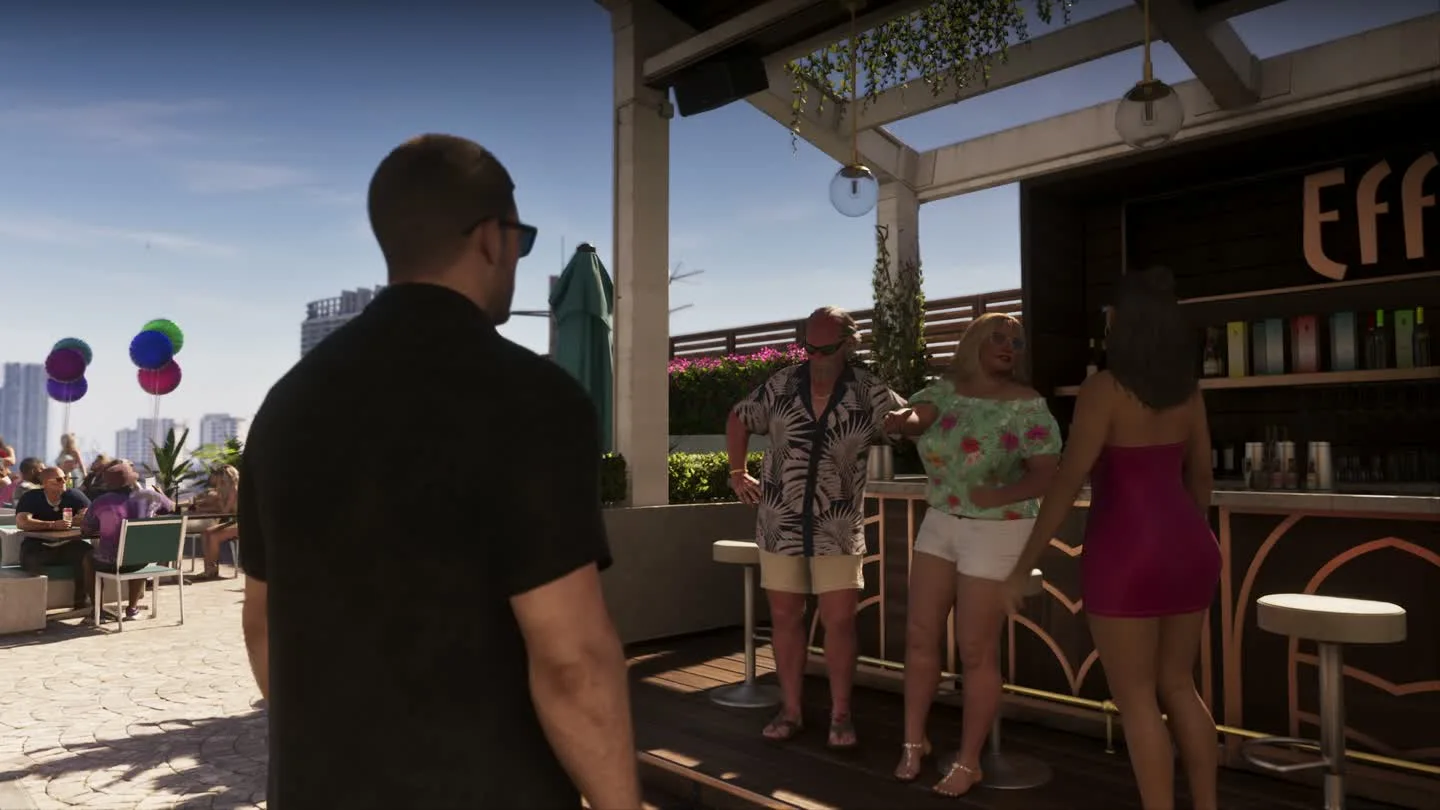
Finish the app tutorial after the bank scene
| Cue | Where it happens |
|---|---|
| Saved Cash / Say Nothing | Manager’s office during the bank meeting |
| $100 welcome funds | BuckMe on Jason’s phone at home |
| Deposit / Withdraw | A physical ATM after account setup |
- At home, wait for Jason to regain control and check the phone prompt. Open the app grid with D-pad Up and choose the purple BuckMe icon.
- After the welcome animation, open Checking Account and use Buck Yourself. Check that the destination reads Family Savings and confirm the welcome amount.
- Wait for Bucking Complete, then close the phone and finish the remaining conversation with Lucia. Check the Story or Optional list later for the deposit tutorial if you want to move the cash in your pocket.
Frequently asked questions
Should I leave the office to get my cash from home?
Choose an on-screen response and let the conversation finish. The story takes Jason home for the BuckMe tutorial.
Does the $100 transfer use my wallet balance?
Start with the $100 already displayed in the app’s Checking Account.
Sources
- Read the two bank manager choices in FP Good Game’s original run at 1:57
- See the heart notification after Saved Cash at 2:02
- Find the teller and manager in Trophy Tom’s filmed Fleeca visit at 0:35
- See the tutorial transfer confirmation on Jason’s phone at 4:05
- Soluce Mode’s cross-check of the two responses and the home transfer
- PowerPyx’s Buck Me story sequence and $100 tutorial