
Activities
GTA 6 Cal’s Cobia Challenge: Vice Beach Spot and Catch Photo
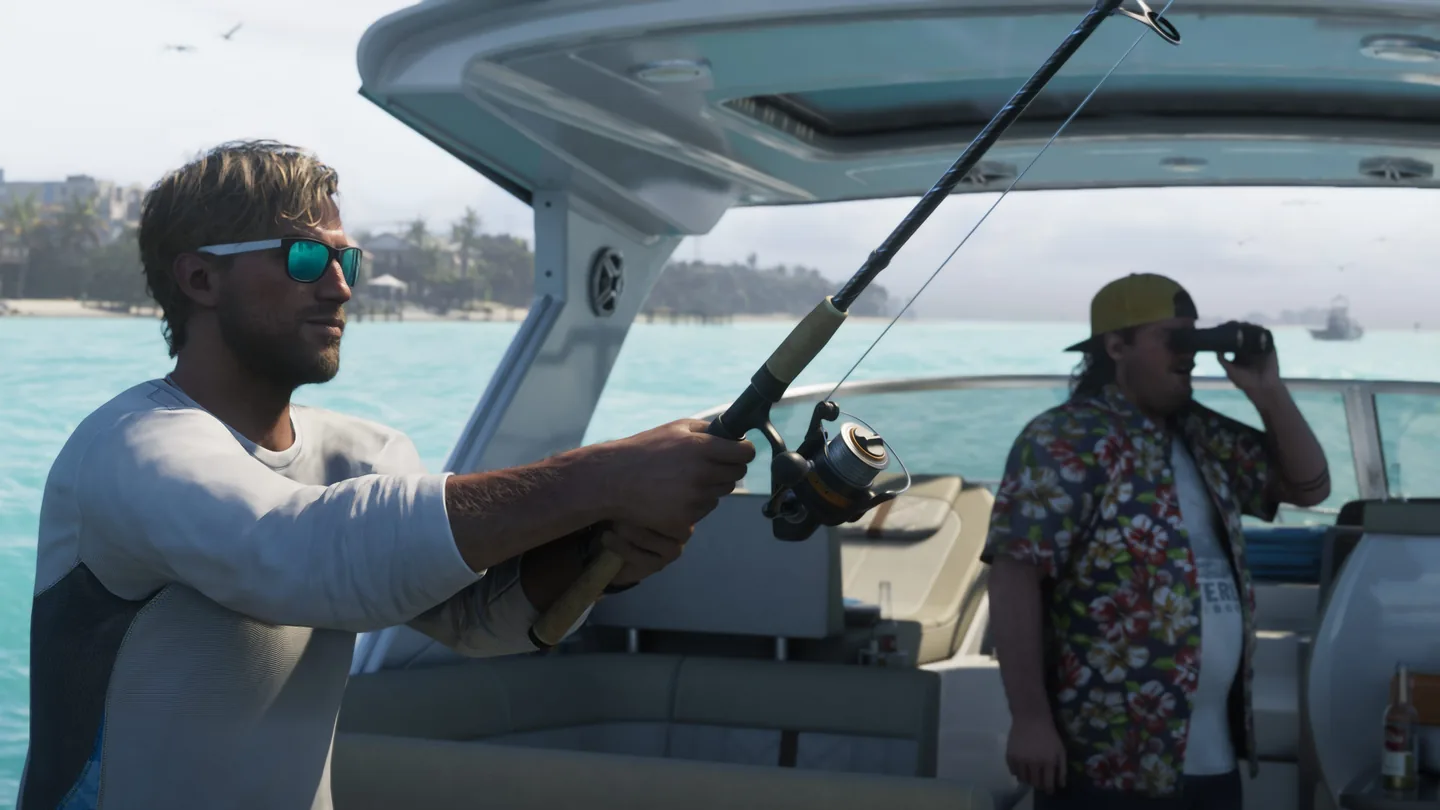

Quick answer
For Cal’s Cobia challenge, fish from a boat in the purple circle offshore east of Vice Beach. Check the Cobia’s weight against the record on Cal’s challenge card. If the catch is too light, throw it back and cast again in the circle. When a Cobia qualifies, choose Take Photo for Cal on the catch screen before releasing it.
Match the Cobia challenge card to the offshore circle
- Open your current Catch a Bigger Fish marker and read the species and weight before leaving shore. Cal’s earlier Parrotfish, Spadefish and Permit challenges have different circles. The Cobia recording starts with the purple circle offshore to the east of Vice Beach, across open water from the beachfront buildings.
- Take a fishing-equipped boat into the marked water. Compare the close zoom at 0:02, where the shore is to the west of the circle. Stop within the circle and move to the fishing position on the boat. In the recording the angler casts with the beachfront skyline in view.
- If you started at a general Cobia hotspot for the Animals log, compare the map with Cal’s active circle before reeling in. The challenge run at Vice Beach shows the required catch interaction in that marked area.

Wait for Take Photo for Cal before releasing the catch
- Reel in the fish and read both the species and the weight. At 2:18 the fish is a Cobia, but the game says it falls short of Cal’s record and offers Throw Back. Release it and stay in the circle for another cast.
- At 4:07 the second Cobia brings up Take Photo for Cal as an additional option. Use that catch-screen action first. It is the clearest sign that the fish is eligible for the challenge, even if you have already logged a Cobia in your collection.
- If the option remains absent, verify the active challenge’s target, your spot inside its map circle and the result on the catch screen. A species record or a camera photo outside the catch interaction is a different action.
Check your active stage if the Cobia request is missing
Use Cal’s current map card as the source for the request in your save. If the active card asks for Atlantic Spadefish or Permit, follow that challenge first, then watch for Cal’s next marker.
When trying a different lure, verify what is selected before casting again. The Cobia clip shows two Cobia from the same offshore area and a successful photo. Use its location and catch-screen sequence as your reference.
Frequently asked questions
Where do I catch a Cobia for Cal?
Check the active challenge marker east of Vice Beach. Use a fishing boat to stop inside its purple offshore circle.
Why does a Cobia catch only say Throw Back?
Compare the catch with the weight on Cal’s card. The recording shows an underweight Cobia with Throw Back and then a heavier one with Take Photo for Cal.
How do I submit the Cobia to Cal?
Use Take Photo for Cal while holding the qualifying fish on the catch screen. Then release the fish.