Vehicles
GTA 6 Underglow: Where to Install It and How to Turn It On
Quick answer
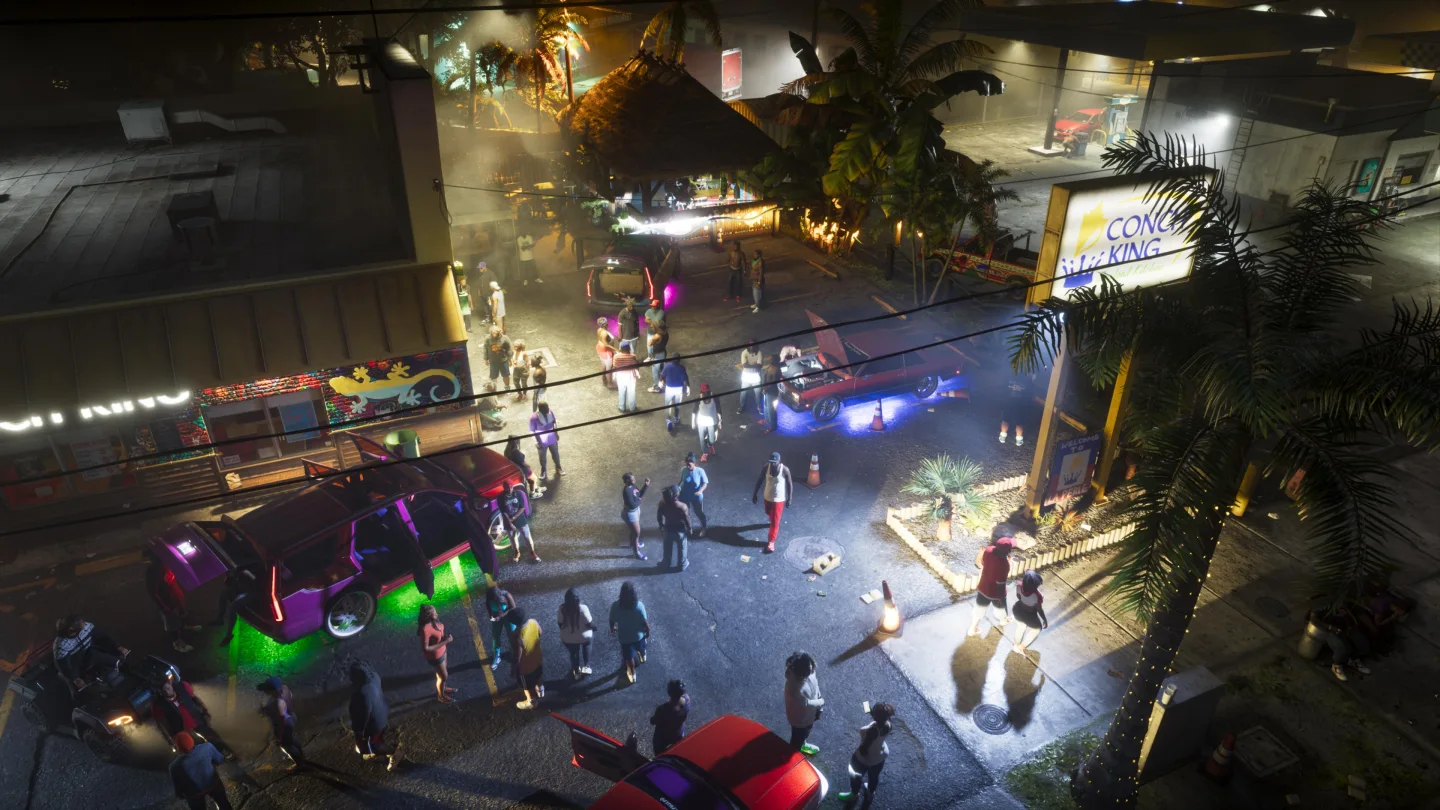
For a compatible car, take it to Vice Vinyl in Stockyard and check Cosmetics → Underglow. The filmed Emerus menu offers Front, Side and Back. To switch fitted lights on or off, sit in the car, hold D-pad Left and push the right stick up to Vehicle. On PS5, use L1 or R1 to reach Underglow, then press Cross to toggle it.
Preview the light position before buying
- Take the car to Vice Vinyl in Stockyard. Open Cosmetics and check whether Underglow appears for that car.
- Open Underglow and choose a position. The recorded menu on Lucia’s Emerus lists Front, Side and Back. Preview the color from a camera angle that shows the section you are changing.
- Read the price on your preview before confirming. The recorded yellow Front option showed $250 on that vehicle. Check that the selected position lights up before leaving the shop.
Use the Vehicle strip for lights that are already fitted
- Sit in the driver’s seat. Hold D-pad Left until the strip opens. If you see the stations first, flick the right stick up to Vehicle.
- On PS5, tap L1 or R1 to highlight Underglow and press Cross where the strip says Toggle. Use the displayed Toggle prompt if your layout differs.
- Read On or Off under the icon. Close the strip and check the pavement under the car. The played PS5 test uses Lucia’s ’77 Manana, which already has green underglow fitted.
Check where the option is missing
If Underglow is missing from the shop entirely, check whether you finished Ride or Die. Informant’s launch guide identifies that mission as the progression point for the upgrade. Check the shop again after it and use the options shown for that car.
| What you see | What to check next |
|---|---|
| Only radio stations are visible | Move up to Vehicle with the right stick while the strip is open. |
| The Vehicle strip opens but has no Underglow icon | Check that the car has lights fitted. The PS5 tester’s Manana had the switch and their Apoc did not. |
| Cosmetics is open but a light position is absent or locked | Check the exact row on the car you brought. The Emerus menu documents what was available on that run. |
Frequently asked questions
Do I have to visit the shop if the car already glows?
Use the Underglow switch in the Vehicle strip to control lights that are already fitted.
Why does holding D-pad Left show stations?
The strip can open on Radio. Flick the right stick up to choose Vehicle before looking for Underglow.
Can I put a light only under the front?
The filmed Emerus preview lets you select Front separately from Side and Back.