Controls & settings
How to Change Clothes and Store Outfits in GTA 6
Quick answer
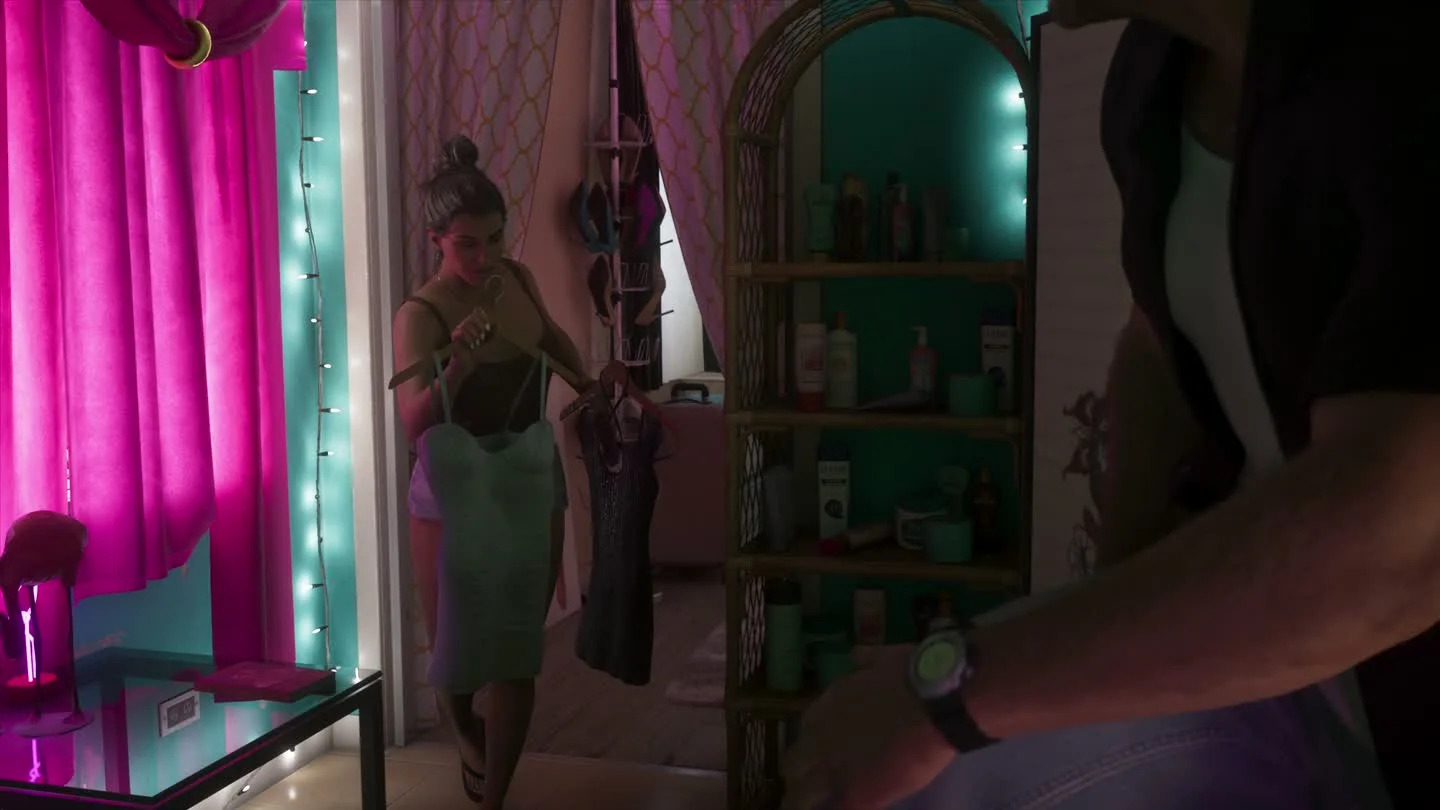
Open a safehouse wardrobe to change your character’s clothes or make an outfit. Use the wardrobe’s save-to-car prompt if you want that outfit available in the trunk of your registered vehicle. Open the Items wheel to handle individual accessories on the move.
Make an outfit at a wardrobe
- Visit your current safehouse and interact with the wardrobe. Check the collection for the protagonist you are controlling.
- Choose the clothing pieces you want to wear. Check mission rewards and earlier purchases in the relevant clothing tabs.
- Use the displayed outfit action to save the combination. Use the save-to-car prompt too if you want it in the vehicle’s trunk.
Choose the right place to change
| You want to change… | Where to do it |
|---|---|
| The whole outfit | Use the safehouse wardrobe or check for a changing room at a clothing store. |
| To a preset away from home | Use the trunk of your registered personal vehicle after saving the preset there. |
| An accessory such as sunglasses or a cap | Open the Items tab of the loadout wheel and follow the wear or removal prompt for that slot. |
Why your outfit may be missing from the trunk
Buying one piece of clothing makes it available for your wardrobe. Reopen the wardrobe and save the complete combination to the vehicle when you want to carry it. Check the registered car and current character before looking for the preset.
A hat picked up in free roam can be temporary before you return to the safehouse. Chapter-specific clothing and edition bonuses may also appear later in the wardrobe.