Story mode
GTA 6 Cooties: Drive in a Circle During the Music Video Shoot
Quick answer
When the opening Cooties shot gives you Lucia at the wheel, hold R2 on PlayStation or RT on Xbox to keep the car moving. Move the left stick to change your position around the circle. Follow the filming prompts until the city shots end and the car stops. The next interactive scene involves Roxy.
See all Chapter 3 walkthroughs
Wait for control during the filming view
Use Shoot the Music Video after Dre’Quan contacts you following Ride or Die. Find the Crosstown crew and let the opening scene play. BenedictPlays’ recording shows the lit car, the phone camera and the framing overlay before the interactive driving.
Use the current camera view and prompts to tell when Lucia is driving. If the dotted framing grid is on screen during the cut, let it play. The active inputs appear when the game returns control.
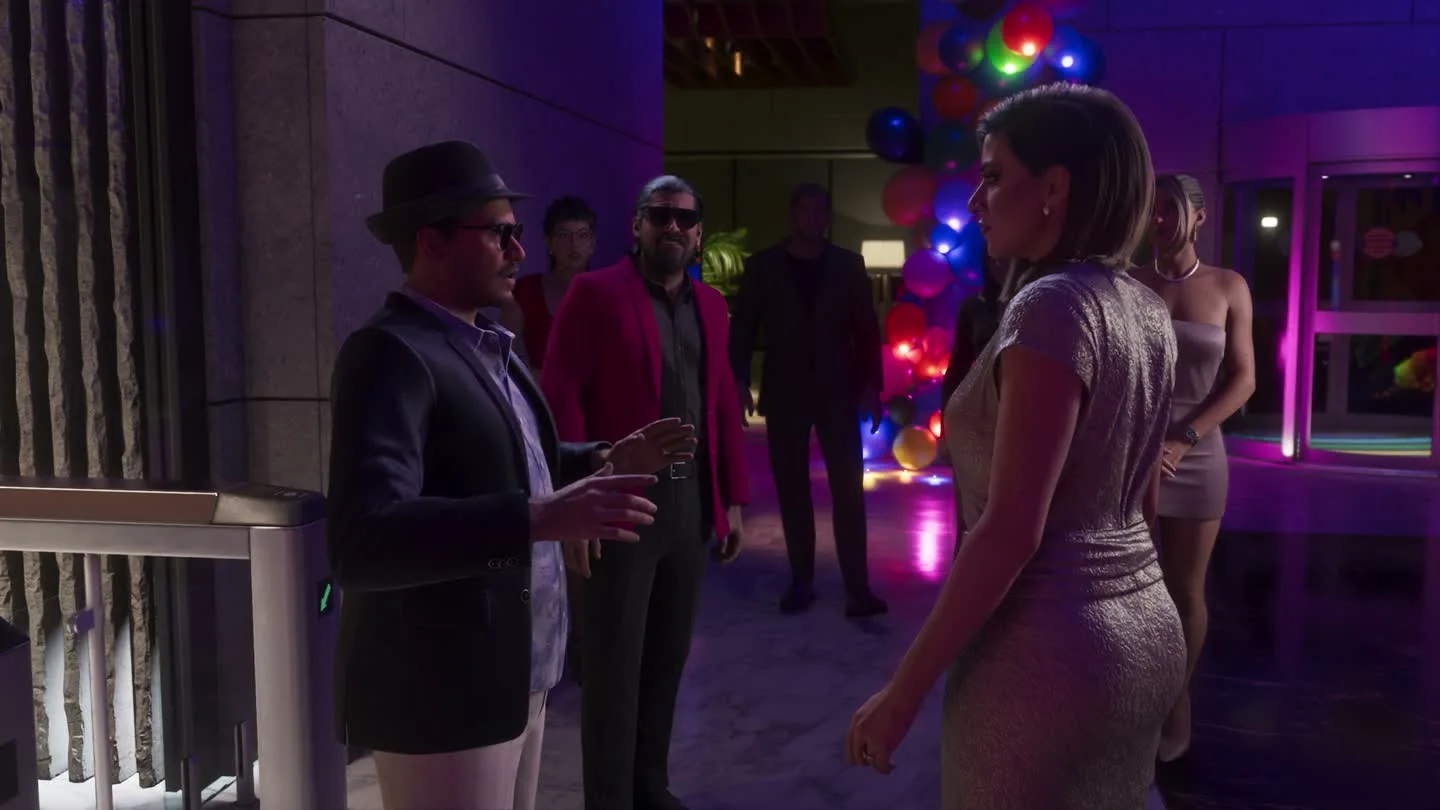
Hold the throttle and steer around the circle
The later street insert uses a tighter vertical phone frame and may still show Accelerate. Let that shot advance until the car stops and the next interactive view returns. The chat overlay by the stopped car belongs to the Roxy scene.
- Hold R2 on PlayStation or RT on Xbox as Lucia during the driving shot.
- Use the left stick to shift around the filming circle. Keep the car moving while that shot is active. Wait for the scripted camera transition before looking for a separate driving destination.
- When the game cuts to the later city drive and the car stops, wait for the new objective and get out. Follow the next prompt involving Roxy.
- See the opening circle shot and chat overlay at 2:20
- PowerPyx’s original Cooties gameplay sequence and film controls
- See the camera overlay before the interactive parts at 2:08
- See Accelerate during the phone-camera street shot at 3:55
- See the first Roxy scene at the stopped car at 4:10
- Use the Roxy checkpoint when the car stops
Check the later filming prompts as the camera changes
The bat and spray-can parts use later prompts. If Lucia is holding the can, find Shake and Spray on the HUD. The driving inputs no longer apply to that shot. The next marked driving objective appears after the filming sequence finishes.
Use the item in Lucia’s hand to identify the later sequence. The bat scene comes first. Once the HUD shows Shake and Spray beside the close view of the car, follow the new inputs and let the shot end.
Frequently asked questions
Which control keeps the car moving?
Hold R2 on PlayStation or RT on Xbox during the scripted driving shot.
What happens after the car stops?
Follow the next prompt in Roxy’s scene. The spray-can shot comes later.
Revision history
- · Added the vertical street insert, livestream handoff and the timing of the next two filmed shots.
Sources
- Watch BenedictPlays enter the opening Cooties filming sequence at 1:40
- See the camera overlay before the interactive parts at 2:08
- See the opening circle shot and chat overlay at 2:20
- Compare the later Shake and Spray segment at 6:45
- PowerPyx’s original Cooties gameplay sequence and film controls
- See Accelerate during the phone-camera street shot at 3:55
- See the first Roxy scene at the stopped car at 4:10