Story mode
GTA 6 Cooties: What to Do When the Car Stops by Roxy

Quick answer
After the city-driving shot in Cooties, wait for the purple car to stop and the scene to return control to Lucia. Get out and move to Roxy beside the car. Use the on-screen interaction to pull the fan away from her. Finish the encounter to continue to the separate bat and spray-can shots.
See all Chapter 3 walkthroughs
Watch for the stopped car and the change in camera view
Cooties begins with the Real Dimez filming the moving car. During the city insert, the footage is framed like a phone recording and the lower corner can still show Accelerate. Continue that shot until the car stops and the game gives Lucia movement again.
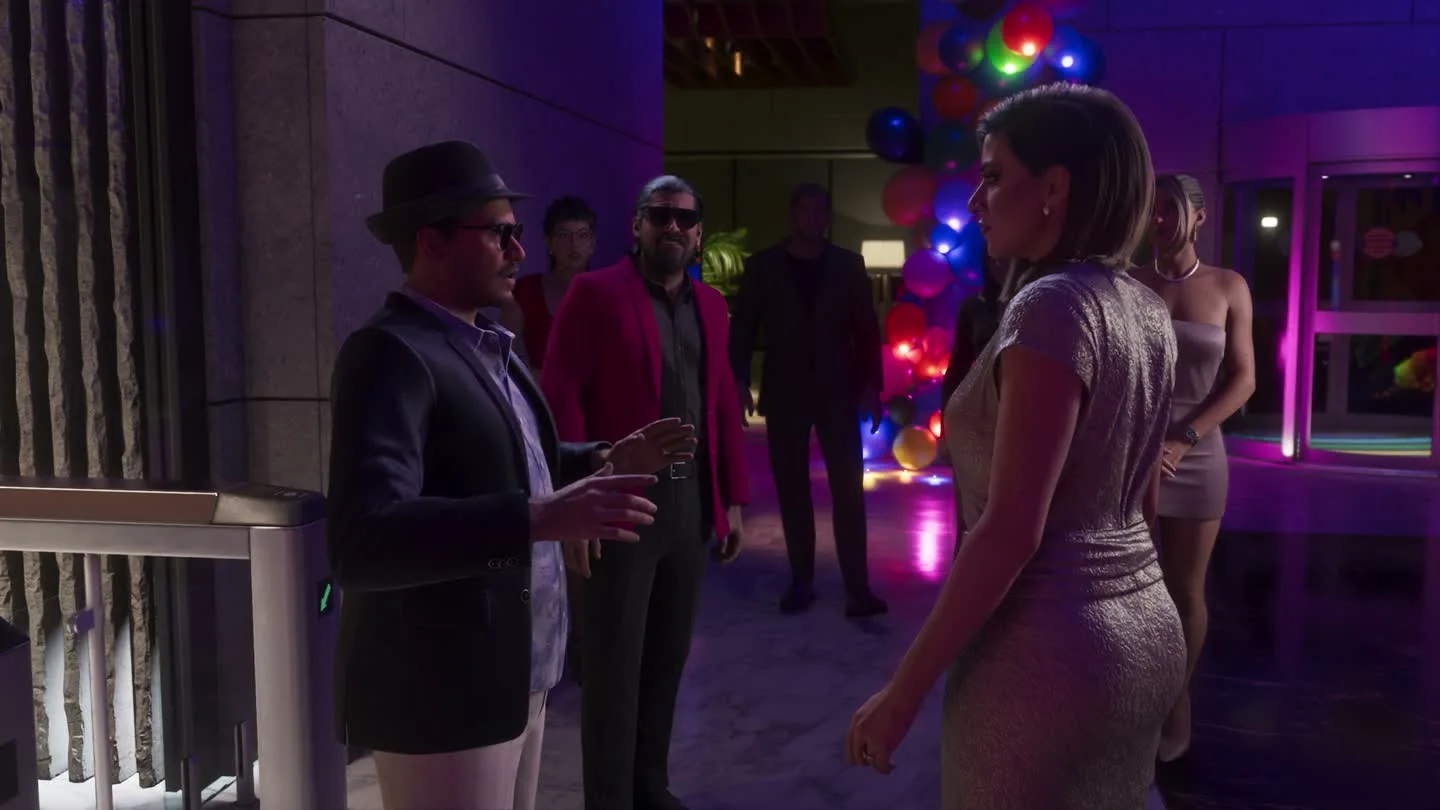
Look for Roxy beside the purple car under the blue lighting. In BenedictPlays’ recording the vertical street footage gives way to the roadside scene, then the livestream chat appears on the right. Those are cues that you have reached the Roxy checkpoint after the driving part.
Use the Roxy interaction and wait for the next shot
Get out and go to Roxy’s side of the stopped car. Use the displayed interaction to pull the fan away. PowerPyx’s walkthrough identifies R2 on PlayStation or RT on Xbox for that initial interaction. Keep following the game’s prompts through the rest of the short encounter.
After the scene advances, the game moves on to filming with the bat and then the spray can. Shake and Spray are later prompts. If you are still at the livestream scene with Roxy, finish the current interaction before looking for the spray can or the destination at the recording studio.
Frequently asked questions
Why do I still see Accelerate?
That cue belongs to the previous phone-camera driving shot. The Roxy step starts when the car is stopped and the game returns control to Lucia.