Vehicles
GTA 6 How to Drift a Car and Link Two Turns

Quick answer
Start in an empty paved lot in a car that can break rear grip, such as the Annis Drifter Elegy. Turn in and squeeze the throttle to start a slide, then steer against the slide and ease off the throttle to hold the angle. On Default controls, accelerate with R2 on PS5 or RT on Xbox. A short handbrake tap on Cross or A can help initiate a tighter entry.
Hold one controlled circle before linking turns
- Go to the open lot beside Gellhorn International Raceway. The filmed route shows a wide practice surface with visible tire marks. Leave room to turn away from the light poles.
- Start a circle, turn in and apply throttle. Once the back steps out, steer against its rotation and reduce throttle until the car holds its line. Watch the nose and front wheels to see whether the car is still rotating.
- If you spin, reduce the throttle sooner or start with a shallower turn. If the car straightens before you want it to, add a little throttle as the rear begins to regain grip. The walkthrough demonstrates these corrections in a Karin Feroci.
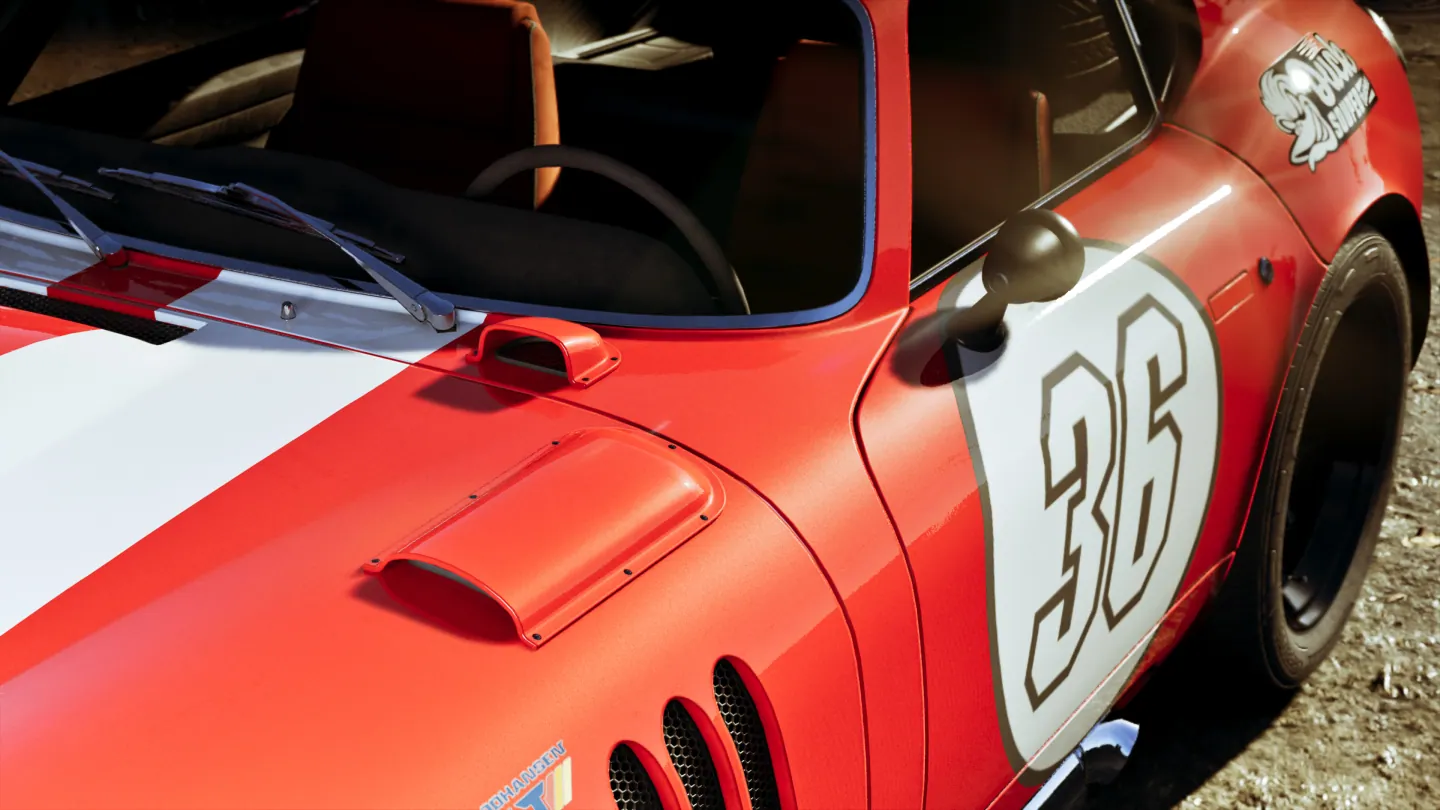
Ease off and carry the slide into the opposite turn
- Pick two wide imaginary circles with a clear space between them. Complete a short arc and ease off as you approach the midpoint so the car can unwind.
- Steer toward the other arc as the car passes through straight, then add throttle again and catch the new slide with countersteer. Use a slower entry if the rear keeps swinging past the direction you want.
- For a sharper entry, try a brief handbrake tap before catching the slide. Default uses Cross on PS5 or A on Xbox. Check the Land / Water Vehicles preview if you changed the layout.
Frequently asked questions
Why does the car keep spinning?
Try a wider circle with less throttle once the rear steps out. Make smaller steering corrections as you settle into the slide.
Do I need to buy an upgrade to start?
The Annis Drifter Elegy at Gellhorn Raceway already has a drift setup. Try it before spending money on a different build.