Exploration
GTA 6 Focus: Find Where a Voice or Strange Noise Is Coming From

Quick answer
When GTA VI prompts you to find where a noise originates, pause your movement and click both sticks together for Focus on the default layout. Turn the camera toward the voice or sound and look for a pulsing marker or a highlighted caller. Follow that point, then use the interaction that appears when you get close.
Find the source in the game world
The prompt can appear near a local encounter before you have a destination on the map. Check where Focus highlights the source, then check the objective text when you reach it.
- Stop where you saw the prompt or heard the nearby noise. With the default Focus binding, click L3 and R3 together on PlayStation or click both sticks on Xbox.
- Sweep the camera slowly to either side. Look for a pulsing point in the scene or for a person outlined by Focus. If the marker points past a fence or wall, walk toward the nearest opening and check again.
- When the source is a person, walk close enough for the game to show a conversation action. Use the new prompt once you can read it. If the prompt asks you to search the area instead, follow the next marked point in the current objective.
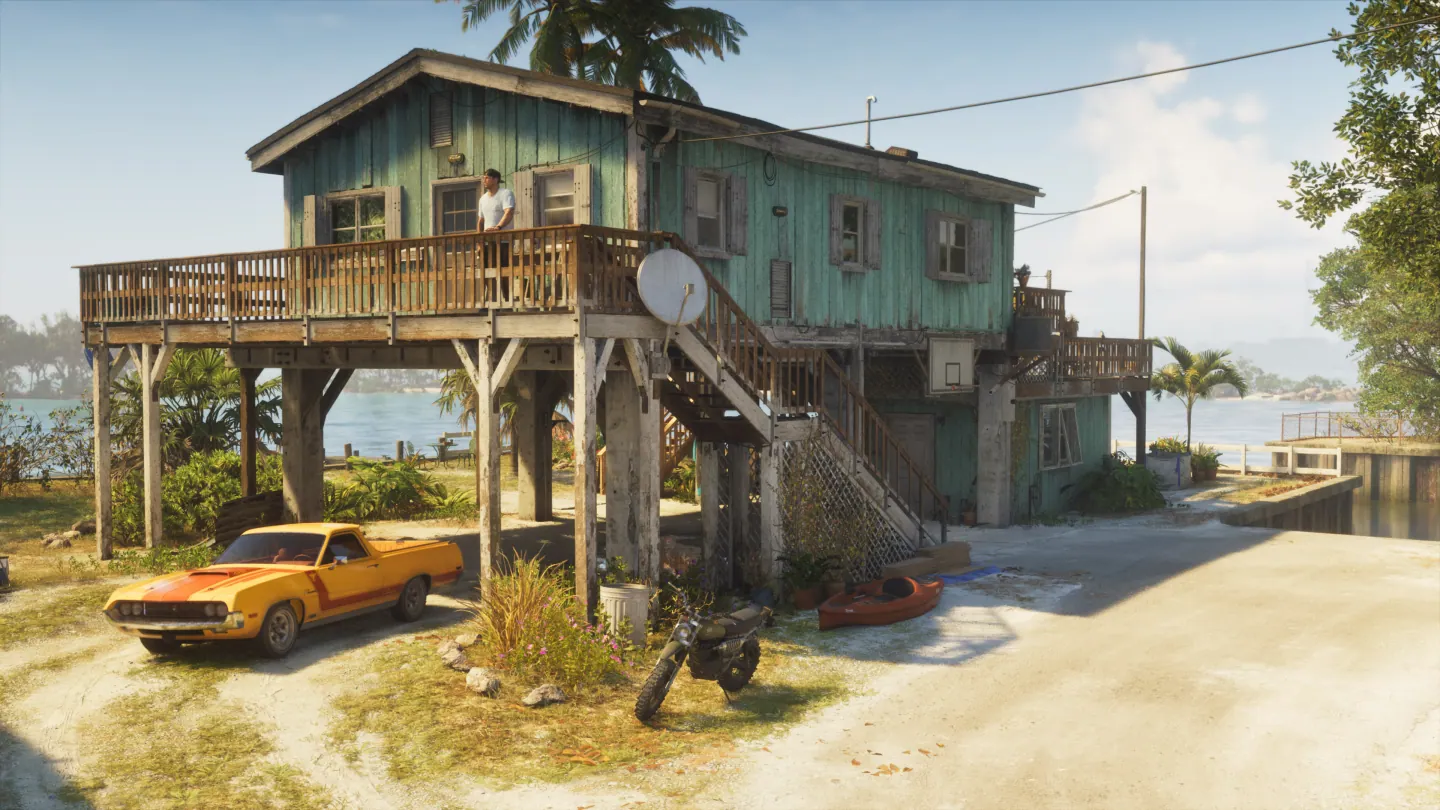
Use Shirley’s call as an early example
During Chapter 1 free roam, look for Shirley while playing Jason in Key Lento. In the filmed run, Focus reveals the caller in a bright top by the white fence. Approach the fence until you can talk to her.
If the highlight is clear but the interaction is missing, check whether you are within talking distance and whether the task has already advanced. A scent line with a named species and a Track prompt uses a separate trail action.
Frequently asked questions
Where do I check which button now opens Focus?
Open Pause → Settings → Gameplay → Accessibility and read the Focus row. Use the displayed mapping for your console.
What do I do when there is a marker but no one to talk to?
Follow the highlighted point until you can see the source or until the area search updates.
Sources
- See the sound rings around the highlighted caller in Trophy Tom’s Key Lento footage at 0:07
- Find Shirley by the white fence from 0:23
- eXputer’s played examples of a pulsing sound marker and a highlighted caller
- Rockstar Support’s reference for Focus inputs, trail colors and audio categories
- Rare Thief’s played Shirley walkthrough and the first Focus prompt