Controls & settings
GTA 6 Greet, Taunt and Defuse: How to Talk to People
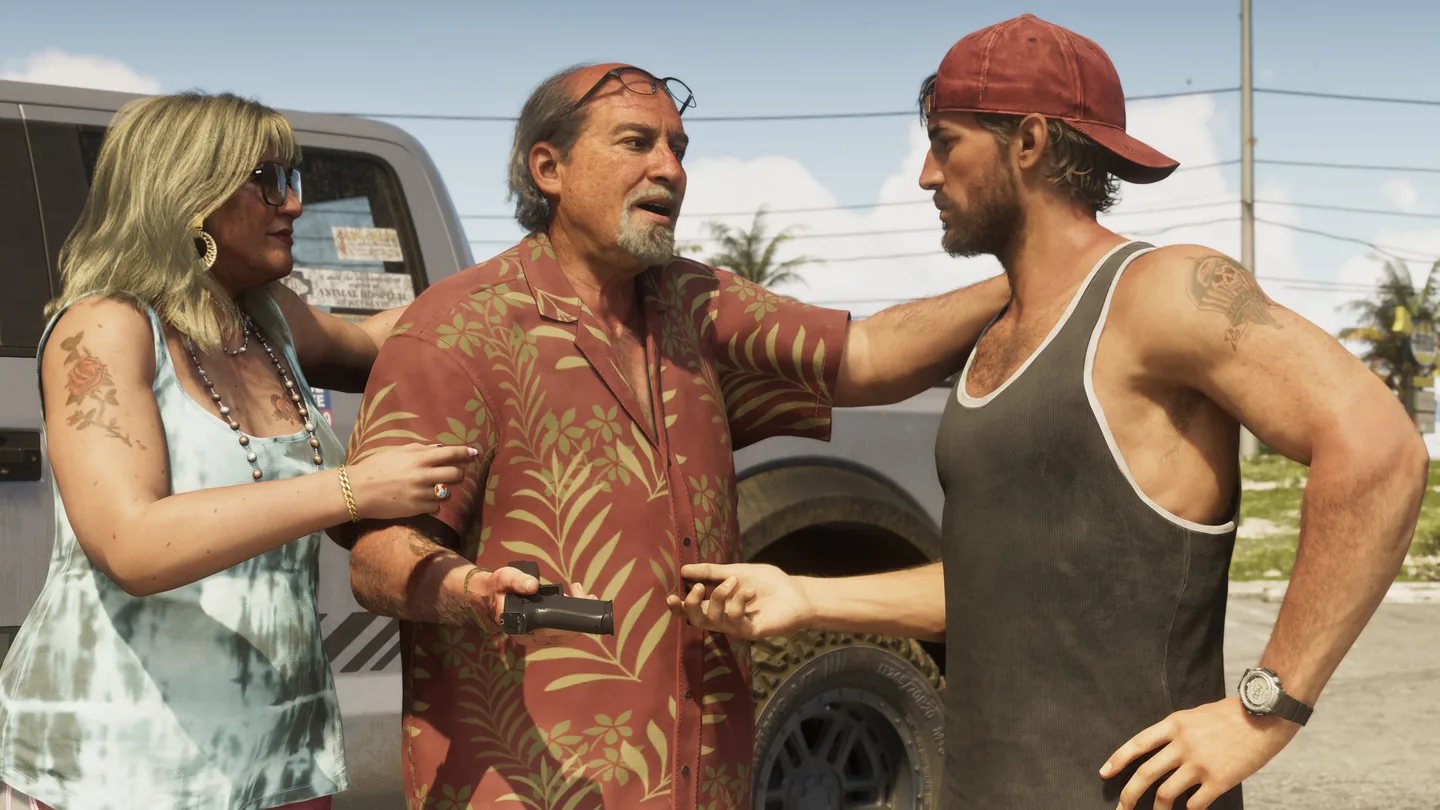
Quick answer
Holster your weapon and face a nearby person. Hold L2 on PS5 or LT on Xbox, then read the choices and target name at the bottom right. Cross or A selects Greet when that is shown and Defuse when the conversation gets tense. Square or X selects the displayed Taunt, Warn or Provoke choice.
Face the person and check the target label
- Put your weapon away and walk close enough to the person for the contextual prompt. If several people are nearby, face the person you want to speak to.
- Hold L2 on PS5 or LT on Xbox. Read the bottom line before picking an answer. A crowd can show a group label such as Locals or Tourists. A vendor or other interactable can have its own label.
- While holding the trigger, press the button next to the specific dialogue action. If the wrong person or group is selected, release the trigger, turn toward your intended target and open the choices again.

Frequently asked questions
Why did my character point a weapon instead of talking?
Aim and contextual interaction share the left trigger. Holster the weapon, then get close and face the person before holding the trigger again.
Why can I only greet or taunt someone?
Defuse is contextual. The available actions change with the person, the situation and how the conversation develops.
Will Defuse always calm someone down?
It is the attempt to calm the exchange. The response depends on the situation. Give yourself room to back away if the person stays hostile.