Story mode
GTA 6 Just a Scratch: Finish the Engine Repair Without a Bank Account

Quick answer
If Coastal Auto Care says Requires a bank account during Just a Scratch, go back to Performance → Full Engine and choose Stock Engine (Restore). The mission restore is free and shows Applied. Switch to Cosmetics → Respray, confirm a free color and leave once the game says Leave when ready.
See all Chapter 1 walkthroughs
Select Stock Engine (Restore) for the mission
Bring Jason’s own Ganado to Joey and pull through the teal service door once it opens. The shop can first show Repair for free? for the damage on the truck. Confirm that prompt when it appears.
When Restore the engine is active, open Performance → Full Engine and pick Stock Engine (Restore). Check for Applied. Engine Upgrade Stage 2 is a paid part with a separate bank-account requirement. Return to the stock engine row if the warning is on screen.
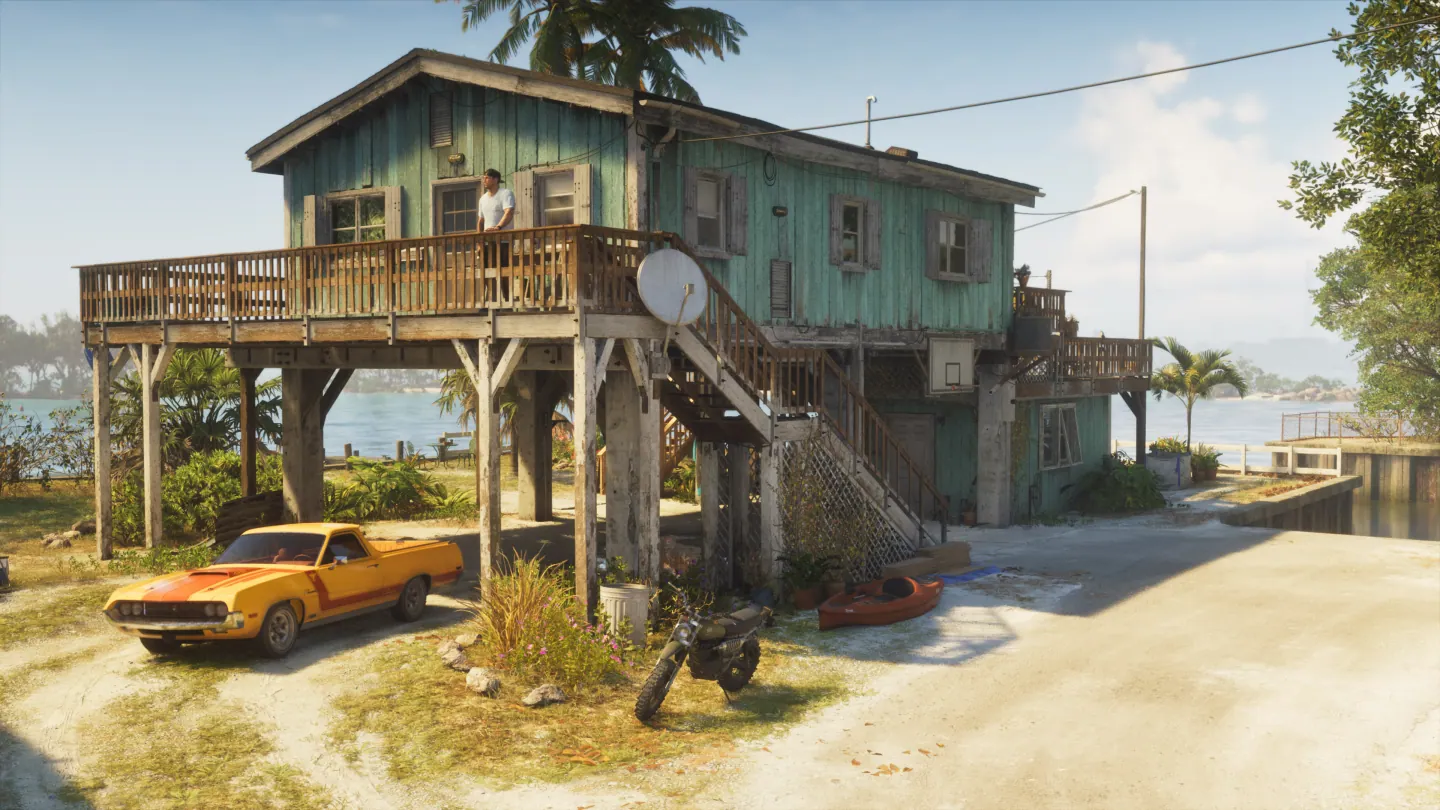
Apply a free respray and wait for Leave when ready
- Go to Cosmetics → Respray while Respray the Ganado is active. Look for a Free swatch and confirm the paint.
- Check that the color is Applied and the objective has changed to Leave when ready. You can then back out of the shop menu and drive out through the opened bay.
- Let Joey’s conversation run outside. The game adds a contact tip for Ganado repair or delivery.
Check the Ganado and the active story marker first
If you cannot enter the shop yet, check that your task is Fix Your Car and that you brought Jason’s own ’70 Ganado. Use the garage arrival and lost-car checks before looking for Stock Engine.
Frequently asked questions
Do I need a BuckMe account to complete Just a Scratch?
Select Stock Engine (Restore) and a free respray. The bank warning belongs to a paid part.
How do I know the engine step counted?
Look for Applied on Stock Engine (Restore) and Respray the Ganado on the HUD.