Controls & settings
GTA 6 Melee Controls for Blocking, Dodging and Grappling
Quick answer
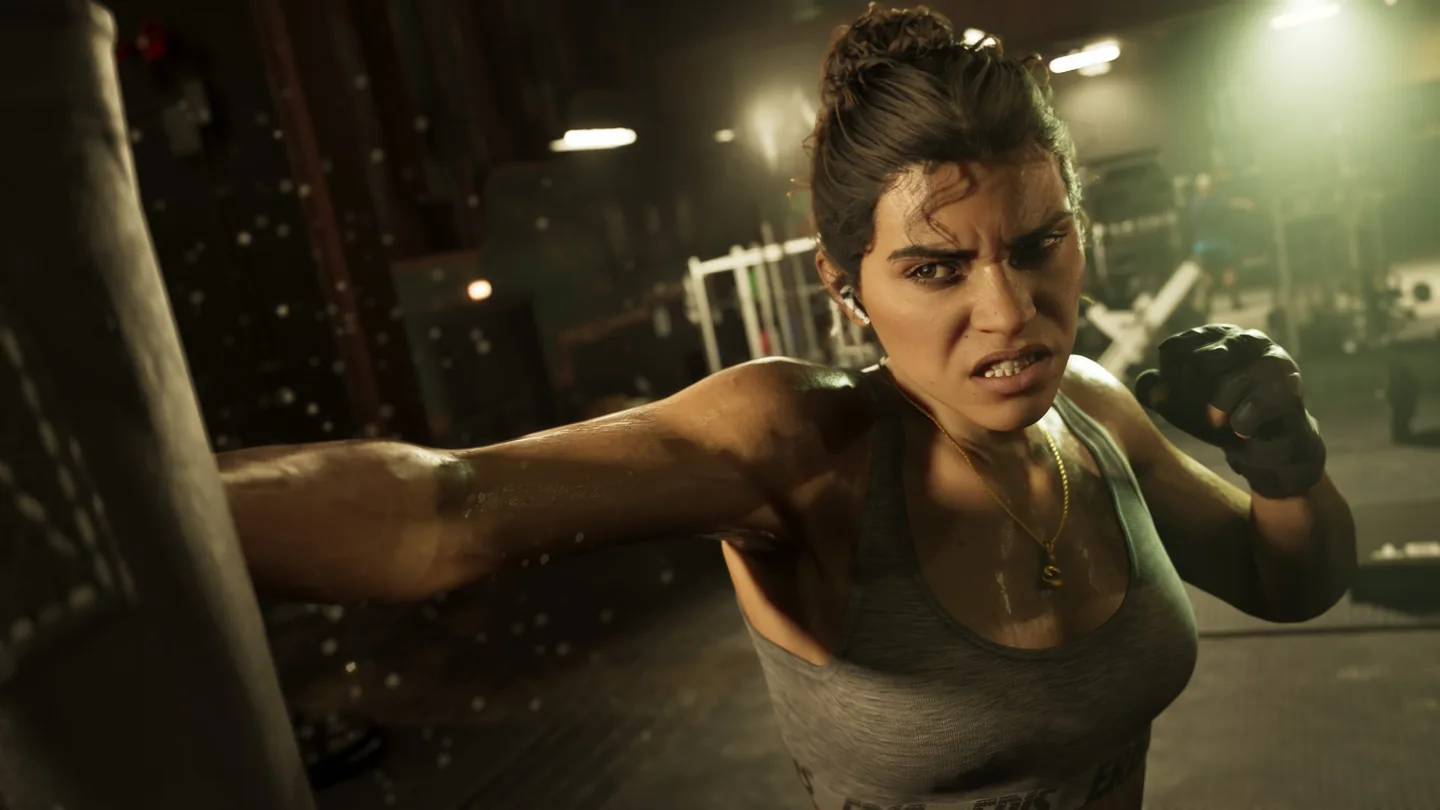
With Default controls, press Square on PS5 or X on Xbox to punch or kick, and Cross or A to block or dodge. Hold L2 or LT to lock on and strafe. R2 or RT handles grappling.
Use the melee preview for your controller
Open Pause → Settings → Control Scheme → Melee to check the current preset. The Aiming and On Foot previews show different actions on the same buttons.
Use the fight prompt for the precise grapple input. The launch control references agree on R2 or RT, with some listing a hold.
| Melee action | PS5 Default | Xbox Default |
|---|---|---|
| Punch or kick | Square | X |
| Block or dodge | Cross | A |
| Lock on and strafe | Hold L2 | Hold LT |
| Grapple | R2 | RT |
Try the controls during Gone Fishing
The early fight in Gone Fishing introduces on-foot melee. With the character facing the opponent, hold L2 or LT to stay locked on and move with the left stick. Use the punch or kick button when the game gives you room.
If the bottom face button makes you jump, check whether the game has entered a melee state. On Foot and Melee assign different actions to Cross or A. Check the health bar afterward and use the mission’s healing prompt if needed.
Frequently asked questions
Is block the same button as dodge in GTA 6?
Yes. The Default Melee preview lists both under Cross on PS5 and A on Xbox.
Why does Square also appear in the On Foot preview?
Square is the Default PS5 on-foot melee button, and the Melee preview names its punch and kick actions. Xbox uses X.