Story mode
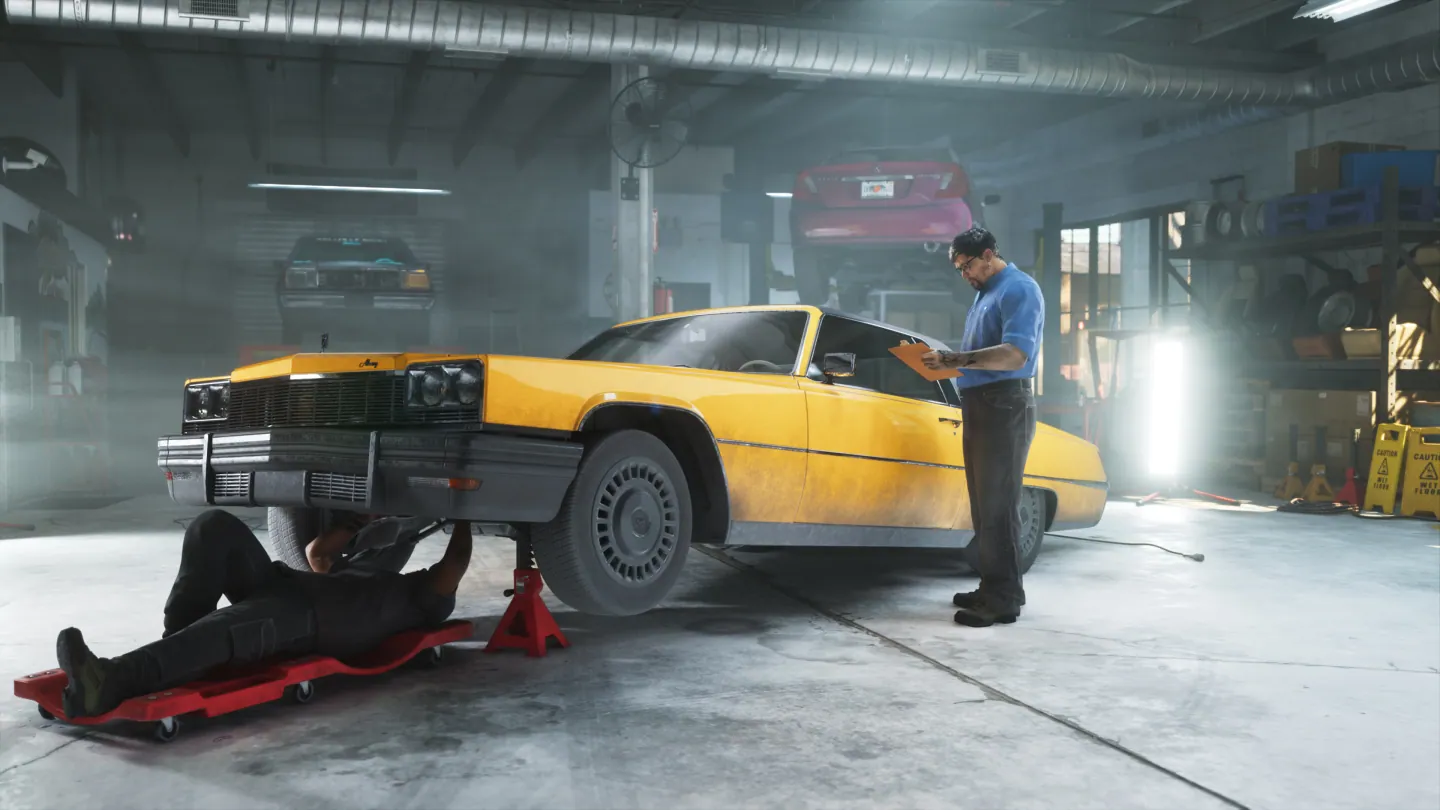
GTA 6 Moses’s Yosemite 1500 and the Bastion Street Tow Truck
Quick answer
Select the Yosemite 1500 request under Moses Drop-Offs. Go to Bastion Street by Gellhorn Avenue and use WAiNK on the Yosemite carried by the tow truck. The truck moves once the scan starts the encounter. After it stops, use the game’s release interaction before delivering the Yosemite.
Identify the Yosemite on the tow truck
The launch route starts near Bastion Street in Port Gellhorn. Compare the truck’s load with the target photo in Moses’s text. The target is the Yosemite 1500 on the back. Use the WAiNK prompt when you line up the scan.

Wait for the truck’s release interaction
The scan can start the vehicle moving. Keep the marked vehicle in view and follow the in-game encounter. Once the truck stops and the target is accessible, look for the release prompt. The delivery starts when you take the requested pickup itself.
Return the requested pickup to Moses
Use the marker back to Moses’s Port Gellhorn garage and complete the hand-in. Confirm the Yosemite entry clears on the Drop-Offs list before switching to another request.
Frequently asked questions
Which vehicle gets delivered?
Deliver the Declasse Yosemite 1500 after releasing it from the tow truck.
Where does the tow event start?
The launch guide records Bastion Street near Gellhorn Avenue.