Controls & settings
GTA 6 Parachute Steering, Brakes and Landing Controls
Quick answer
After opening the GTA VI parachute with Cross on PS5 or A on Xbox, steer with the left stick. Pull it back to glide longer and push it forward to dive. Use L2 or LT for Brake Left and R2 or RT for Brake Right. Line up with an open landing area early. Triangle or Y detaches the canopy, so keep it attached through touchdown.
Use the parachute layout after the canopy opens
Before the jump, pause and open Settings → Control Scheme. In the Preview list, select Parachute. If you changed presets, read the preview on your own copy. The default PS5 chart labels each brake and the detach action next to its button.
| Action | PS5 | Xbox Series X|S |
|---|---|---|
| Open the chute during the fall | Cross | A |
| Steer or change glide angle | Left stick | Left stick |
| Brake left or right | L2 or R2 | LT or RT |
| Detach the chute | Triangle | Y |
Glide toward a clear approach and correct early
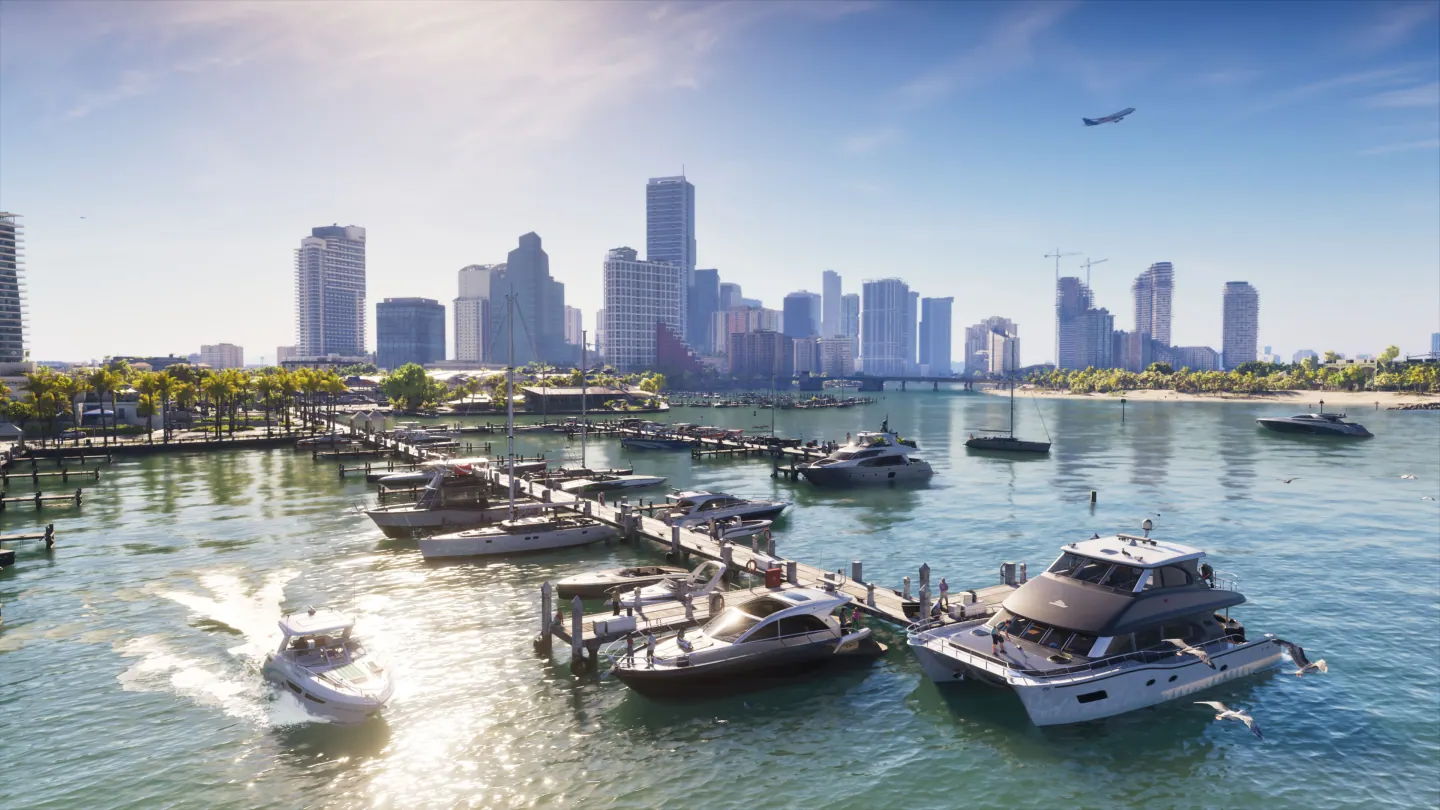
- Once the canopy is open, pick a wide gap on the ground. Use the left stick to adjust the heading while there is room to move across the terrain. Pull back if you need more glide to reach it.
- Use the matching brake trigger if you need a tighter correction to one side. In the Catalan Key recording, the game prompts for both brakes while the parachute is still above the beach and road.
- Straighten for the last part of the descent. Look out for moving traffic, rooftops and lamp posts near the landing point. If the jump is part of an in-game challenge, check the completion pop-up or Stunts list after you land.
Frequently asked questions
What is the difference between braking and detaching?
The triggers operate the left or right brake while the canopy stays open. Triangle or Y separates your character from the canopy.
How do I move forward farther before landing?
Pull back on the left stick to glide. The filmed tutorial shows pushing it forward to dive.