Activities
GTA 6 Photo Mode and How to Take Selfies
Quick answer
Pause the game and choose Photo Studio to compose a shot. Adjust the camera, use Save Photo or hide the controls for a console capture. For a selfie, open the in-game phone with D-pad Up, choose Camera and switch to the front-facing camera.
Set up a shot in Photo Studio
Photo Studio can work during cutscenes with fewer available settings. If an option is labeled Currently Unavailable, try again in free roam. If the scene needs a different time of day or weather, wait for the look during gameplay before entering the studio.
- Pause with Options on PS5 or Menu on Xbox and choose Photo Studio. The mode is available as early as Lucia’s playable prologue.
- Set the angle and subject framing. Try depth of field to separate a person or car from a busy background.
- Use the lighting controls if a face is too dark. Check whether additions like filters and character visibility improve the scene before saving.
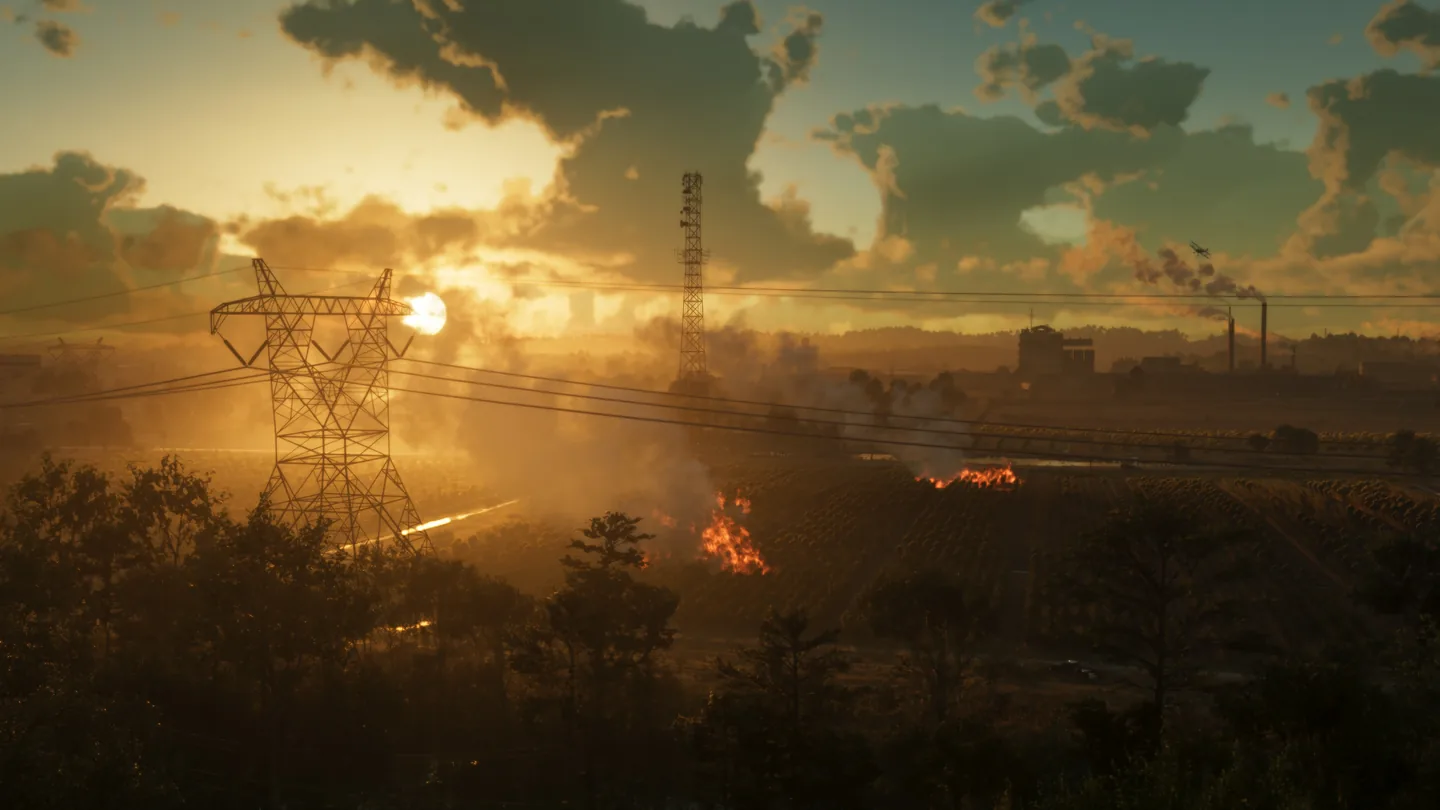
Take a selfie with the phone Camera
If you can open Photo Studio but cannot find Camera, keep playing until the phone feature becomes available. The launch hands-on guide finds it after the opening shifts from Lucia to Jason. The Camera app also gives you a rear-facing view for everyday photos.
- Once the Camera app is available, tap Up on the D-pad and open Camera.
- Switch from the rear camera to selfie view. Check the pose and expression options to frame Jason or Lucia.
- Choose Take Photo and use the phone’s Gallery to check the capture.
Save an image where you can find it later
| What you want | Which capture to use |
|---|---|
| A framed in-game shot | Use Save Photo in Photo Studio with the composition set. |
| A phone selfie | Use Take Photo in Camera and review it through the in-game Gallery. |
| An image in the console’s captures gallery | Hide the Photo Studio interface and use the PS5 Create or Xbox capture action. Check the console’s gallery before leaving the scene. |
Frequently asked questions
Can I use GTA 6 Photo Studio during a cutscene?
The launch guide confirms it can open during cutscenes, but some controls are disabled in those scenes.
How do I keep the menu from appearing in a console screenshot?
Hide the Photo Studio interface first. Then use the console’s own screenshot control and check the saved capture.
What players are asking
Why do controls behave differently from another game’s photo mode?
Launch-day Photo Studio screenshots and camera discussion