Controls & settings
GTA 6 First-Person Camera and Driving Views
Quick answer
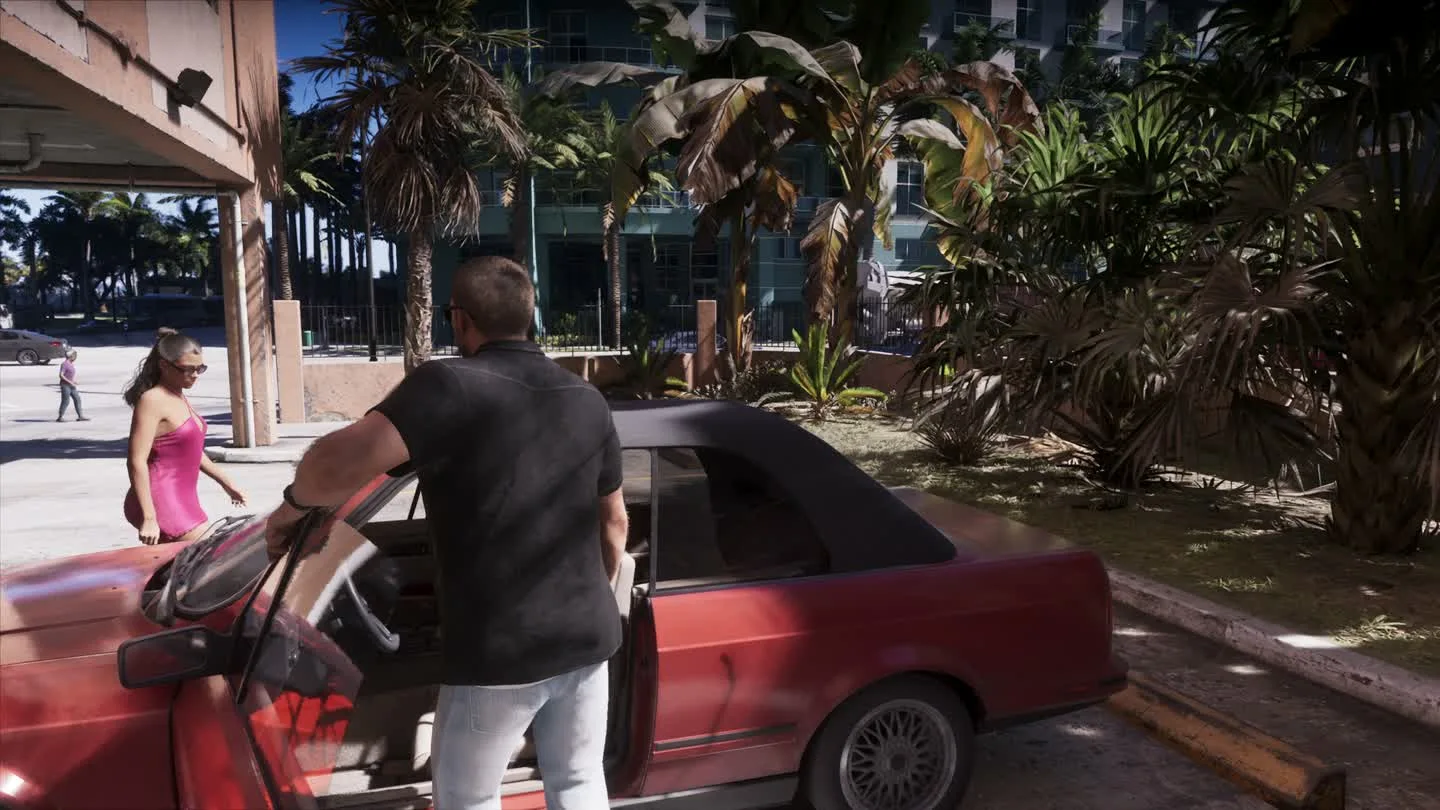
GTA 6 has no full first-person gameplay mode at launch. While standing still, hold L2 or LT and click the right stick to inspect in first person. Weapons with compatible optics offer a separate sight view, and using the phone in a car can briefly put the camera inside the cabin.
Inspect signs and objects from first person
The character is stationary during this kind of inspection. On PS5, use the on-screen zoom prompt to inspect writing or small details. To walk again, leave the inspection view.
- Stand still and put away the equipped weapon for a plain look at the scene.
- Hold L2 on PS5 or LT on Xbox, then click the right stick.
- Keep holding the trigger and move the right stick to look around. Release the trigger to go back.
Use a weapon’s sight view in the game
With a weapon that has a compatible sight, hold the aim trigger and click the right stick to switch into the optic. Click the stick again or release the trigger to return. This view depends on the equipped attachment. If the normal aim view remains, check the weapon’s Attachments → Optics choices at Ammu-Nation.
Change the view behind the car
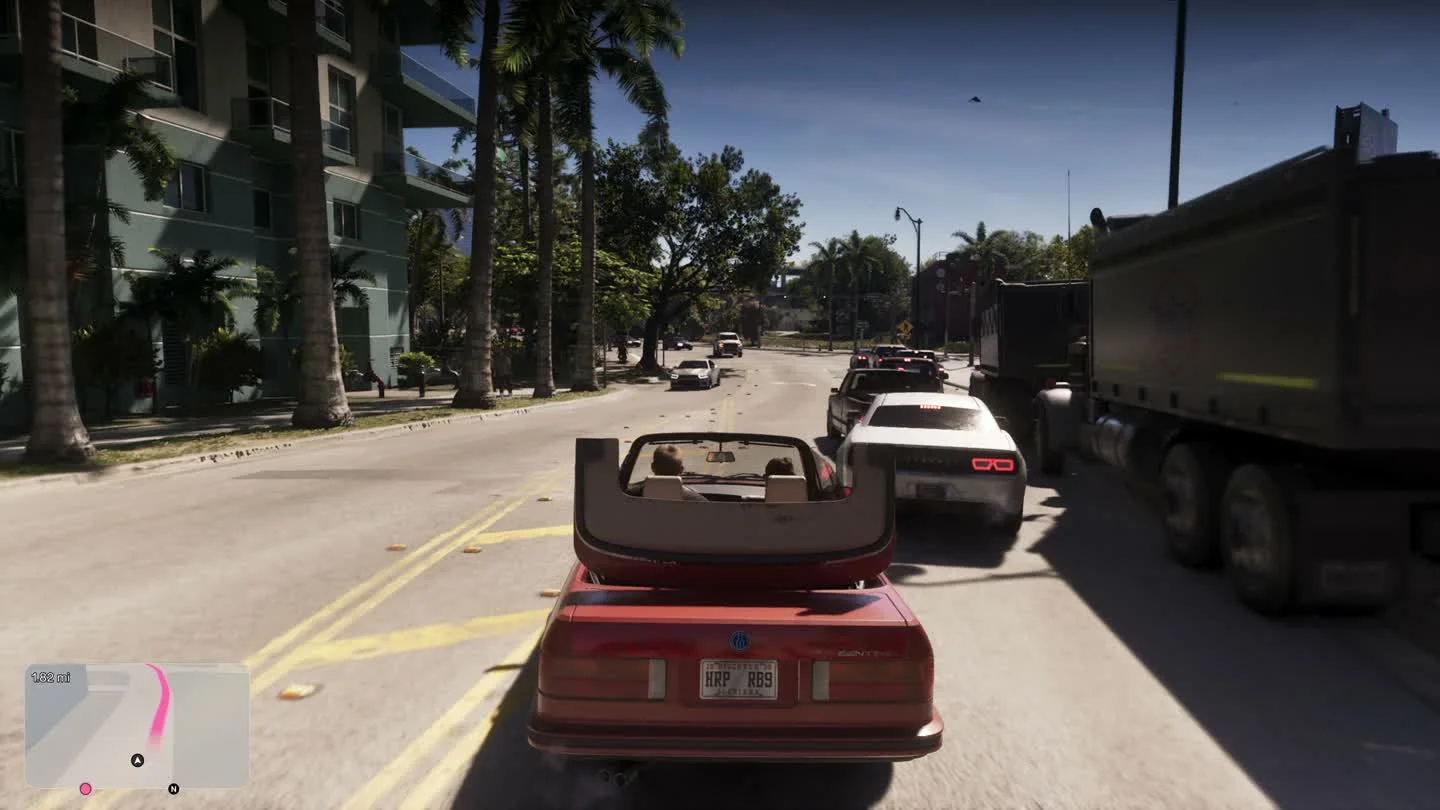
The first-person view sometimes used during the story is tied to the scene. The normal driving camera distance choices remain outside the car.
| View | How to get it |
|---|---|
| Normal third-person distance choices | In a vehicle on PS5, hold Down and use the camera prompt shown for Square. Check your in-game prompt if your Xbox or custom layout differs. |
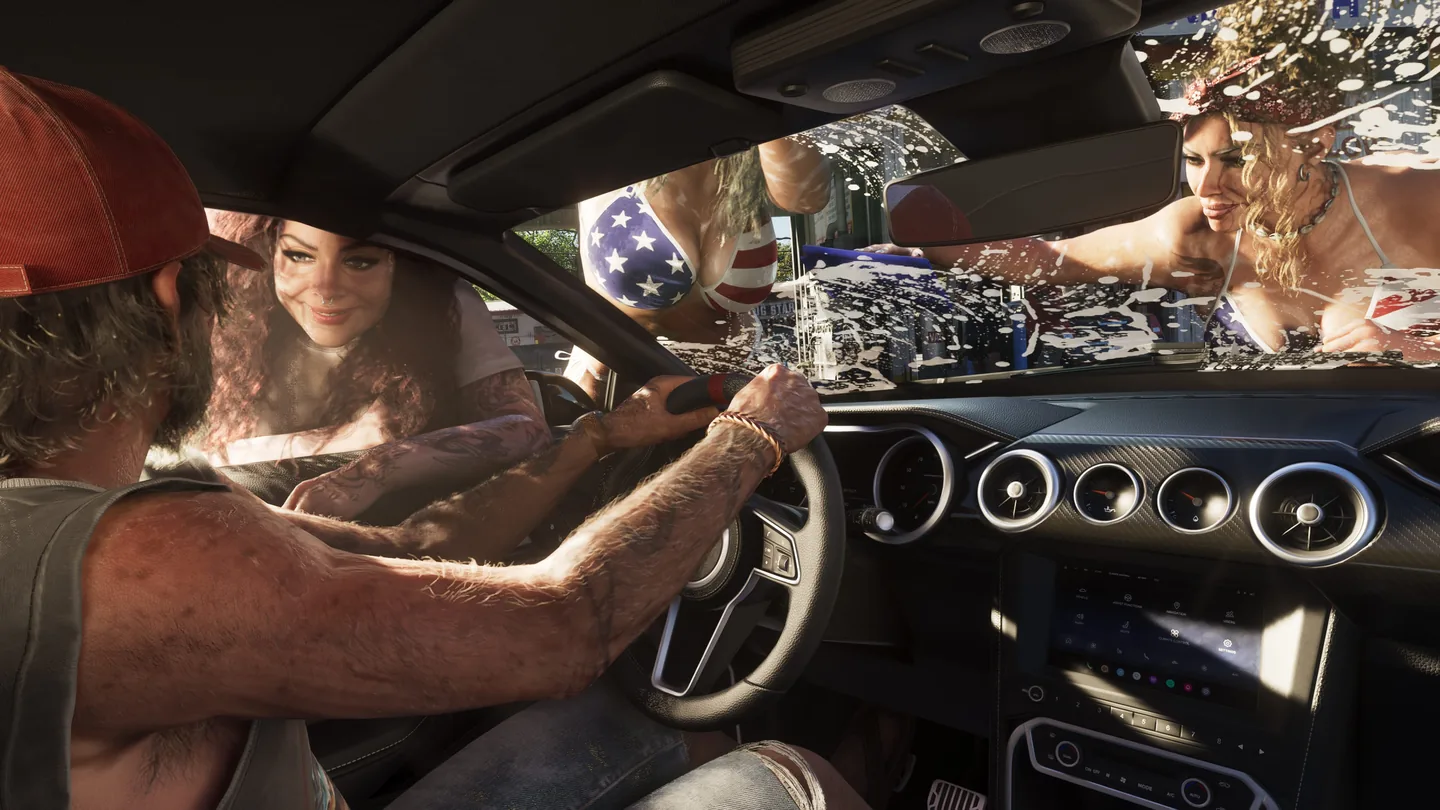
| Temporary cockpit view with the phone | Press Up on the D-pad while driving. PowerPyx captured an interior view while the phone was open. Closing the phone ends this workaround. |
| Cinematic outside angles | While driving, hold Down and use Options on PS5 or Menu on Xbox. The game cycles external shots. |
Frequently asked questions
Why can I move while aiming through optics but not while inspecting an object?
The optics view is part of the aiming controls. The first-person look tied to inspection holds the character in place.
Can I use an ordinary first-person cockpit camera for a whole drive?
The standard camera choices stay behind the vehicle on the launch build. The phone can bring the camera inside while it is open.
What players are asking
Can I look around from first person without entering a cutscene?
Players comparing the first-person look input