Controls & settings
GTA 6 Prologue Cashier Stuck: When LT or L2 Won’t Respond

Quick answer
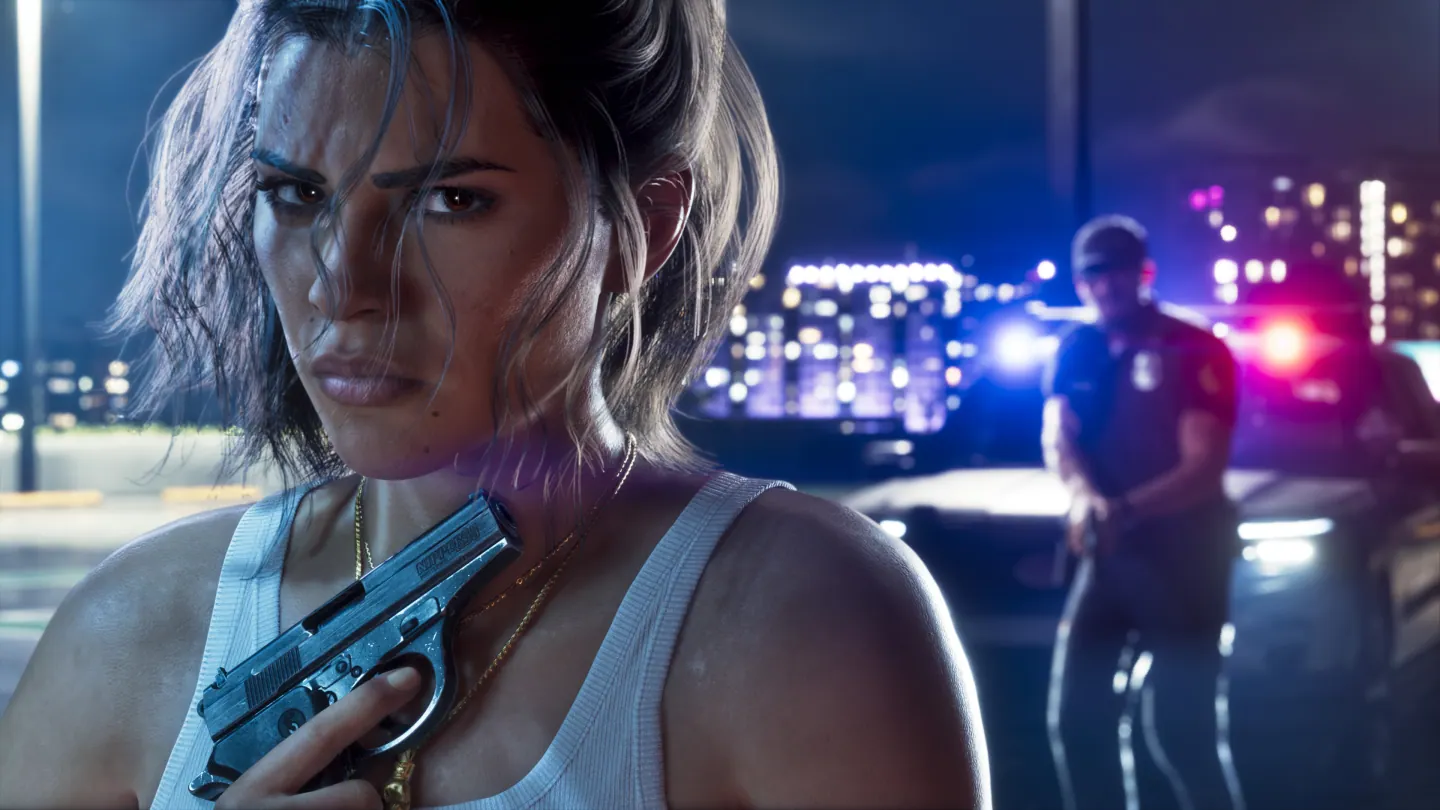
When Lucia's prologue flashback hands you control, face the cashier and hold L2 on PS5 or LT on Xbox until the game responds. Use the displayed Threaten prompt, then watch for the cash pickup at the window. If holding the trigger never changes Lucia's stance or the HUD, use full trigger travel or switch to a standard controller and retry the prompt.
Identify the last step the game accepted
- Wait for the flashback to give you control inside the store. Face the cashier behind the window and hold the displayed aim control. With default bindings it's L2 on PS5 or LT on Xbox.
- If Lucia enters the aiming stance, use Threaten when it appears. On default controls that's Square on PS5 or X on Xbox.
- When the cash is ready, move up to the cashier window and use the pickup prompt. Its default button is Triangle on PS5 or Y on Xbox.
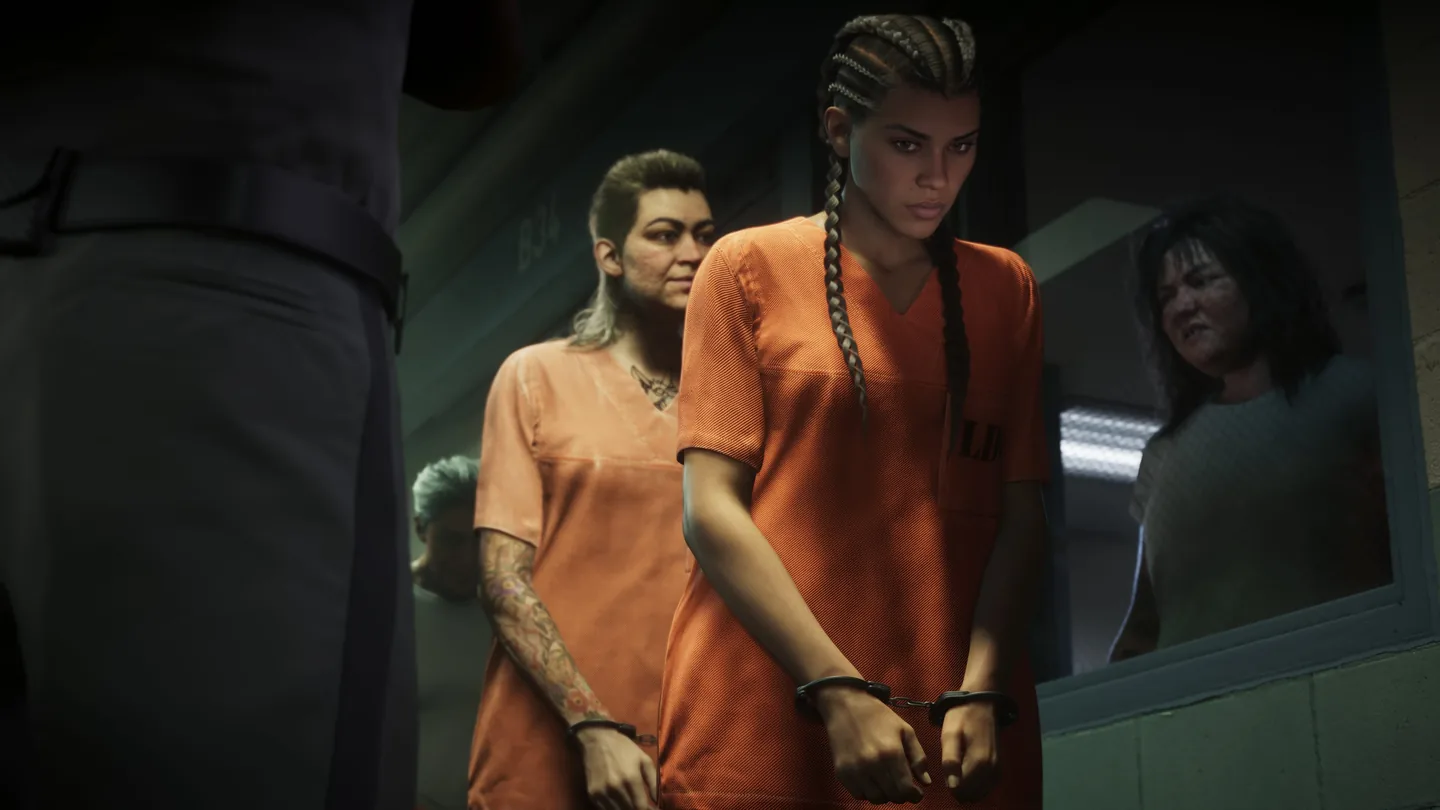
- If a customer has already grabbed Lucia, you've cleared the counter interaction. Follow the customer prompt to continue.
Restore full travel and retry at the counter
If you use adjustable trigger stops or a hair-trigger profile, set the left trigger to its full physical travel and return its custom profile to the default range. Release the trigger, then hold it down again at the prompt. Several launch players reported getting past this exact interaction after restoring the trigger's range.
If the game still ignores that input, pair a standard DualSense or Xbox Wireless Controller and test with its default profile. If your pause menu offers a checkpoint retry, use that to test the scene again. Check whether the same input works in another game or controller test to help distinguish a controller problem from this scene.
Capture the exact prompt if the stall repeats
If the same prompt fails with full travel and a second controller, close the game, check for an update and try the checkpoint again. If it still stalls, capture a short clip showing Lucia at the window and the unchanged L2 or LT prompt. Include your console, game version, controller model and what changed when you used the standard controller if you report it to Rockstar.
Frequently asked questions
Is Square or X the same as the aim control?
Square on PS5 or X on Xbox is the separate Threaten action. First hold the aim trigger shown by the game.
The trigger works, but I can't take the cash. What should I check?
Finish the Threaten interaction and walk up to the window. Use the cash pickup when that prompt appears.
Will a different controller definitely fix the scene?
A second controller is a diagnostic step. If both controllers fail at the same prompt, a trigger-profile change by itself may be insufficient.