Controls & settings
How to Skip GTA 6 Cutscenes and Recognize the Hold Prompt

Quick answer
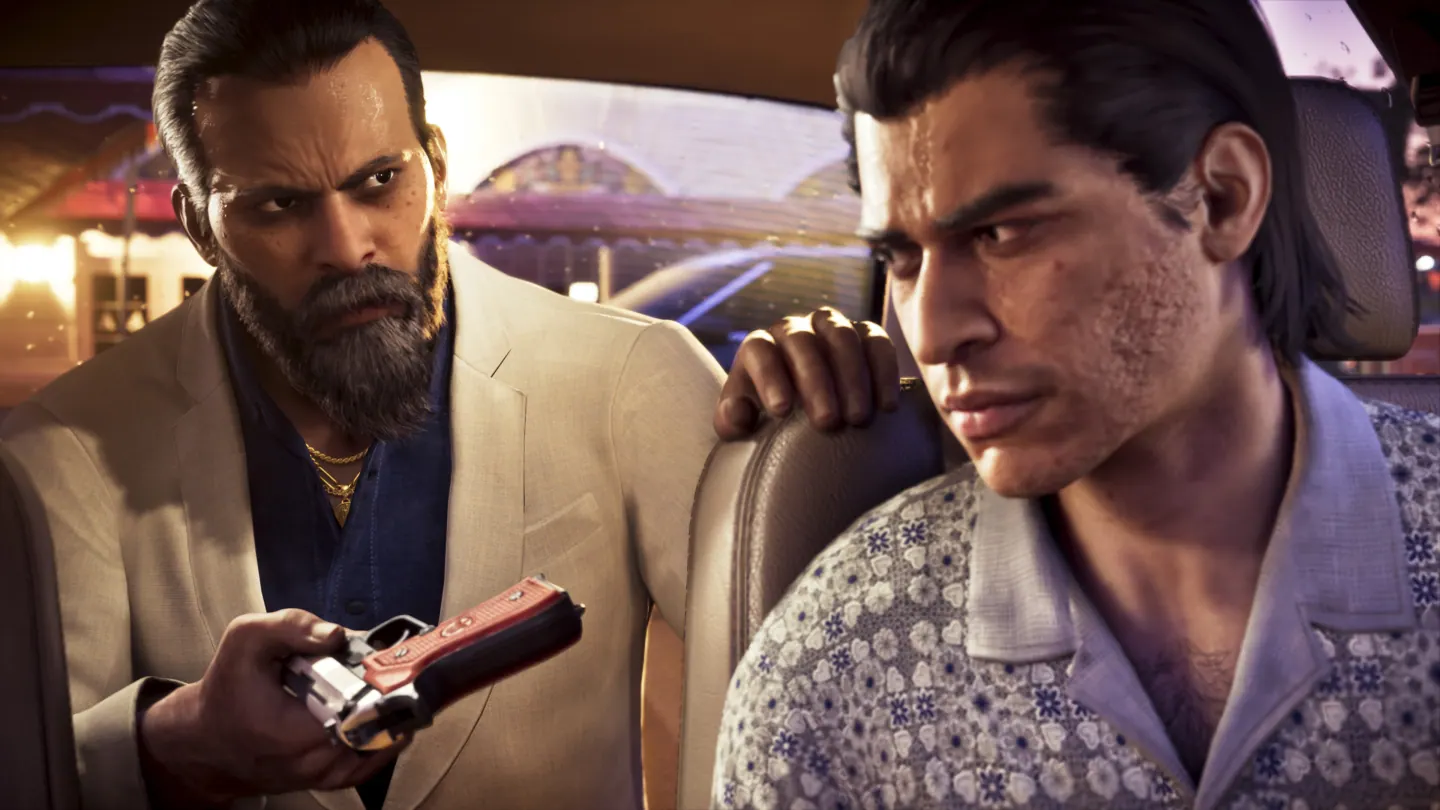
While a GTA 6 cutscene is playing, hold Cross on PS5 or A on Xbox Series X|S. Look at the bottom right for Skip and a ring around the button. Keep holding until the ring fills and the cutscene ends. If a different action is displayed, follow that prompt or wait for the cinematic to continue.
Return to the scene and hold the Skip button
- If the pause screen or map is open, close it so the scene is playing again. Keep your eyes on the bottom-right corner of the gameplay view.
- Hold Cross on PS5 or A on Xbox. The PS5 recording shows the button in a progress ring beside Skip. Keep the button held while the ring fills. Release early if you decide to keep watching.
- Once the ring completes, let the next view load. Read the new objective or interaction prompt before moving. The game can give you a different character or objective after a scene.
Check the prompt if holding does nothing
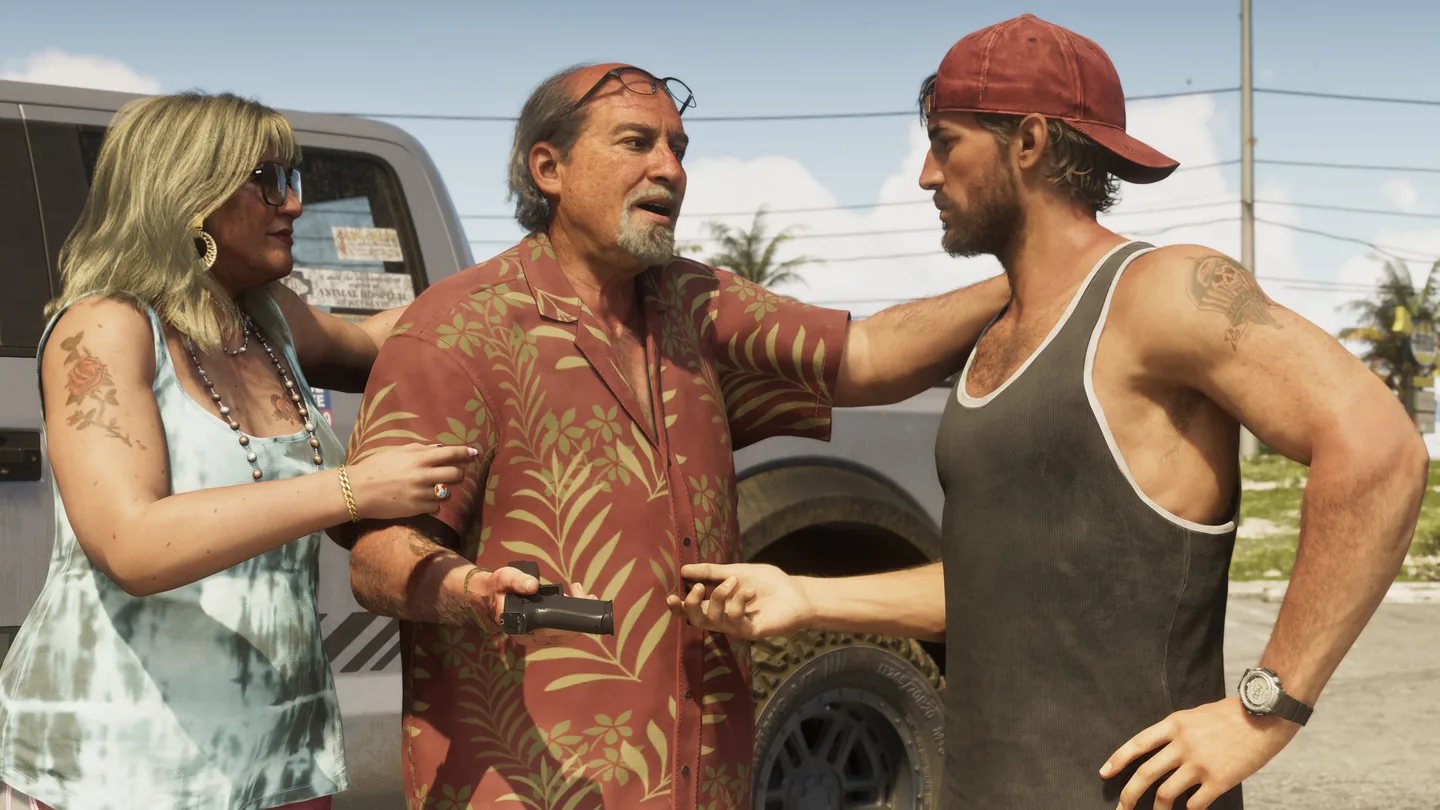
The cutscene hold applies while the cinematic plays. If you have movement control, see an active objective, or see a different input beside an activity, use the context on screen. Some scenes lead straight into a player interaction that still needs an input. Wait for Skip to appear before holding a button through a dialogue or transition.
If you reached a FAILED screen and want to continue from a checkpoint, choose among Retry Checkpoint, Skip Checkpoint, Restart Mission or Quit Mission as shown. If you skipped part of a story mission and want to see it again later, keep a manual save from before you started and protect your current save in another slot.
| On screen | Next action |
|---|---|
| Cinematic with a Skip ring | Hold Cross or A until the ring completes. |
| Control prompt for an activity | Read and use the displayed input. |
| FAILED plus Retry or Skip Checkpoint | Use the displayed failure options. |
| Finished mission with a scene you want to see again | Load a separate earlier save if you kept one. |
Frequently asked questions
Do I open the pause menu to skip a scene?
Resume the cinematic first, then hold Cross or A while it plays.
Why does pressing Cross once do nothing?
The ring requires a sustained press. Keep holding when the Skip ring appears.