Controls & settings
GTA 6 Swimming, Dive and Resurface Controls on PS5
Quick answer
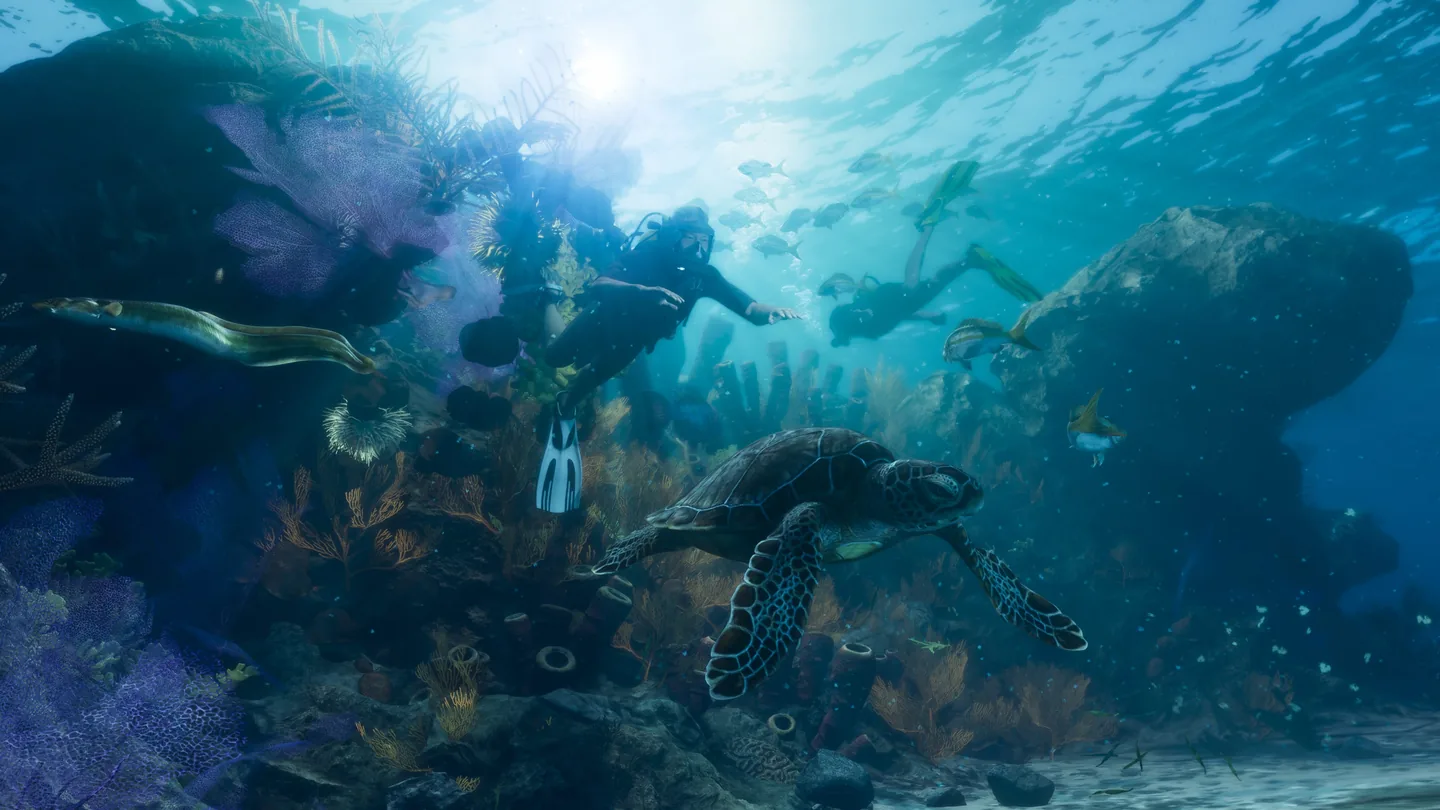
When swimming in deep water on PS5, hold R1 to dive and press Cross to surface. Click L3 to swim faster and hold L2 to strafe or aim. For a longer wreck dive, get Kenton's scuba equipment before heading under.
Use the default PS5 swim controls in deeper water
| On-screen goal | Default PS5 input |
|---|---|
| Enter the water as a swimmer | Move into water deep enough to swim |
| Dive from the surface | Hold R1 |
| Swim faster | Click L3 |
| Strafe or aim underwater | Hold L2 |
| Return to the surface | Press Cross |
Check depth and the active action prompt
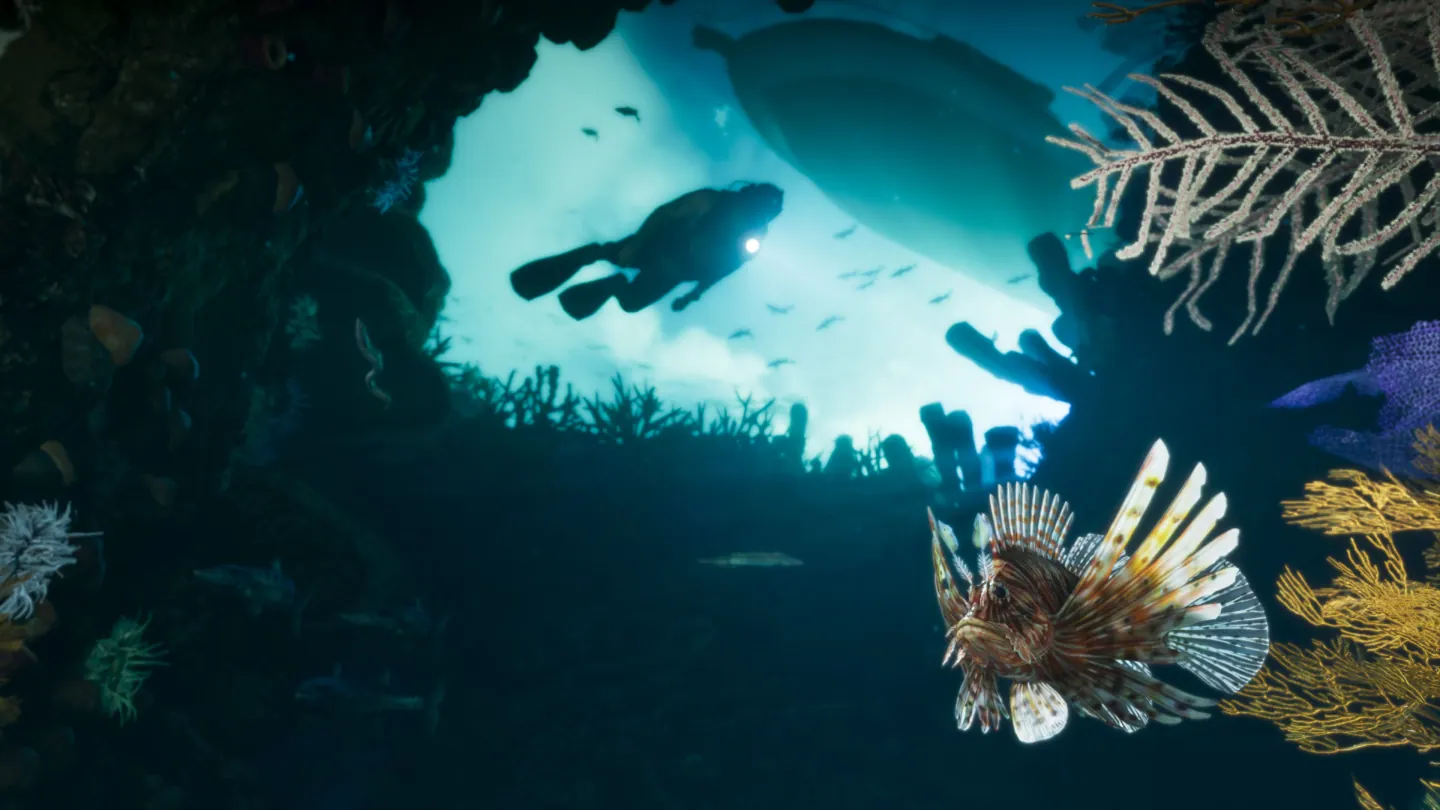
If your character is still standing or wading, move farther from shore until the swimming controls activate. During a mission, watch which action is pinned to the button. R1 can also appear on a Study prompt when you are looking at aquatic life.
Use the surface return input if you run low on breath during an ordinary dive. If the objective expects a longer underwater trip, check for the scuba prompt at the marked boat before swimming away.
Frequently asked questions
How do I surface after diving on PS5?
Press Cross while underwater to come up. The in-game prompt reflects your current layout.