Controls & settings
How to Take Cover and Switch Shoulders in GTA 6
Quick answer
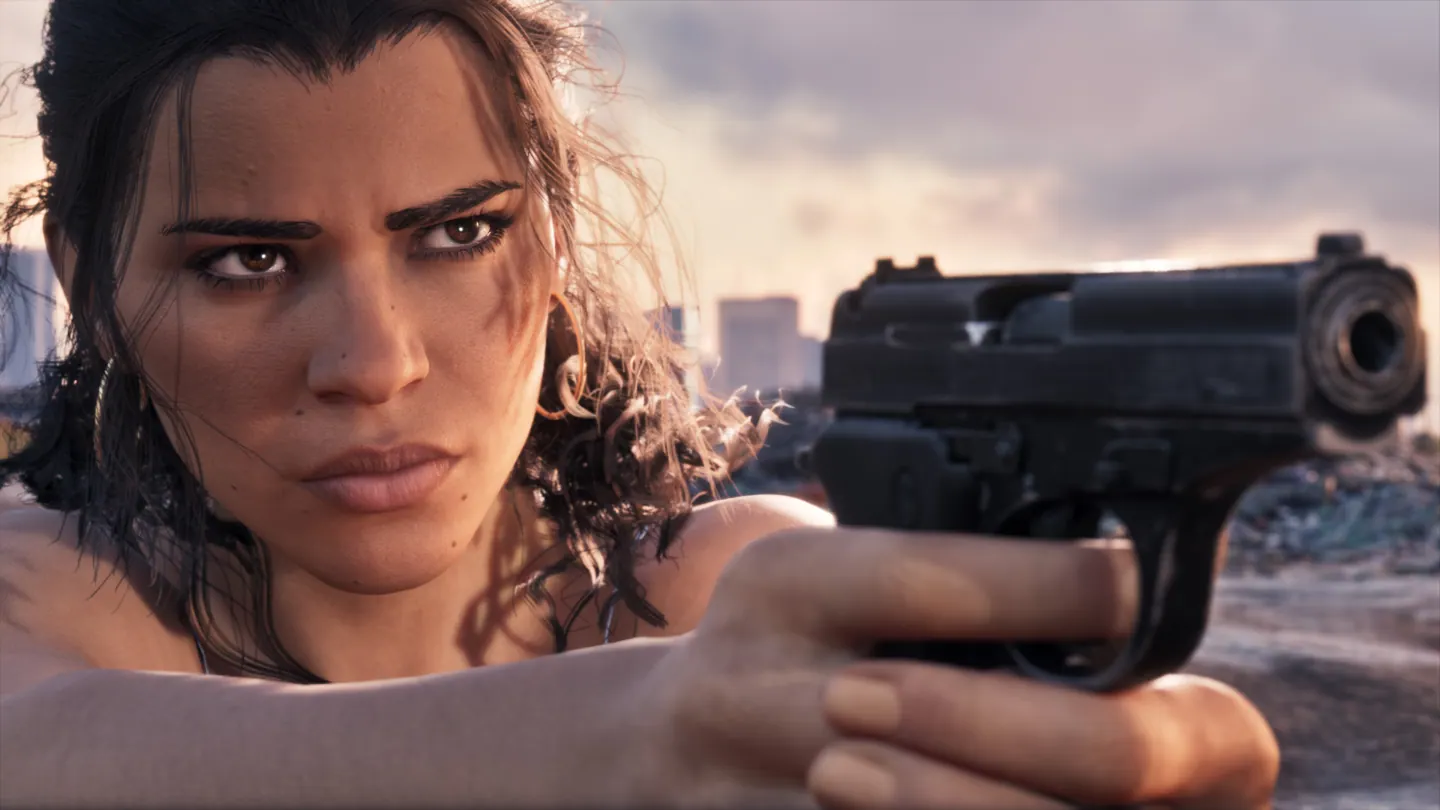
On Default controls, stand beside cover and tap R1 on PS5 or RB on Xbox. Hold L2 or LT to aim out from cover. While aiming, hold D-pad Left to switch the camera to the other shoulder.
Enter cover and check that it worked
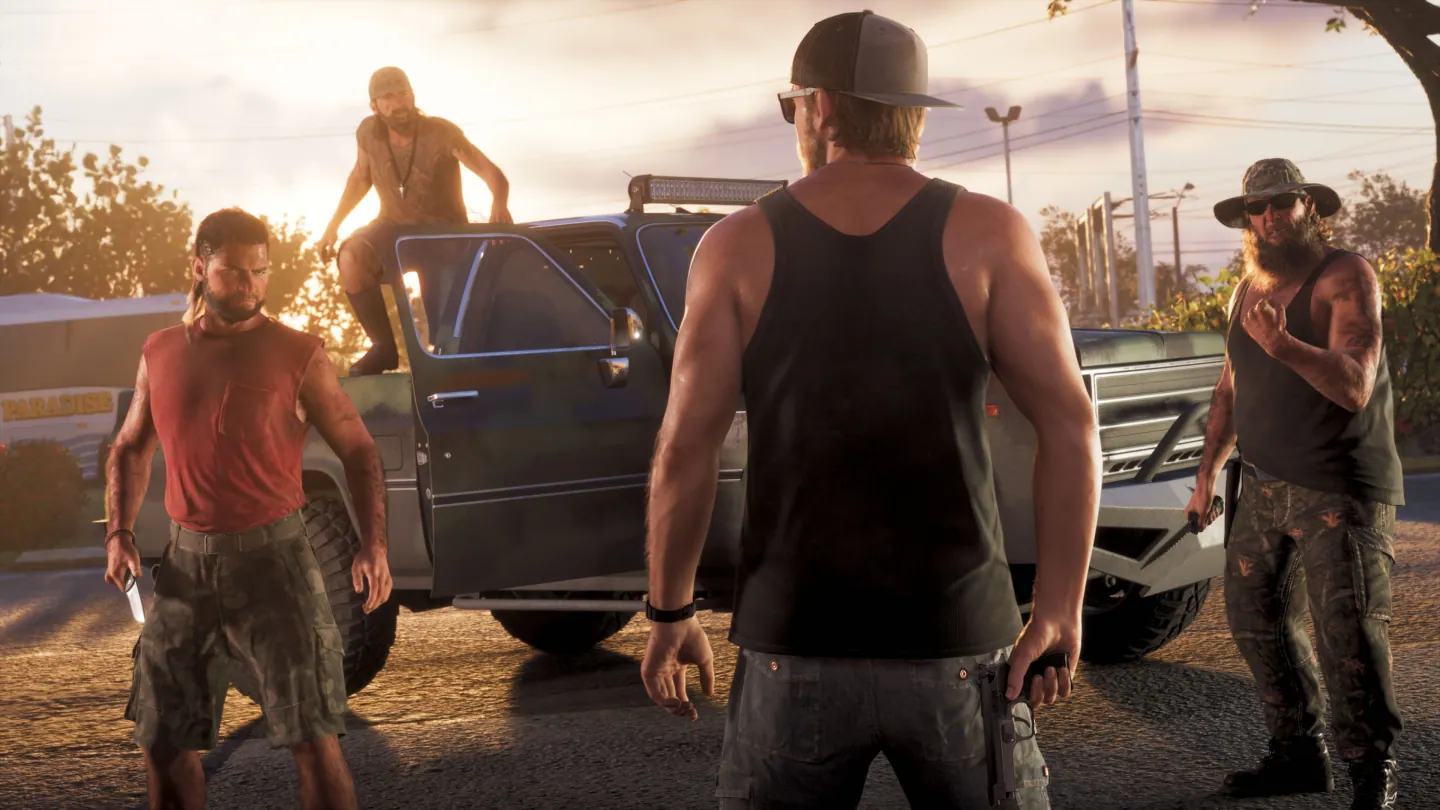
- Move next to a usable object such as a wall, a tree or a parked car. Tap R1 on PS5 or RB on Xbox. In the Chapter 1 tutorial, Jason presses against the object once cover engages.
- Hold L2 or LT to peek and aim. Release the aim input to tuck back behind the object. Tap the cover button again when you want to leave.
- If the camera view is obstructed on one side, hold D-pad Left while aiming. Release aim before using D-pad Left for the on-foot radio controls.
Find the binding for your controller preset
Pause and open Settings → Control Scheme. The On Foot preview lists Cover and the Aiming preview lists Switch Shoulder. Switch the preview to Aiming when checking a button that behaves differently with the left trigger held.
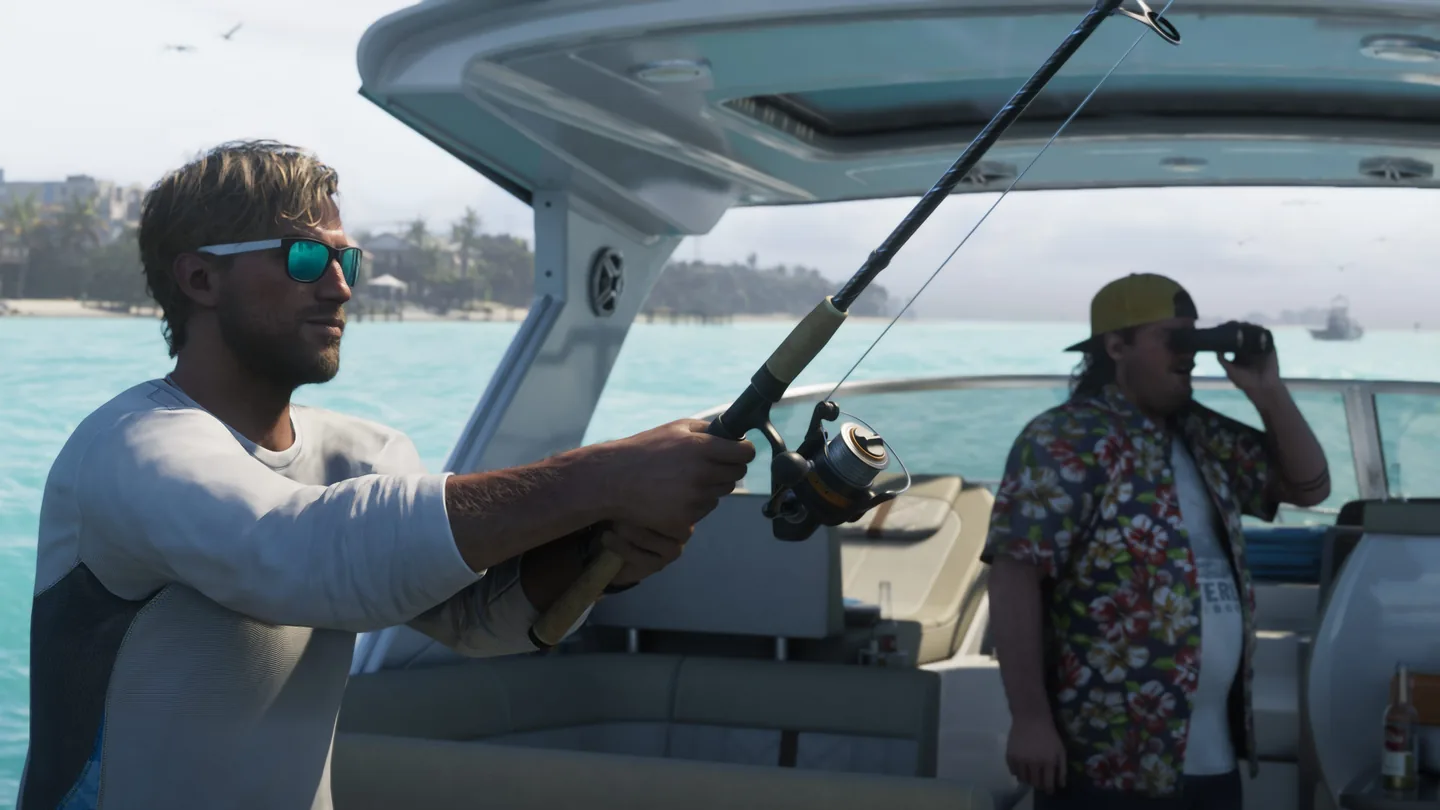
During Gone Fishing, the RV-park gunfight gives a cover tutorial on PS5. Follow the chapter’s prompt if you are playing with a different control scheme.
Frequently asked questions
Which GTA 6 button exits cover?
On Default controls, tap R1 on PS5 or RB on Xbox again.
Can I swap shoulders without opening a menu?
Yes. While aiming on Default controls, hold D-pad Left to switch the aiming camera.