
Activities
GTA 6 Underwater Metal Detector Signal and Search Prompt

Quick answer
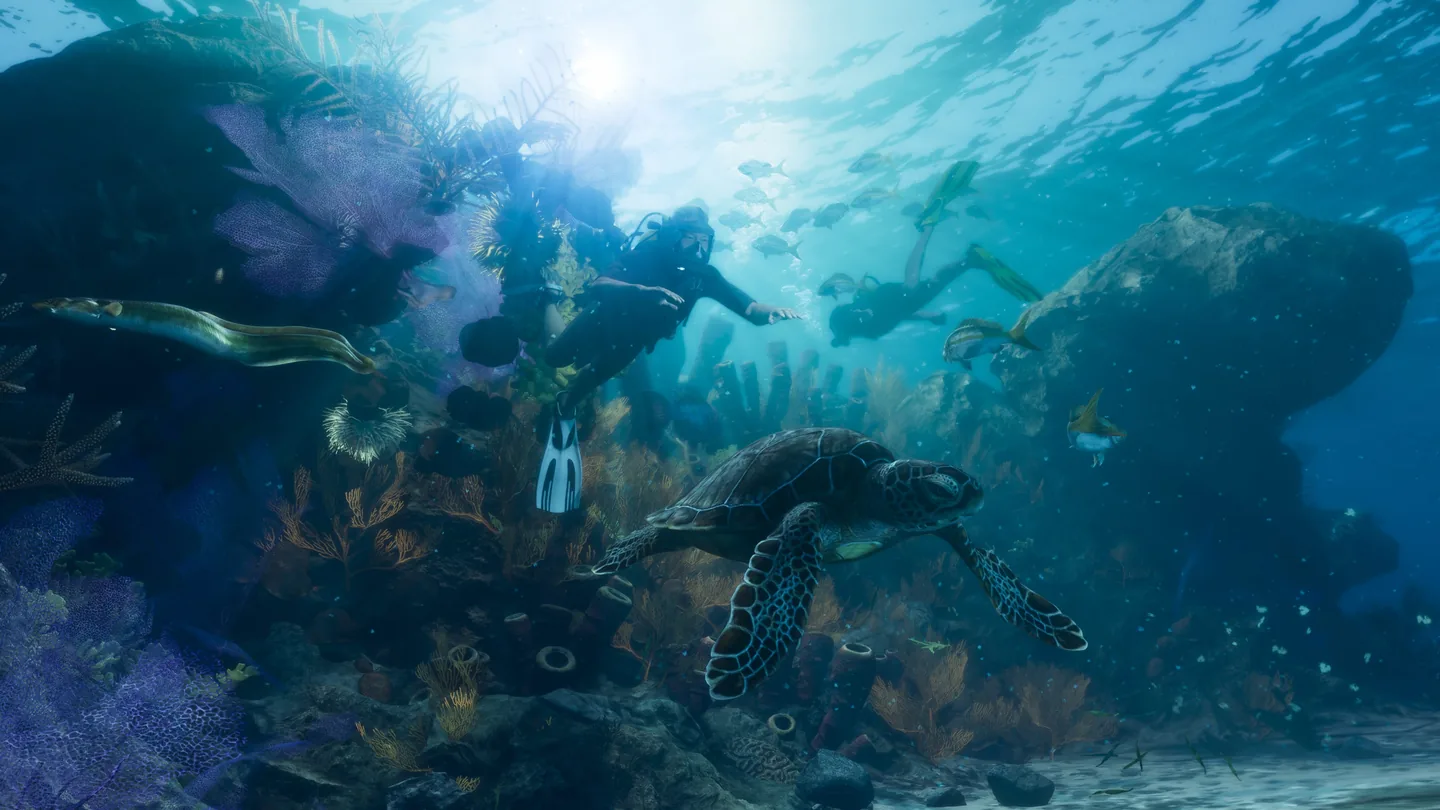
During a treasure dive, equip Metal Detector from the loadout wheel. Hold L2 or R2 on PS5 and look around until it finds a signal. Keep the same heading and swim closer while watching its feedback. Once you are over the marked spot, use the Search prompt to dig up the item.
Select Metal Detector and sweep for the signal
- Swim into the marked search area with your scuba kit. On PS5, hold L1 to open the loadout, highlight Metal Detector with the right stick and release the wheel to equip it.
- Hold L2 or R2 and turn across the seabed. Look for the directional signal. On Island Dreams it first appears when you sweep around the sand by the wreck. Keep the active search area in view.
- When the cue changes to swim closer, hold your direction and move toward that patch of sand. If the cue vanishes, sweep again from the same spot and turn back toward the last direction that responded.
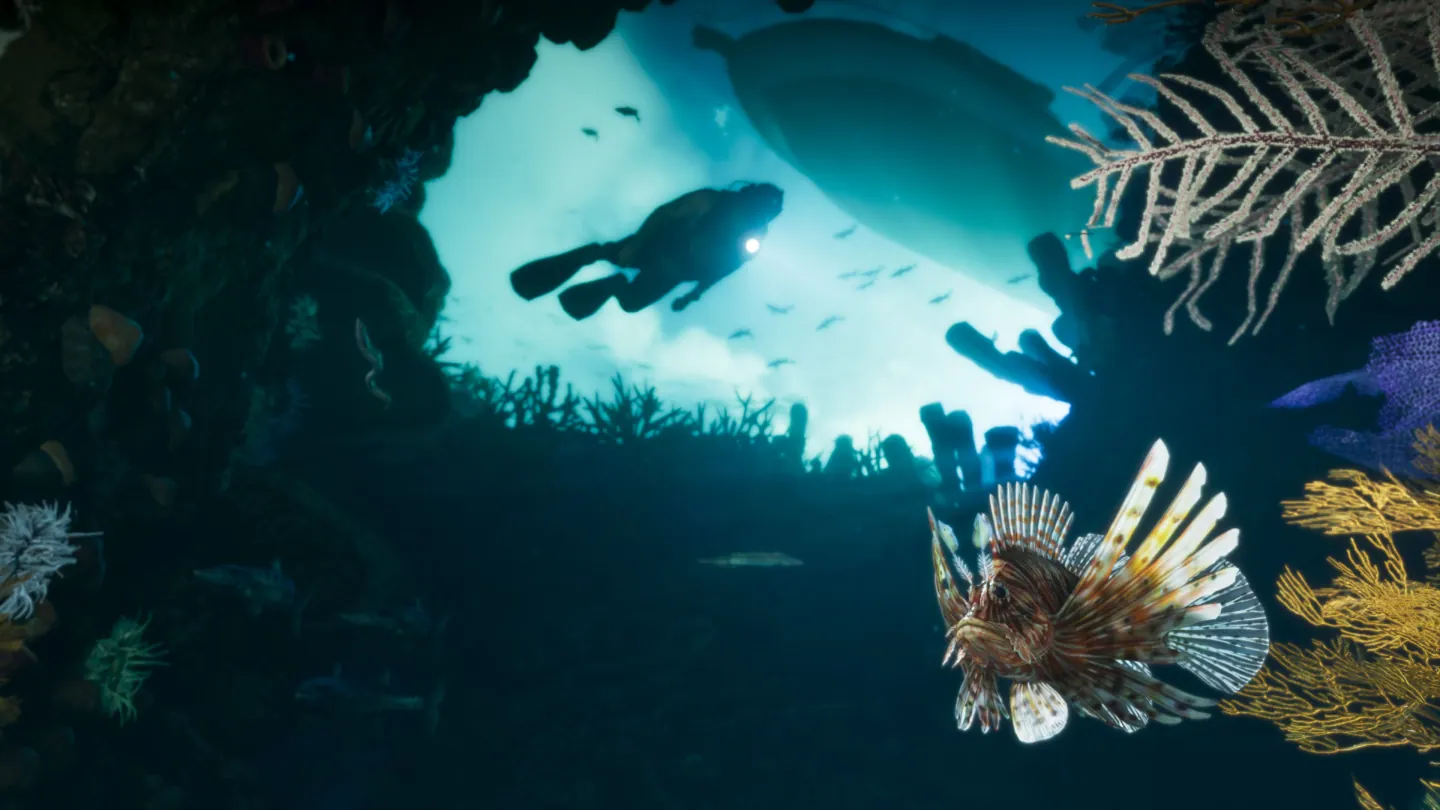

Finish with the Search prompt on the seabed
Reduce your swimming speed as you approach the patch. Look just above the sand for the interaction, then use Search when it appears. Watch for the pickup animation and the next objective.
If the detector reacts but Search is missing, close the distance while keeping the signal. Sweep again if it fades. A dive site can have several pickups, so reread the objective or tracker after you collect the first one.
Keep the upper-left O₂ meter in view before moving to a second signal. Use the boat as your point of reference if you need to return to the surface.
Check the detector state before swimming farther
In Island Dreams, the player equips the tool during a marked treasure dive and searches underwater before heading on. The first pickup in GosuNoob’s recording comes after the initial sweep. Use the difference between the two states to diagnose a stalled dive: a reaction guides you toward the spot, while the Search interaction is the cue to collect.
| What you see | What to try |
|---|---|
| The loadout wheel shows Metal Detector. | Select it, close the wheel and confirm the detector is in your hands. The tool selection and the active scan are separate steps. |
| The detector is out and you have no signal. | Hold the scan input and turn slowly to check nearby headings. When it reacts, keep that heading and move a short distance before checking again. |
| The detector reacts but Search has not appeared. | Swim closer to the seabed and center yourself over the reaction. Follow the current signal until the game offers Search. |
| The dive objective changes after the pickup. | Check the new objective and your oxygen before sweeping for another item. Return toward the boat if the current dive calls you back. |
Frequently asked questions
Why does Locate a Signal stay on screen?
Equip the detector, hold its scan input and sweep the sand inside the marked search area until the feedback changes.
How do I know I’m close enough?
Approach the strongest signal until Search appears over the seabed.
Revision history
- · Added diagnostics for the wheel, active scanning, a signal without Search, and the objective after collection.