Controls & settings
GTA 6 Underwater Oxygen Bar and Surface Controls
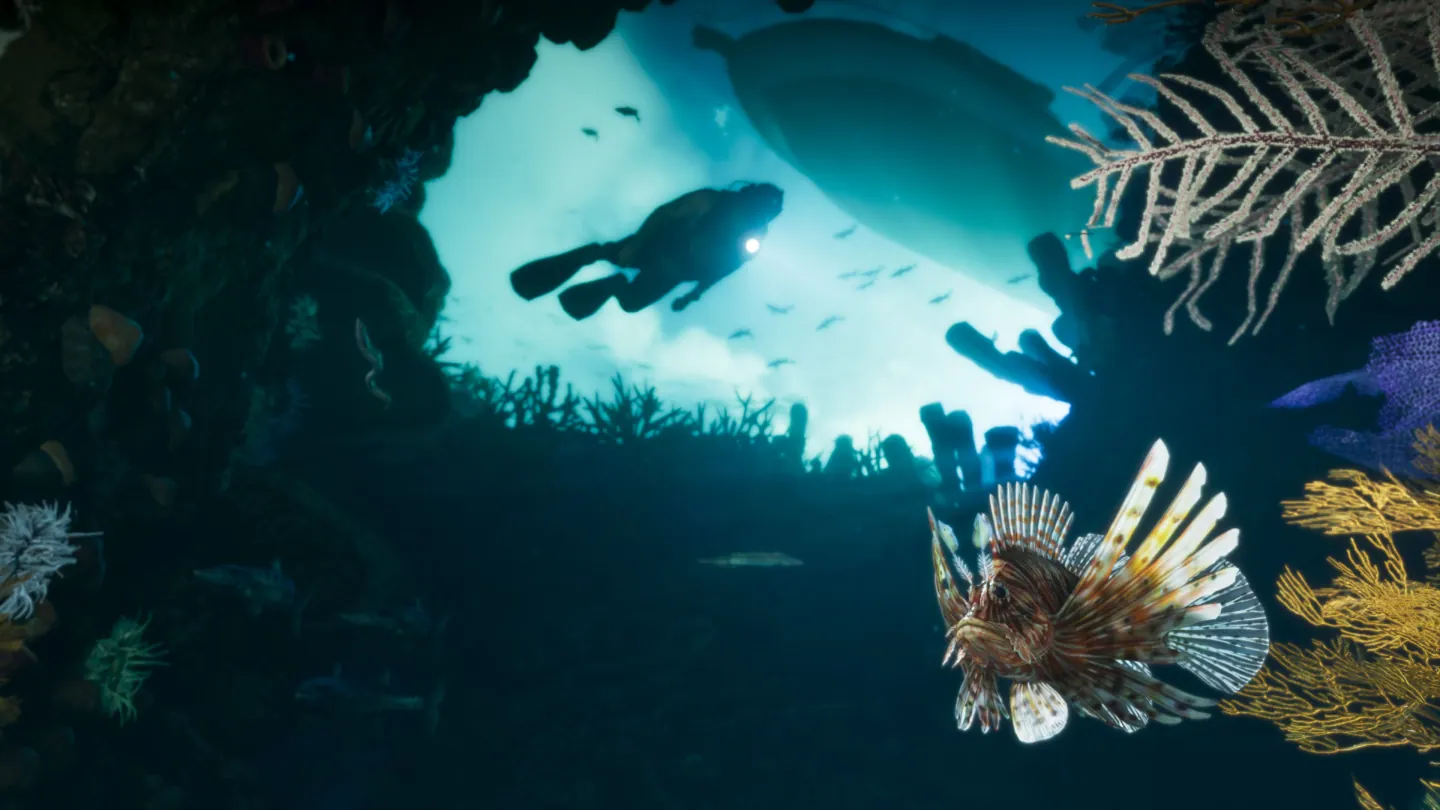
Quick answer
When you dive below the surface, look at the upper-left corner for the green bar marked O₂. It is the underwater oxygen meter. Press Cross on PS5 or A on Xbox to surface. Set your return landmark while you still have time to ascend or back out from under a wreck.
Read the oxygen meter after you submerge
- Enter water deep enough to submerge. On default controls, hold R1 on PS5 or RB on Xbox to dive. Check that the HUD is visible if you want to monitor the meter.
- Look in the upper-left corner for the meter with the O₂ icon. The Island Dreams footage shows the O₂ meter after the character enters the underwater portion. Watch the fill level while following the trench or searching the wreck.
- Check what lies directly above you before going deeper. Under an overhang, leave by the opening you used to enter and then follow the Surface prompt.
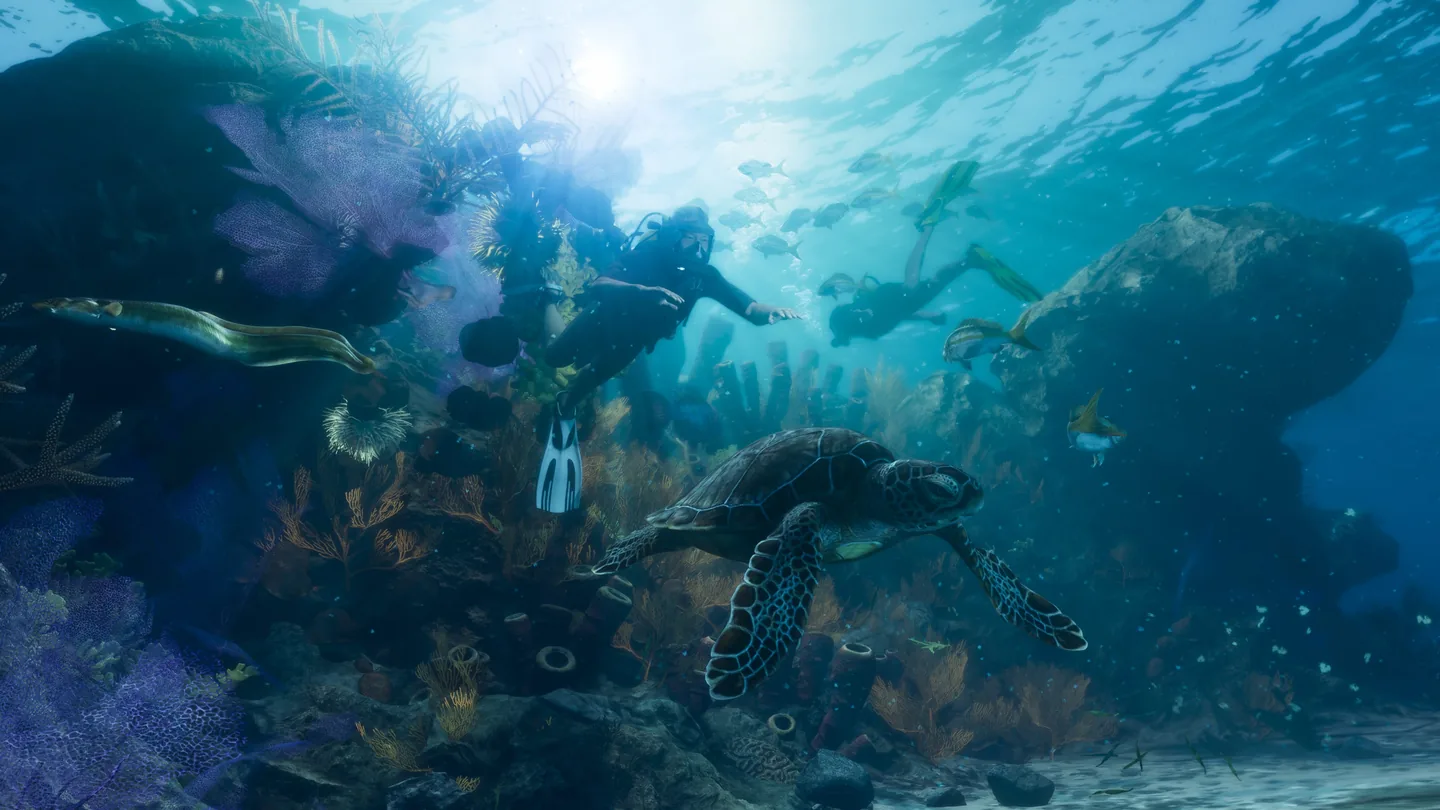
Surface and confirm the next objective before diving again
On PS5, use Cross to surface. On Xbox use A. Keep your course toward the open water above the trench or wreck until the camera reaches the surface.
Use the boat, shore or another visible landmark before you start a fresh dive. If your current objective says to return to the boat, follow that objective instead of circling another section of the wreck.
The lower-right prompts show the actions for your current swimming state. Use the separate O₂ bar to decide how long to stay submerged.
Check the ascent path before the meter runs low
Use the same corner of the HUD through the transition into and out of a dive. The recorded Island Dreams sequence separates the moment the group gets in the water from the moment the O₂ indicator appears as the dive goes deeper. If the usual readouts are missing in ordinary free roam, check your Player Vitals setting before using a deep dive to test the interface.
| What you see in the dive | What to do in the game |
|---|---|
| Open water above and the O₂ bar is getting low | Use Surface and keep heading into open water. Watch for the camera to break the surface. |
| A solid hull or rock occupies the water above you | Back out to your entry opening first. Then use Surface in clear water. |
| The O₂ meter is visible but the return marker is hard to spot underwater | Surface first, then orient toward the boat or shore. Look for the mission objective and its boarding prompt. |
Frequently asked questions
Where is oxygen shown during Island Dreams?
Look for the O₂ icon and green bar in the upper-left corner while Jason is under water.
What should I do if the surface is blocked?
Follow the underwater opening back to open water and then use the Surface input.
Revision history
- · Added an ascent decision table for open water, overhangs and the return objective.