Controls & settings
GTA 6 Weapon Lockers and Personal Vehicle Trunk
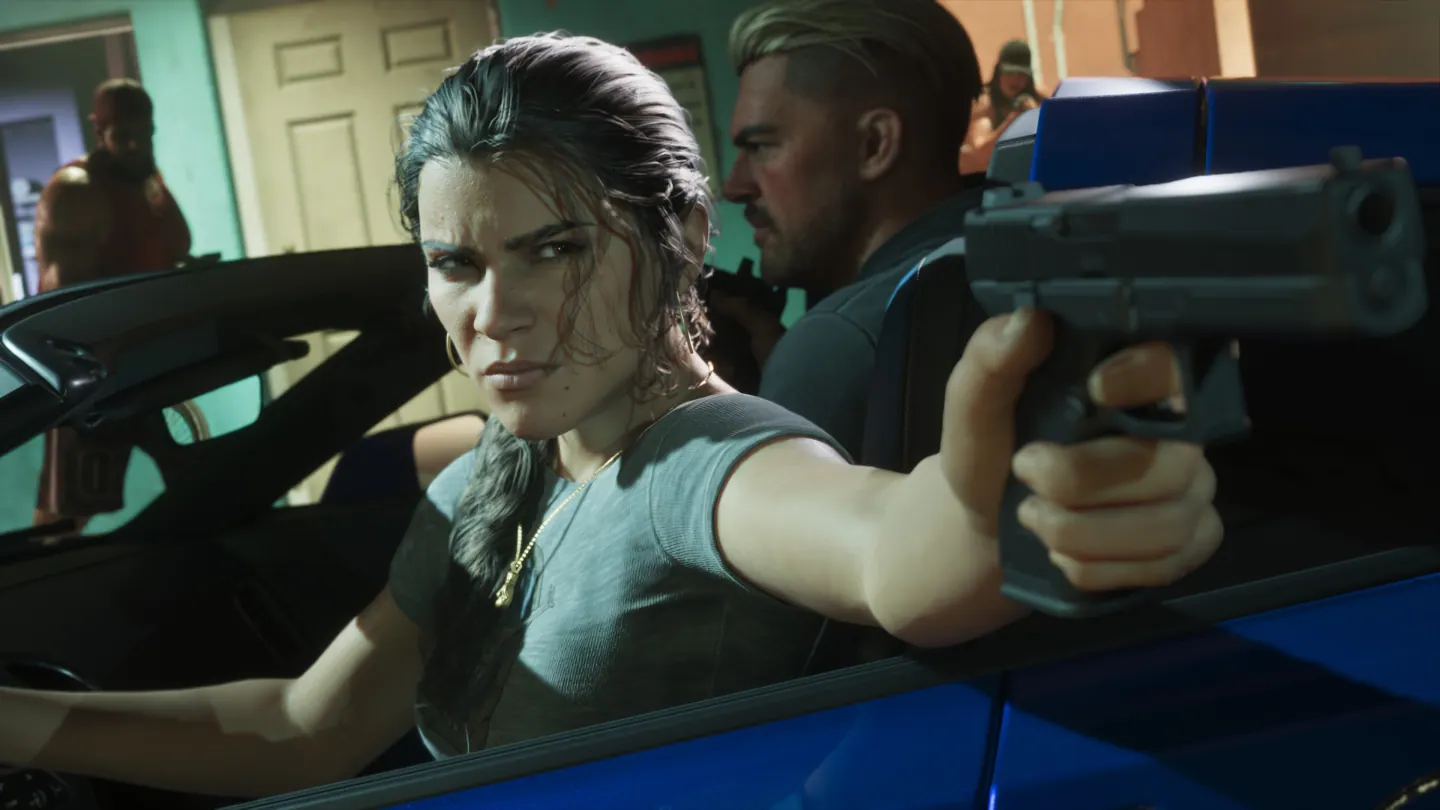
Quick answer
Visit an Ammu-Nation Weapon Locker to equip owned firearms or move them to your personal vehicle's trunk. At that vehicle, open the trunk with Triangle or Y and hold L1 or LB to bring up its loadout. Cycle through stored options with D-pad Left or Right.
Use the Weapon Locker for owned gear
- Find an Ammu-Nation through the game Index's Weapons section and go to the Weapon Locker inside.
- Select the owned item. Use the equip prompt to carry it now or the transfer prompt to store it in your personal trunk for later.
- Confirm which character's vehicle you are using. Check the locker again if the move did not appear in the trunk.
Open your trunk before swapping equipment
Approach the rear of your personal vehicle and open the trunk with Triangle on PS5 or Y on Xbox. When the loadout prompt appears, hold L1 or LB and move the right stick to a slot. D-pad Left and Right cycle through the stored choices. The trunk interface can also stow a longarm with Square or X.
If you left the personal car behind during a mission, use its in-game recovery option when free roam resumes or visit the locker instead. A borrowed vehicle can be useful for transport while leaving your stored equipment with the registered trunk.
Frequently asked questions
Do I have to repurchase owned gear after stowing it?
Check the Ammu-Nation locker or registered trunk first. Both menus can equip stored owned gear.