Setup & support
GTA 6 Xbox Cloud Gaming Input Lag and Blurry Stream
Quick answer
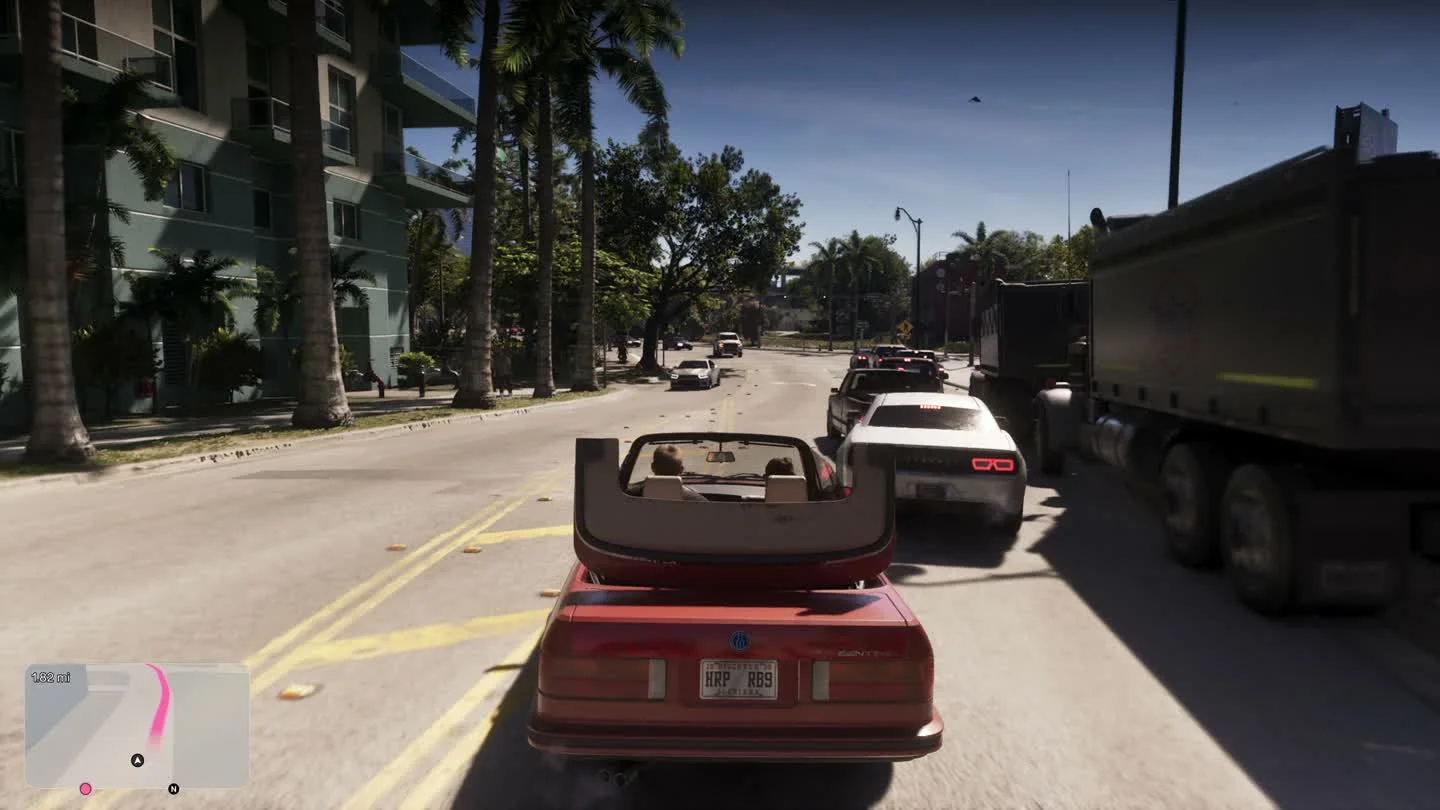
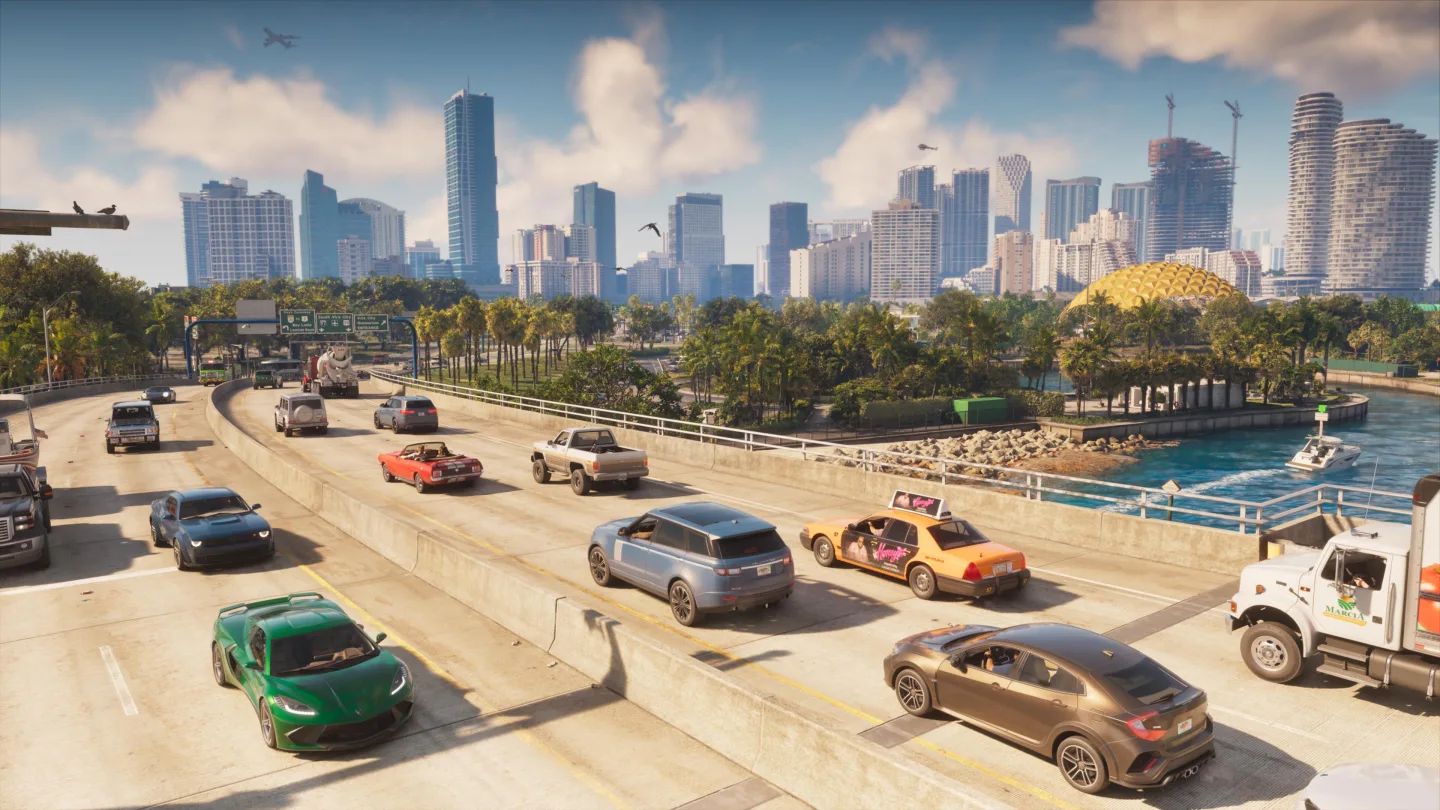
If GTA VI turns blurry or feels delayed only while streamed, use the Xbox Cloud Gaming network quality indicator and try a lower available stream resolution. Where possible, check the same scene on a locally installed Series X|S copy to distinguish a streaming issue from the game’s rendering.
Check your stream before changing game settings
- Open the Xbox cloud settings. Xbox’s April 2026 update documents a Network Quality Indicator for cloud play and a resolution preference in Console Settings → Cloud Settings before starting a stream.
- If the feature is available on your device, watch for warnings during the same drive or camera movement. Retest at the next lower resolution if stream quality is unstable.
- Compare on a wired connection if available and avoid other large downloads during the test. Test the same location and camera motion rather than comparing unrelated scenes.
Account for the graphics settings used by the stream
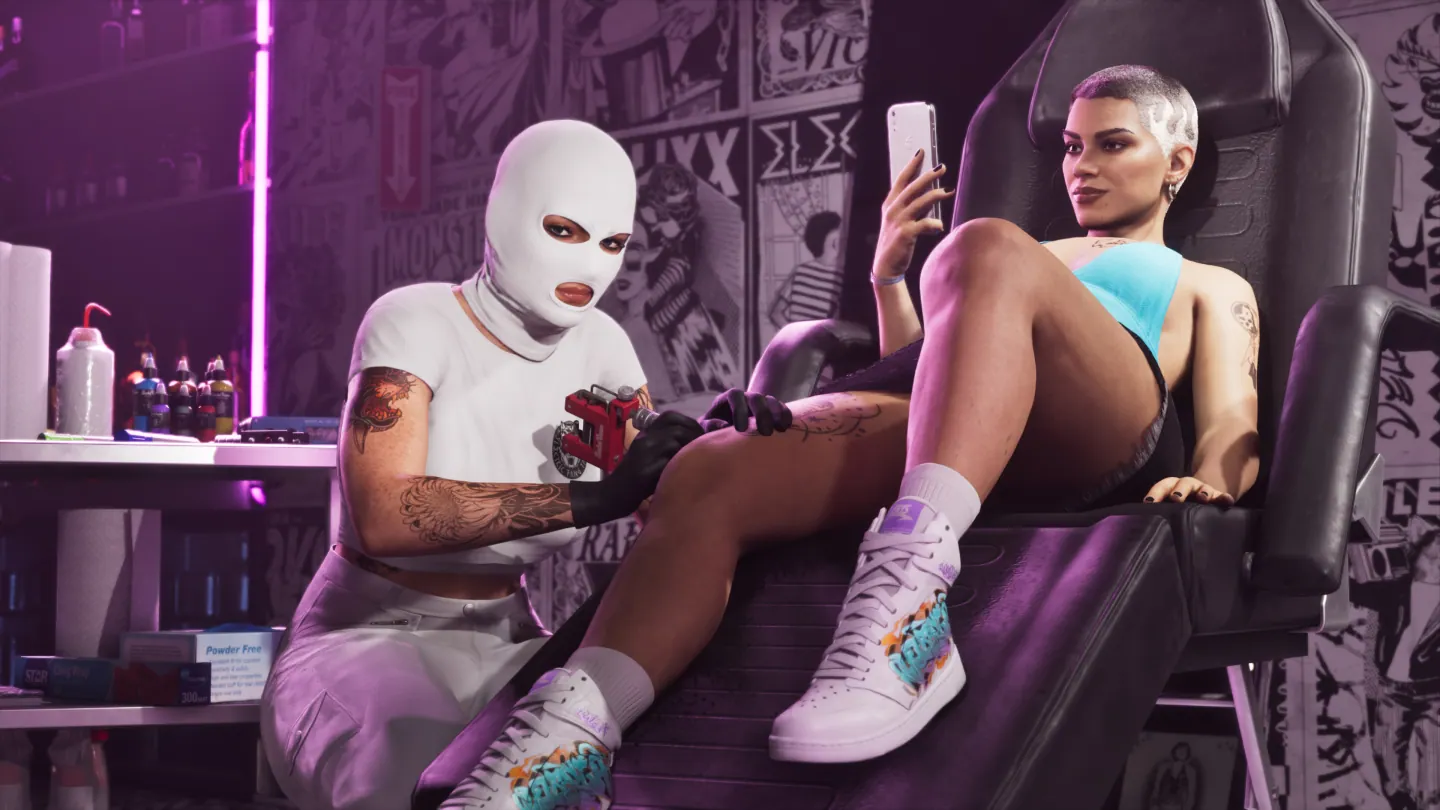
Xbox’s launch announcement says the GTA VI cloud version uses Series S graphics settings. Changing stream resolution affects the video you receive. The game’s source rendering has its own graphics settings.
For a comparison on Series X|S, launch the locally installed game from playable storage rather than choosing Play with Cloud. If both sessions have similar delay, check the TV’s Game Mode and compare without motion interpolation.
Frequently asked questions
Is Xbox One cloud blur always caused by Wi-Fi?
No single symptom identifies the cause. Xbox confirms Series S graphics settings for the GTA VI stream, and network or service conditions can affect the video sent to your console.
Where can I change Xbox Cloud Gaming’s stream resolution?
On supported devices, Xbox documents Console Settings → Cloud Settings before the stream begins. Available options depend on the device and service.