Controls & settings
GTA 6 Activity Timer or Scoreboard Missing? Settings to Check
Quick answer
Pause GTA 6 and open Settings → UI → Activities. Turn on Activity Timers & Stats for a missing timer or progress readout, Mini Scoreboard for the small score panel, or Central Messages for placement and score notices. Start or resume an event that normally uses the display and check it during play.
Find Activities near the bottom of the UI tab
- Pause, open Settings and switch to UI. Scroll past Prompts to the Activities group, immediately above Units of Measurement.
- Highlight the missing display's row. Use the help panel on the right to check what the row affects, then set it to On.
- Leave the other rows as they are if you want to keep your current layout. Each one has its own toggle.
Match the missing HUD element to its setting
Medals appear in the descriptions of both Central Messages and Activity Timers & Stats. Check whether you are missing a brief result notice or the timer and progress display during the activity. Turn on the corresponding row first.
| What you want back | UI setting | What to watch for |
|---|---|---|
| An event timer or progress readout | Activity Timers & Stats | A running timer, activity progress or medal information in an event that uses that display. |
| The small score panel | Mini Scoreboard | A compact scoreboard during activities that display it. |
| Placement or results messages | Central Messages | Brief activity messages such as placement, scores or medals. |
Check the display during an event you recognize
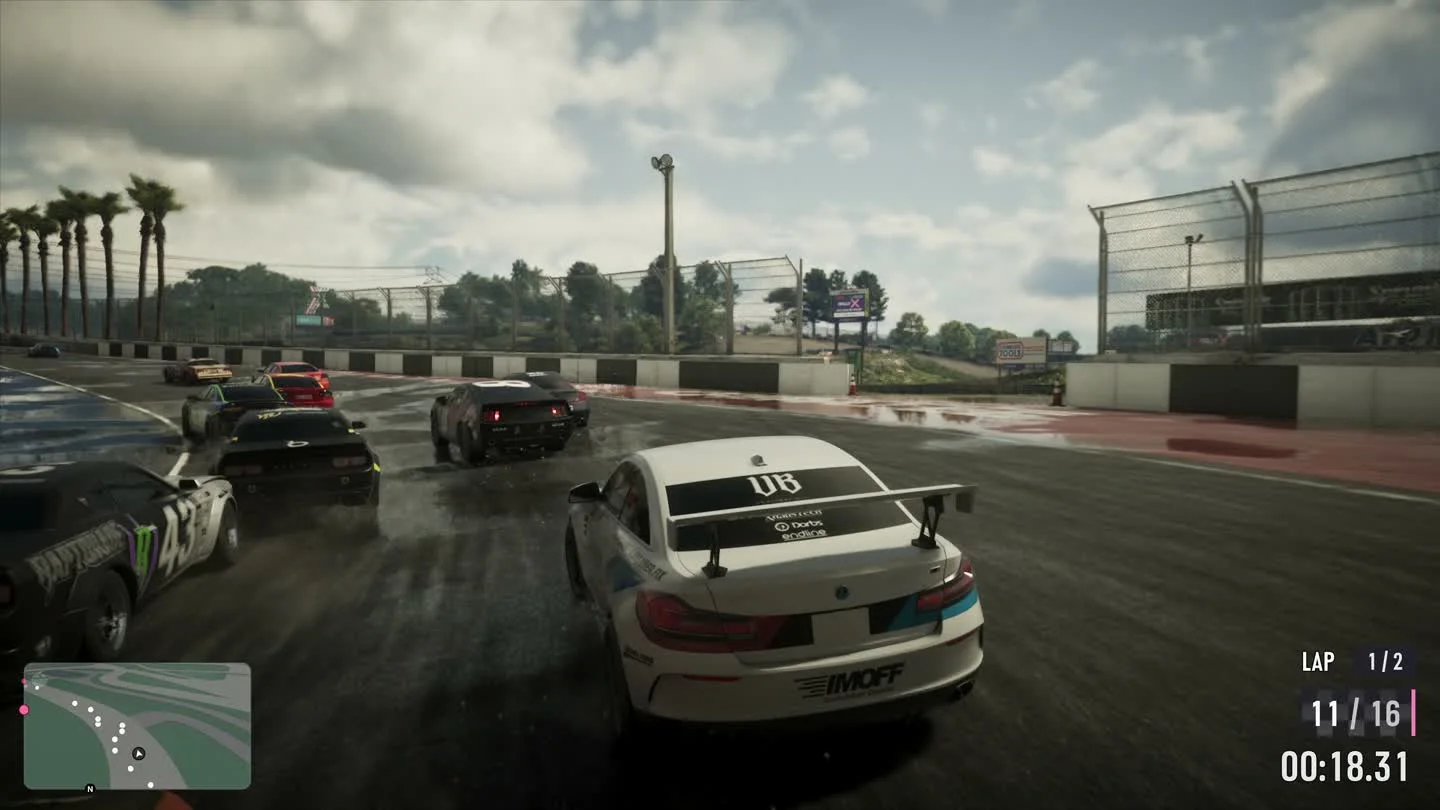
Return to the same race or activity and check after it starts. A timed lap is a useful test for Activity Timers & Stats. To test Central Messages, watch for the placement or score notice when the activity reaches a point where it normally reports a result.
If you are missing instructions for an action like hotwiring, open the separate Prompts group and check Mini Game UI. For a cleaner race screen, you can also leave the timer on and turn off Central Messages if those notices are the part you want hidden.
Frequently asked questions
Why do I see the activity timer but no scoreboard in GTA 6?
Activity Timers & Stats and Mini Scoreboard are separate rows. Check that Mini Scoreboard is on, then try an event that normally displays the small score panel.
Can I hide activity popups and keep the timer?
Yes. Switch Central Messages off and leave Activity Timers & Stats on in Settings → UI → Activities.