Controls & settings
GTA 6 Mini Game UI: Restore Missing Hotwire or Workout Prompts
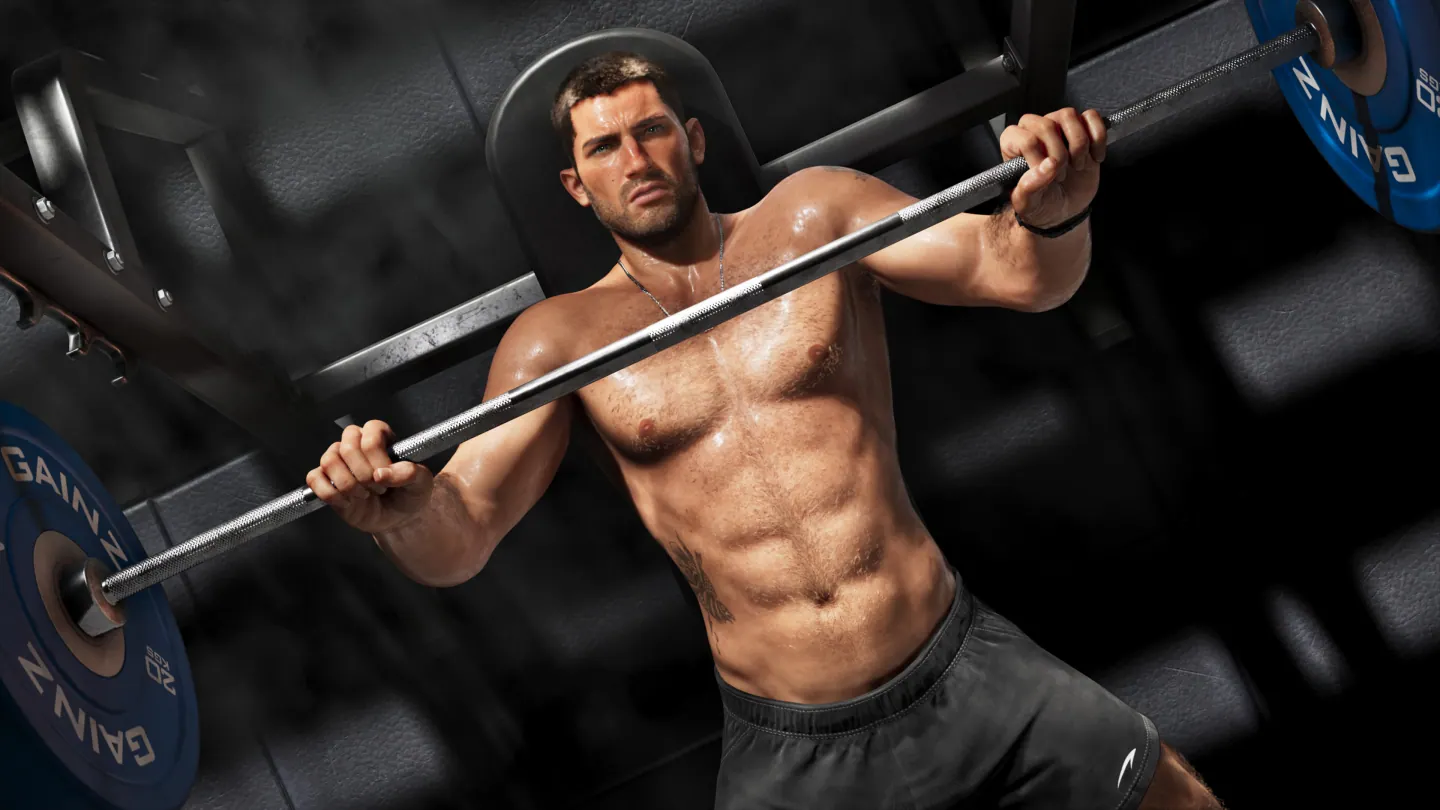
Quick answer
Open Settings → UI → Prompts and turn Mini Game UI on. It restores instructional prompts for certain in-game actions, including hotwiring, lockpicking and cloning keys. The separate Gameplay → Simplified Mini Games option helps when a supported sequence is difficult to perform. For a bench press, start with the visible Unrack, Lower and Lift cues.
Open the UI tab and find Prompts
- Pause, open Settings and switch to UI. Scroll to Prompts, just above Activities.
- Find Mini Game UI between Vehicle Prompt and Bottom Right Prompts. Turn it on for help with the interaction. The preview shows a pair of circular input indicators near a car.
- Return to the same activity and watch for its first input. At a workout bench, look for Unrack, then the next cue when the rep counter appears. If you want to hide the instructions once you know the rhythm, return to this row and turn it off.
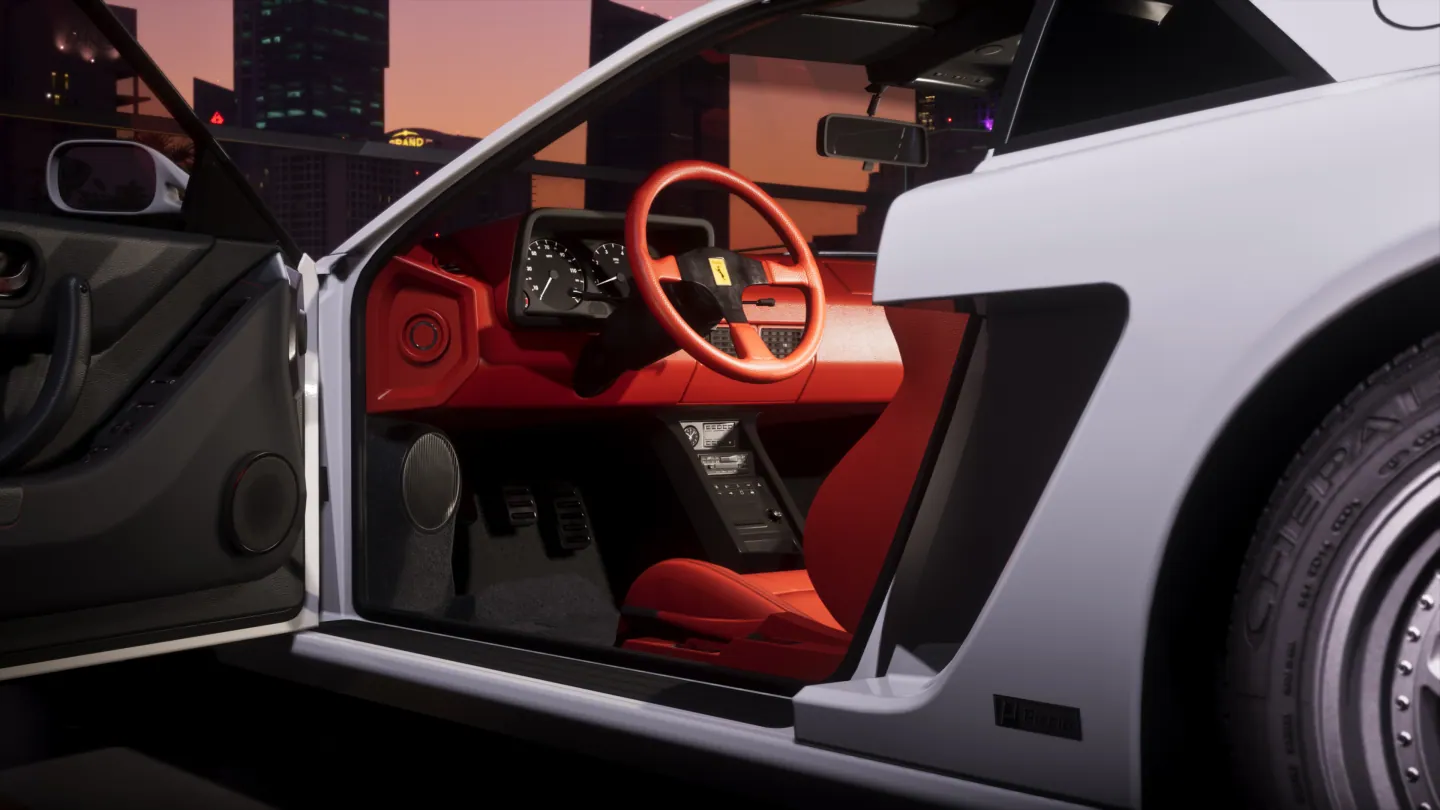
Check what is missing before changing a second setting
| What happens | What to try |
|---|---|
| The minigame starts without the expected input cues | Turn Mini Game UI on and start the interaction again. |
| You can see the inputs, but the sequence keeps failing | Check whether Simplified Mini Games changes that specific activity. Leave Mini Game UI on to read the new prompt. |
| The car or object has no interaction prompt before you begin | Check Vehicle Prompt or In-World Prompts and look for an object that is usable at your current point in the story. |
| You reached the bench but the rep counter has not moved | Check the full bench cycle and whether the bar has been unracked. Compare the prompt you see with the lift troubleshooting steps. |
Frequently asked questions
Does turning Mini Game UI off disable the activity?
The UI setting controls instructional prompts. Use it when you want more or less on-screen input guidance while playing the activity.
Where should I look if all the button help at the bottom disappeared?
On the same UI tab, check Bottom Right Prompts separately. Mini Game UI primarily controls the guidance within certain interactions.